
Headless architecture has become popular among many eCommerce brands. There are many reasons why eCommerce brands invest in headless commerce, such as improved site performance and the creative freedom it comes with. In this article, we shall look at Headless Shopify, its benefits, and tips to build custom experiences in your Shopify store.
Understanding Headless Shopify
Headless commerce refers to an eCommerce architecture that separates the frontend (the user interface) from the backend operations (the commerce platform). In simple terms, Shopify headless commerce involves using Shopify to manage commerce-related functionalities like inventory, products, orders, etc., while using separate frontend technology for the storefront experience.
Normally, Shopify commerce owners use Shopify built-in fronted themes to design their online store. Headless Shopify allows them to build their frontend using React, Angular, Vue.js, custom HTML.CSS, and other technologies. This offers many customization benefits and ways to optimize performance.

How Headless Shopify Works?
To better understand how headless commerce architecture works, let’s look at how it compares with traditional or monolithic architecture.
A monolithic architecture uses a single code database to build an e-commerce storefront. As such, any change you apply to the front end will also affect the back end. In some instances, you may realize that social media and third-party integrations interfere with the rest of your eCommerce experience. In other instances, the restrictions on the back end may prevent you from making changes on the front end of your monolithic setup.
The case is entirely different with headless architecture, as it allows you to change the front end without affecting the back end.

Benefits of Headless Shopify
There are several reasons businesses choose headless commerce. Let’s highlight some key benefits of Shopify headless commerce.
Offers Flexibility and Customization
With headless commerce, you can create highly customized and unique storefronts to represent a brand identity that aligns with customer preferences. You can use the latest front-end technologies and design approaches to create unique user experiences.
Gives Room for Personalization and Innovation
Shopify headless commerce allows you to try innovative and interactive features for your online store. Technological features such as personalized product recommendations, augmented reality (AR), 3D visualizations, virtual reality (AR), etc., can help enhance user engagement and drive conversions for your eCommerce.
Performance Optimization
Headless commerce architecture gives you more options to optimize performance. It allows you to implement techniques such as server-side rendering, lazy loading, efficient coaching, etc., to improve page loading times, reduce bounce rate, and improve SEO rankings.
Headless Architecture Promotes Responsive Design
A mobile responsive website design is crucial for the success of your online store. With headless commerce, you can create mobile-optimized frontends to ensure shoppers can access your Shopify store from all device sizes.
API-First Approach
APIs offer an effective way to exchange data between different systems and connect with other apps and applications. Headless architecture promotes an API-first approach, which helps you run your eCommerce seamlessly.
Provide Consistent Customer Experience
You are more likely to attract potential customers with a consistent shopping experience. Whether from mobile to desktops to tablets, it is crucial to ensure that you provide consistent experiences across all platforms. With headless commerce, you can create different frontends for various channels that align with your unique brand experience.
Effective Third-Party Integrations
Sometimes, you may be required to use third-party apps to improve the look and experience of your Shopify store. For example, you can use third-party apps for marketing automation, payment gateways, analytics, and more.
With a headless commerce architecture, you can easily integrate these services into your front end to improve efficiency and overall shopping experience.
Easy and Fast Store Development
Since Shopify’s headless architecture allows you to work on the front and back end separately, it makes the development process and adding new features easier and faster. This will save you time and give you time to deal with vital issues of running your business.
No Disruption during Transition
The biggest challenge businesses face when experimenting with new frontend technologies is disruption that affects vital functionalities of their eCommerce. You don’t have to worry about this with headless commerce, as this architecture reduces the risks associated with major interface changes.
Better SEO and Performance
Good SEO is key to expanding your reach and enhancing conversions to make more sales. Headless Shopify allows you to optimize your front end for search engines to enhance your rankings. It also allows you to optimize accessibility to make your store more usable to all users.
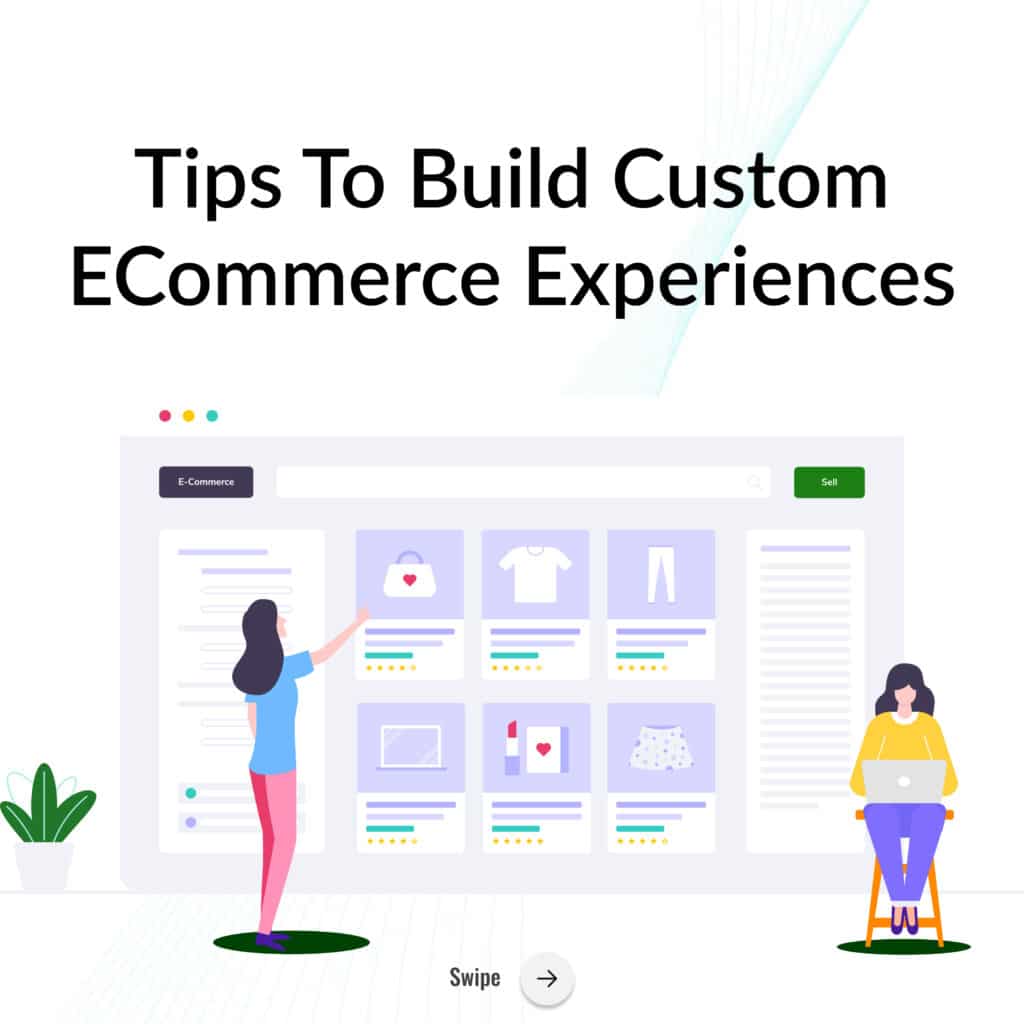
Tips to Build Custom eCommerce Experiences
Everyone wants to attract more customers and make more sales in their eCommerce. Building custom experiences is one way to attract customers to your Shopify store. Here are tips for creating custom Shopify experiences:
Conduct Research
Before you start to develop a headless store, it’s crucial to research to understand what goes into the whole process. Yes, going headless is a great way to enhance your existing themes and get the control you need regarding your site’s look and functionality, but diving in before researching isn’t good.
Research the cost of developing a headless store, the best development and implementation strategies, potential challenges, and other factors likely to arise when transitioning to headless.
To get a clear picture of headless Shopify, it’s important to review other stores that have successfully transitioned to understand what works and what doesn’t. Also, be keen on the potential challenges or pitfalls to avoid them in your process.
Plan for Migration if Not Already on Shopify
If you have a Shopify store, you don’t need to migrate to another platform when transitioning headless. Shopify allows for a smoother and quicker implementation for eCommerce owners on its platform. However, if you need to transition to headless Shopify from another platform, you need to plan for migration to avoid inconveniencing your customers.
Conduct satisfactory research to learn how to reduce obstacles during the migration process. Create a thorough migration checklist to help determine the perfect timing and duration to complete the migration process. Take note of the integrations at the front and back ends to guide you when drawing a roadmap before you begin the process.
Let Customer Journey Guide You
Headless commerce is an excellent way to enhance your frontend and backend to make it more flexible and optimize performance. However, focusing more on the aesthetics while ignoring the functionalities can drive customers away.
As such, consider your customer needs and journey when developing your storefront. Ideally, ensure your redesign is easy to navigate, consistent, and provides all the information users need to navigate your site easily. Failure to do this will drive customers away or make it hard to convert.
Identify Valuable Tech Stacks
Since Headless Shopify can integrate with Content Management System (CMS), Enterprise Resource Planning (ERP), Customer Relationship Management (CRM), and Product Information Management (PIM) software, you can still use your existing technology stack.
However, for better results, you can create a tech stack that aligns with your needs and is supported by the Shopify platform. This will help you create a strong cross-platform integration that lets you quickly retrieve data to help you make decisions.
Find the Right Tools
Migrating to Shopify headless commerce can mean not having access to some Shopify apps you have been used to. But don’t worry. You can create something better with headless commerce based on your specific needs.
The catch is ensuring that the apps you choose work with Shopify’s API. Anticipating your needs is vital as it ensures you provide a great user experience and that your Shopify headless commerce doesn’t lose any capabilities you enjoyed with the traditional Shopify setup.
Optimize for Omnichannel Experience
More people use mobile devices and other devices when searching the internet. You should optimize your storefront for an omnichannel experience to take advantage of this traffic. To provide an excellent user experience, go beyond optimizing for desktop and mobile devices. Remember, there are more ways of accessing digital content beyond mobile and desktop, such as smartwatches and smart home displays. Headless Shopify will allow you to optimize your store for an omnichannel experience.
Work on Design and SEO
Headless commerce can benefit your store’s SEO in many ways. For example, the headless architecture allows you to create a faster loading site than most monolithic eCommerce platforms. A site that loads fast provides a good user experience, and Google will likely favor it when providing results for a search query.
Additionally, by separating the front end and back end, headless Shopify allows you to customize your URL structure to match your SEO strategy. The catch is to follow the best SEO practices when developing your headless Shopify commerce. These strategies include:
- Create high-quality and optimize
- Follow the best internal linking practices
- Create SEO-friendly URLs
- Optimize metadata
- Get high-quality backlinks
- Add product structured data to your headless Shopify
Optimizing your eCommerce store for relevant searches will put your products in front of the right audience, which will help increase conversions and sales.
Regularly Audit Your Store
To get the most from your Shopify headless commerce, regularly audit your store to ensure it offers a good customer experience and identify areas that need improvement. Look for outdated information in your product pages and add relevant details, update your image descriptions, and add more CTA buttons.
Your audit can include deeper issues like bounce rates, new and returning viewers, and conversion data.
We Can Help
At AlchemyLeads, our goal is to help eCommerce stores become more visible and get more sales. If you need help to create a Shopify headless store, we can help. We provide high-quality design and SEO services that guarantee success. Contact us today, and we’ll help you migrate to headless Shopify for custom customer experiences.
Suggested

The Cost of Inaction in Manufacturing Lead Generation: What Five Missed RFQs a Month Cost in 15 Industries
What five missed RFQs a month cost in 15 manufacturing industries, with customer lifetime values, a conservative 15 to 20% close rate, and a cost of inaction calculator.
October 27, 2026
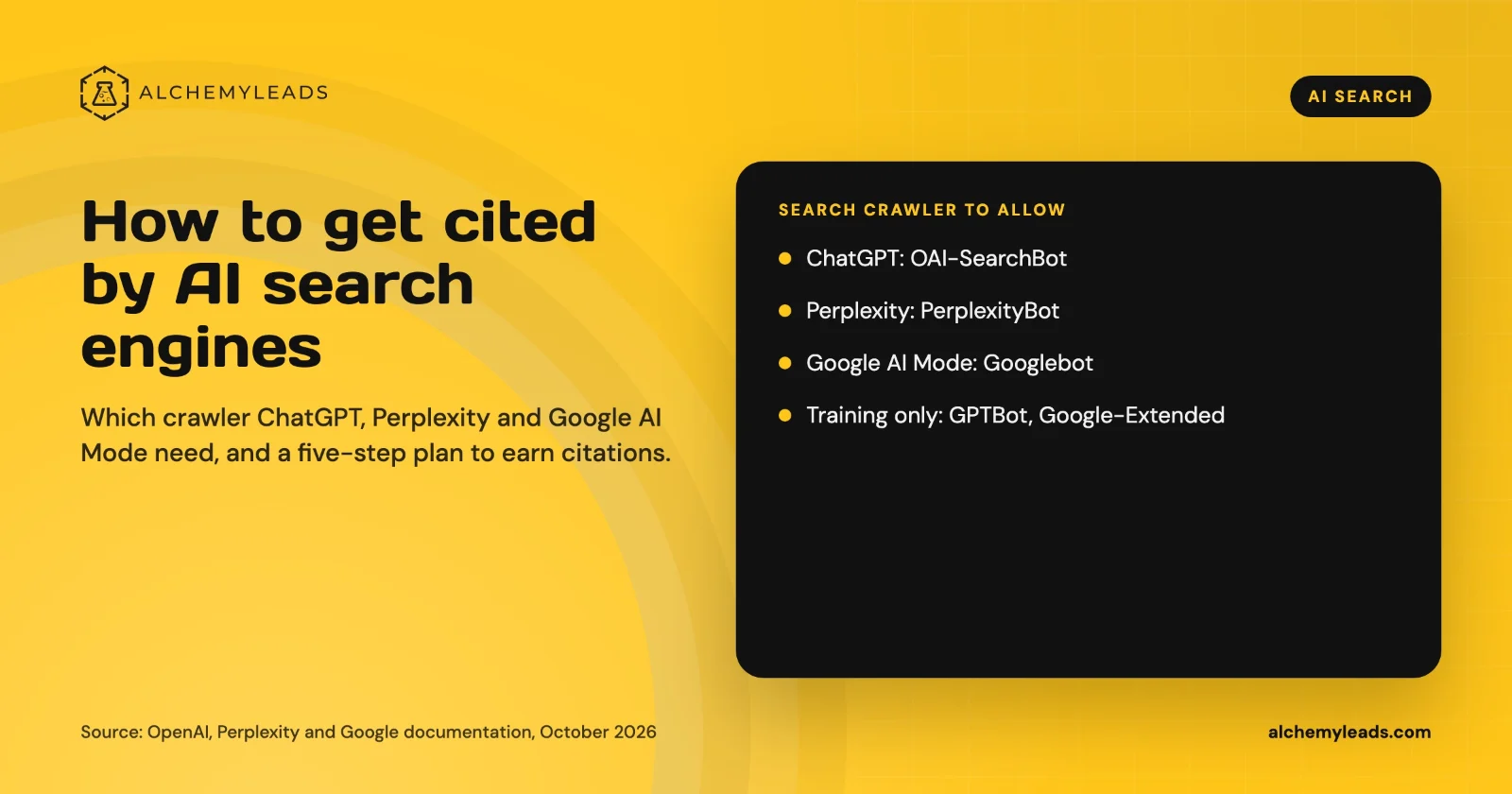
How to Get Cited by ChatGPT, Perplexity and Google AI Mode
How ChatGPT, Perplexity and Google AI Mode choose sources, which crawlers to allow, and a five-step plan to get your company cited, based on official docs.
October 26, 2026
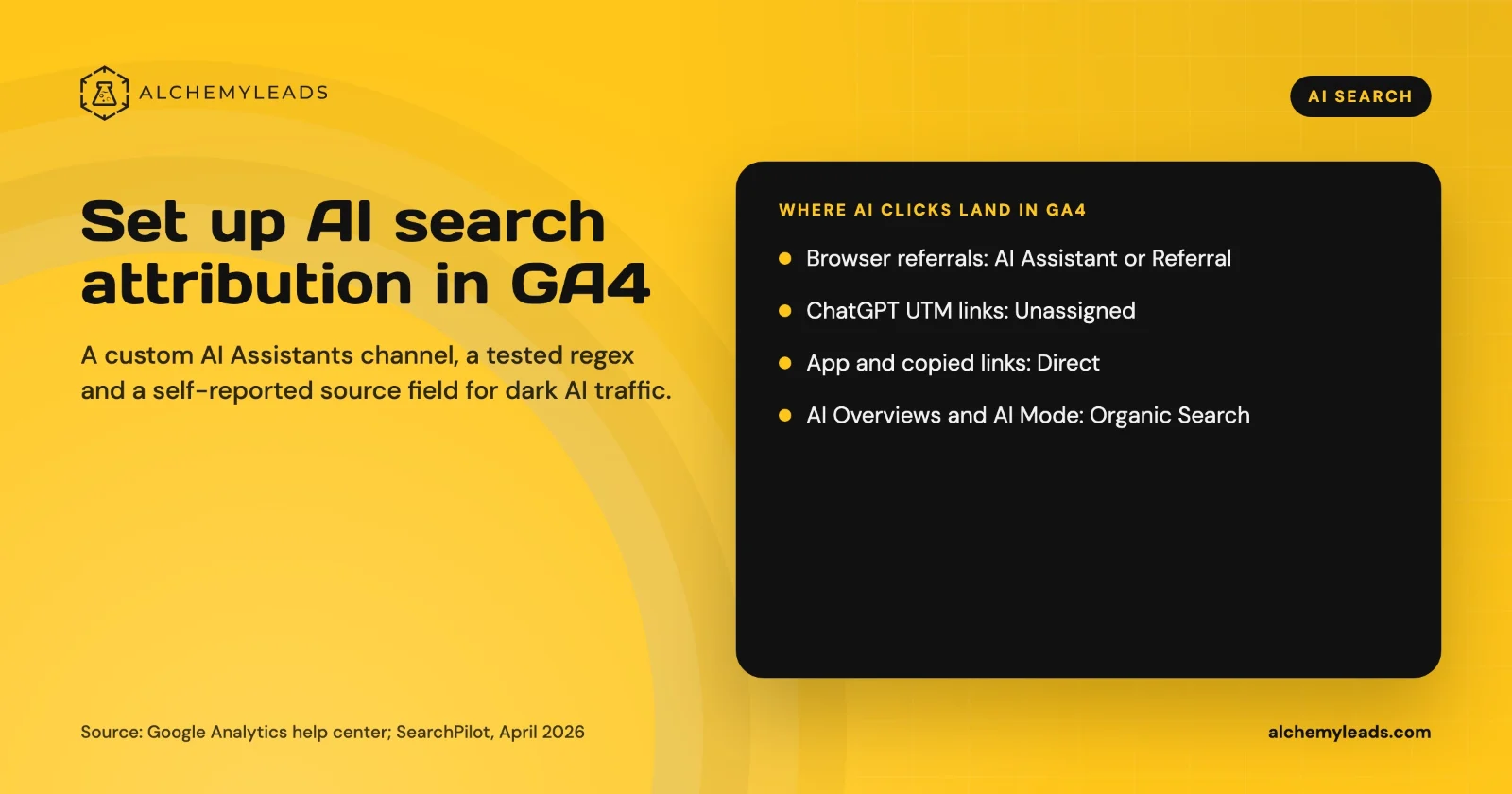
How to Set Up AI Search Attribution in GA4: A Step-by-Step Guide for 2026
Step-by-step GA4 setup for AI search attribution: an AI Assistants channel, a copy-paste regex, ChatGPT UTM fixes and a self-reported AI source field.
October 26, 2026
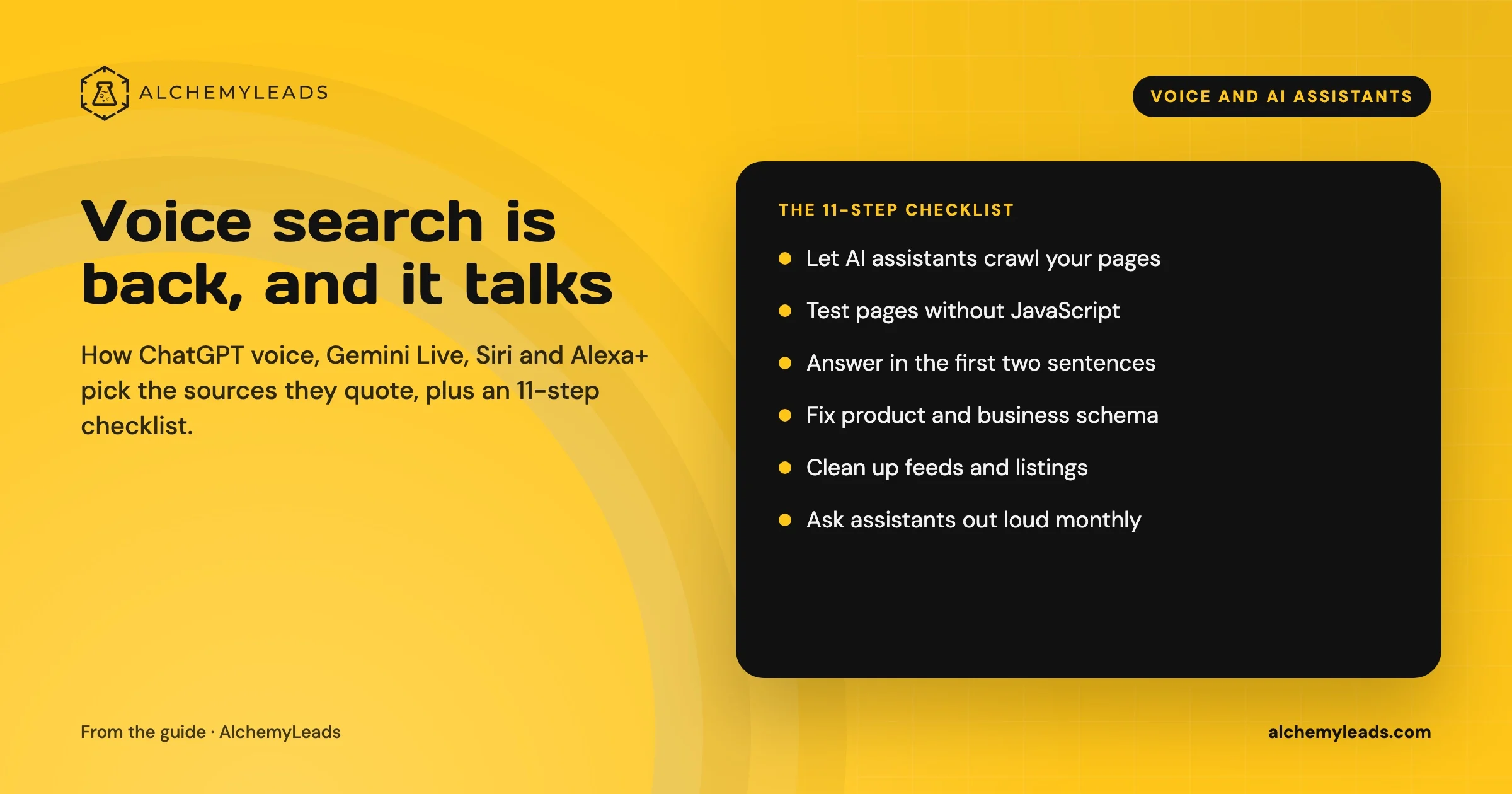
Voice Search in 2026: How AI Assistants Pick Their Sources
We first wrote about voice search in 2022, when the question was whether “Hey Siri” and “OK Google” would change how people shop. Four years later, voice is back in a bigger form. People now talk to ChatGPT, Gemini, Siri, Alexa+ and Copilot the way they talk to a knowledgeable friend, and those assistants answer by reading the web in
October 17, 2026
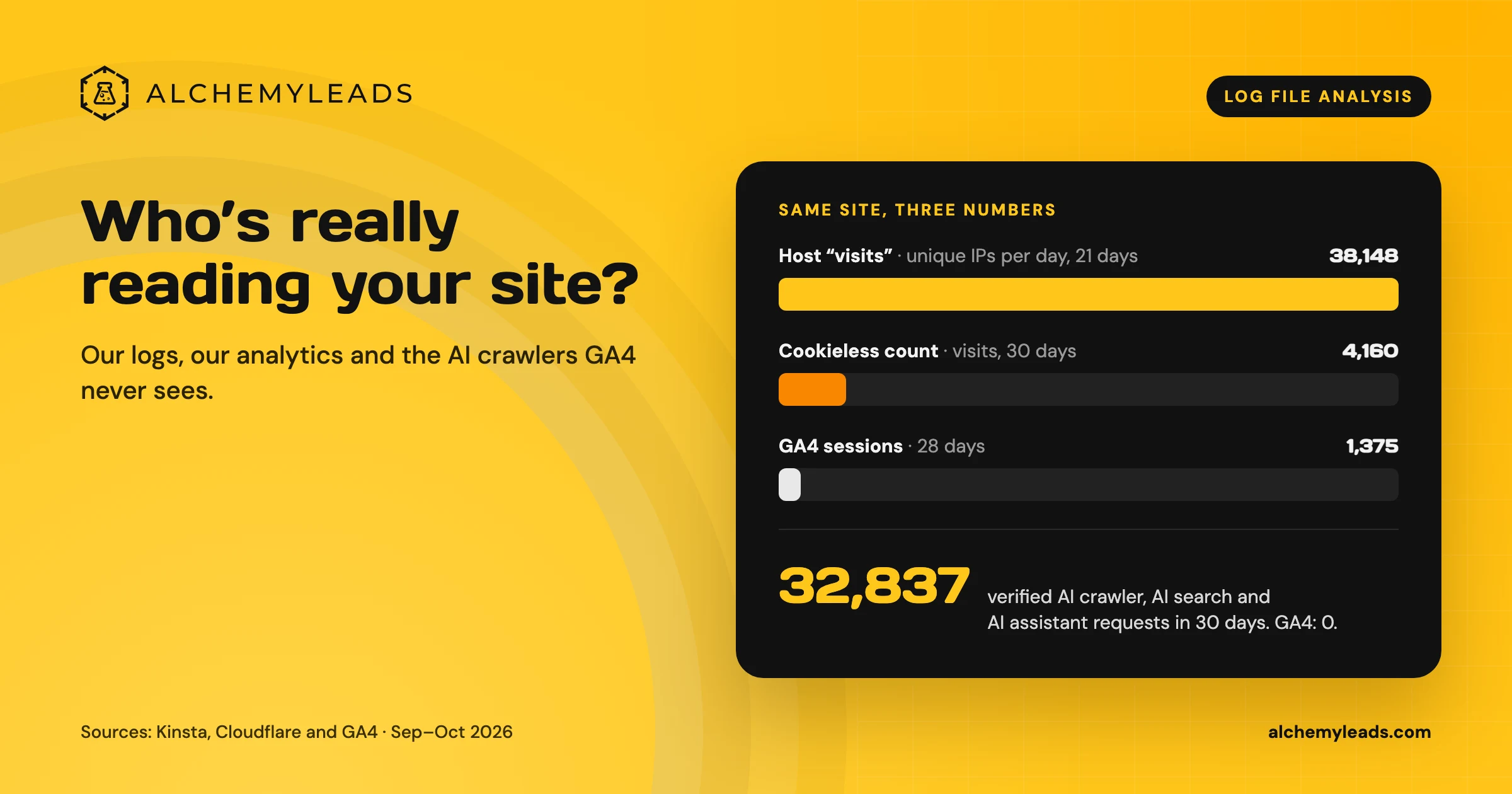
Log File Analysis for AI Search: Our Logs Showed 38,148 Visits. GA4 Showed 1,375.
Our host logged 38,148 visits. GA4 logged 1,375 sessions. We opened the server logs to see who was really there, and what AI crawlers read.
October 16, 2026
Contact us
We value your privacy and won't share your email with others.
We'll only contact you with curated content.
