
Every AI crawler that reads one of our sites comes in through the same front door: DNS. When that door is Cloudflare, it becomes the most useful layer in our AI search stack. It speeds pages up for crawlers with short timeouts, decides which bots get in, tells AI engines what they may do with our content, and lets us ship SEO fixes in minutes without touching the CMS.
We run alchemyleads.com and the tools behind our AI SEO agent on Cloudflare, and we use the same playbook on client sites whose DNS runs through it. Here are the parts we use, and why each one matters for AI search, GEO and AEO.
A note on the name: Cloudflare also has a product called AI Search (formerly AutoRAG). We use that too, to test which of our pages a retrieval engine pulls back. See Cloudflare AI Search, the product below.
1. DNS plus the proxy: one switch puts an edge in front of the site
Cloudflare’s DNS is fast and free. The real value comes from the orange cloud: once a record is proxied, every request passes through Cloudflare’s network before it reaches the web host. That one setting turns on edge caching, HTTP/3, Brotli compression and Early Hints with no code changes.
Speed matters more for AI search than most teams think. AI crawlers and live retrieval agents fetch pages on a tight time budget while a user waits for an answer. A page served from a nearby cache gets read. A page that takes four seconds to build on an overloaded host may get skipped. We cover the wider picture in how AI search works, and our site speed case study shows what the agent found when it audited our own load times.
2. Let the real AI crawlers in and keep the fakes out
This is where most sites quietly lose AI visibility. Bot protection is good at its job, and plenty of “AI crawler” traffic is fake: scrapers borrow GPTBot or ClaudeBot user agents and run from rented cloud servers. Block too broadly and you shut out ChatGPT, Claude and Perplexity. Allow too broadly and every scraper with a borrowed name walks in.
Our rule lets an AI crawler through only when two things match: the user agent it claims, and the network the request actually comes from. Real OpenAI, Anthropic, Perplexity, Apple and Meta crawlers pass. Impostors on generic hosting networks get a challenge.
Two lessons from running this:
- Check every agent an AI company runs. Each AI company runs several agents: a training crawler, a search crawler, and a fetcher that acts for a live user. Some live fetchers come from different networks than the crawler does. One of ours was getting blocked until we added its network to the rule.
- “Cloudflare blocks AI crawlers” is often a false alarm. Many AI visibility tools test by sending a crawler user agent from their own cloud servers. Cloudflare rightly challenges that request, and the tool reports a block. The real crawlers get through fine. Check your firewall events before you loosen anything.
3. Tell AI engines what they may do with your content
Robots.txt says who may crawl. It has never said what a crawler may do with the content afterwards. Cloudflare’s Content Signals fill that gap with three simple lines: search, ai-input (using content to answer a question in real time) and ai-train.
We want to be found, cited and learned from, so we allow all three. A brand protecting paid research might allow search and AI answers while saying no to training. Either way, the signal is explicit and machine-readable. We add those lines at the edge, so they survive whatever the SEO plugin does to the robots.txt file.
4. An edge SEO layer that skips the dev queue
This is the part we love most. A Cloudflare Worker is a small script that runs between the visitor and the web host. It can read and rewrite a page in flight. That means we can ship fixes a theme or CMS makes hard:
- Add or correct structured data on a set of URLs
- Fix titles, meta descriptions and canonical tags
- Append agent-facing sections to llms.txt and extra lines to robots.txt
- Serve machine-readable files for AI agents, like an entity map of who we are and what we do, and the discovery files covered in our guide to agentic resource discovery
Those files live in Cloudflare’s key-value storage, so updating one is a quick upload with no deploy and no plugin. One Worker can serve several sites, each with its own settings. For client sites where the web team is busy or the platform is locked down, this turns a six-week ticket into an afternoon.
The guardrail we never break: bots and people see the same content. The edge is for fixing and adding structure. Serving different copy to crawlers is cloaking, and it’s a fast way to lose trust with every engine at once.
5. Small AI apps on your own domain
Workers also run full applications, and Workers AI adds hosted models at the edge. That’s how we ship public tools without new servers:
- Our AI query classifier runs on a Worker with a hosted model, with per-visitor rate limits kept in edge storage.
- The API behind AlchemyAgent, our AI search toolkit for Claude, ChatGPT and WordPress, runs on Workers.
- Internal tools like our client onboarding forms run on Cloudflare Pages.
Running these on our own domain matters for AI search. Every tool is a real, useful page on alchemyleads.com that engines can find and cite, and that people can link to.
6. See which AI crawlers actually show up
Because every request passes through the edge, Cloudflare sees every bot. Security analytics show which crawlers reached the site, which pages they asked for, and which requests were challenged and why. That’s how we confirm the allow rule works, and how we spot a new AI agent the week it starts crawling. We walked through a full month of our own logs in log file analysis for AI search.
One practical note: detailed firewall events are kept only for a few days, so pull them regularly if you want a trend line, or log AI crawlers yourself with Workers Analytics Engine, which keeps three months of data. Our AI SEO agent checks crawler access as part of its technical audits.
7. Small switches that add up
- Email address obfuscation hides email addresses from spam scrapers and keeps them readable for people. SEO crawlers will report its protection URLs as 404s. That’s expected, and we leave the feature on.
- Redirect and cache rules clean up old URLs at the edge when a CMS fix isn’t practical, though we always fix internal links at the source first.
- SSL and security headers come standard, and they are part of the trust signals an AI engine and a buyer both pick up on.
Cloudflare AI Search, the product: test what a RAG engine pulls from your site
Cloudflare’s AI Search product (formerly AutoRAG) is a managed retrieval pipeline. Point its Website data source at your own domain and it crawls the sitemap, converts each page to Markdown, splits it into chunks and indexes them. That’s roughly what an AI answer engine does before it picks what to quote. We run our tracked buyer prompts against that index every week and compare the pages it retrieves with the pages AI crawlers actually read.
On the first run, our 46 buyer prompts retrieved 51 different pages, and AI crawlers had read 115 indexed pages that no prompt pulled back. That second list is our content work queue.
Running it across a portfolio of sites
The real payoff is consistency. With every site on the same edge, a change like adding Content Signals or updating an allow rule for a new AI crawler can roll out everywhere the same day. When a client’s DNS can’t move, a proxied subdomain still gives us an edge to work with for new content.
The cost is hard to beat. DNS, the proxy and core bot protection run on the free plan. The paid Workers plan starts at $5 a month and includes 10 million requests, enough for the edge layer, the tools and the monitoring.
Our rules for working at the edge:
- Same content for bots and people, always
- Back up every rule and Worker before changing it
- Verify every change as a logged-out visitor, and purge the cache when a change doesn’t show
- Fix problems at the source when the CMS allows it, and use the edge for the rest
The short version
For AI search, Cloudflare gives us speed for crawlers on a deadline, precise control over which AI agents get in, a clear statement of how our content may be used, and an edge layer for fixes and agent-ready files. It also hosts the tools we build. Few tools do this much for so little.
Want to know whether AI crawlers can actually reach your site?
Run the AI visibility checker or book a strategy session and we’ll walk through your edge setup with you.
Suggested
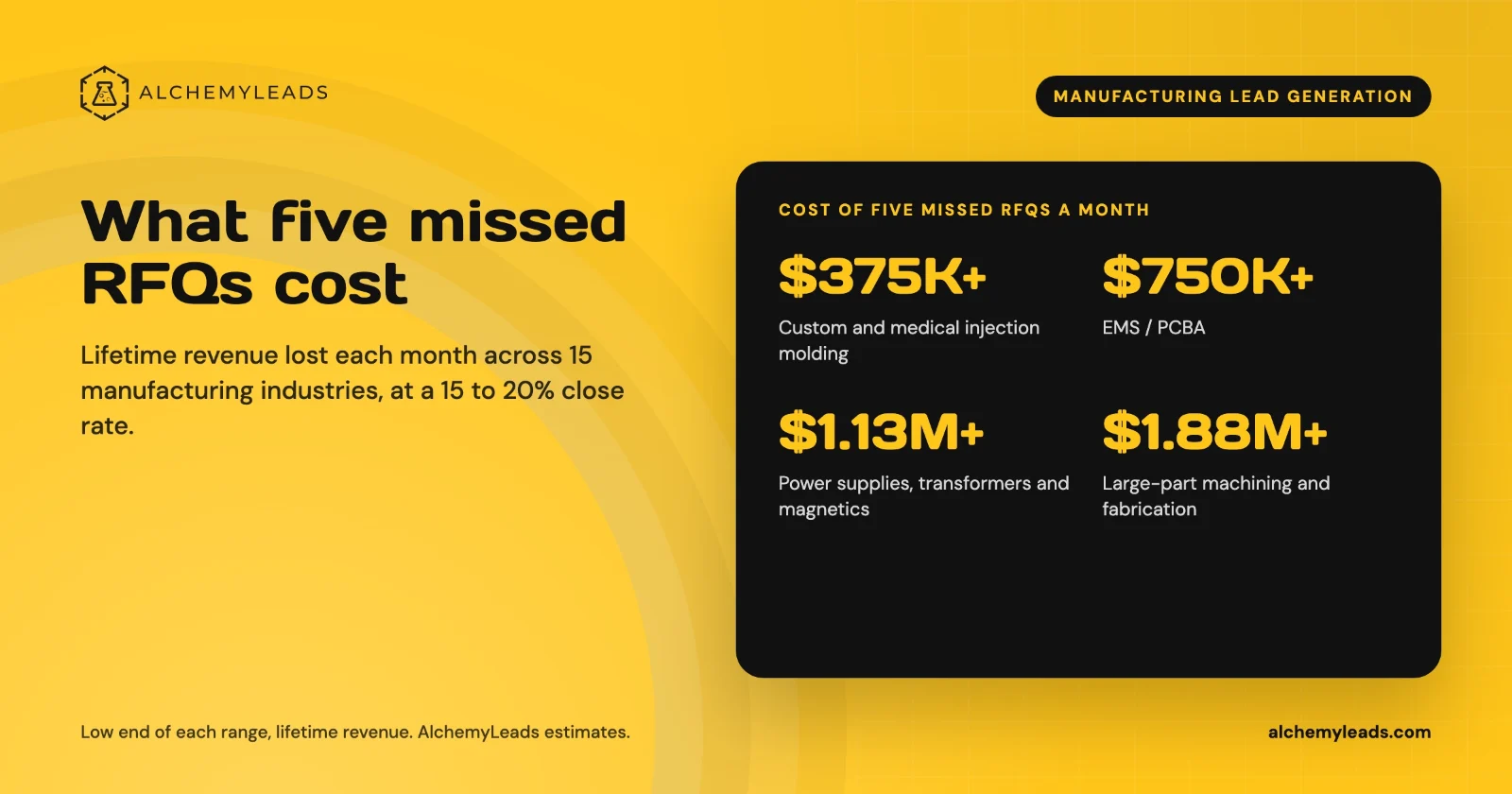
The Cost of Inaction in Manufacturing Lead Generation: What Five Missed RFQs a Month Cost in 15 Industries
What five missed RFQs a month cost in 15 manufacturing industries, with customer lifetime values, a conservative 15 to 20% close rate, and a cost of inaction calculator.
October 27, 2026
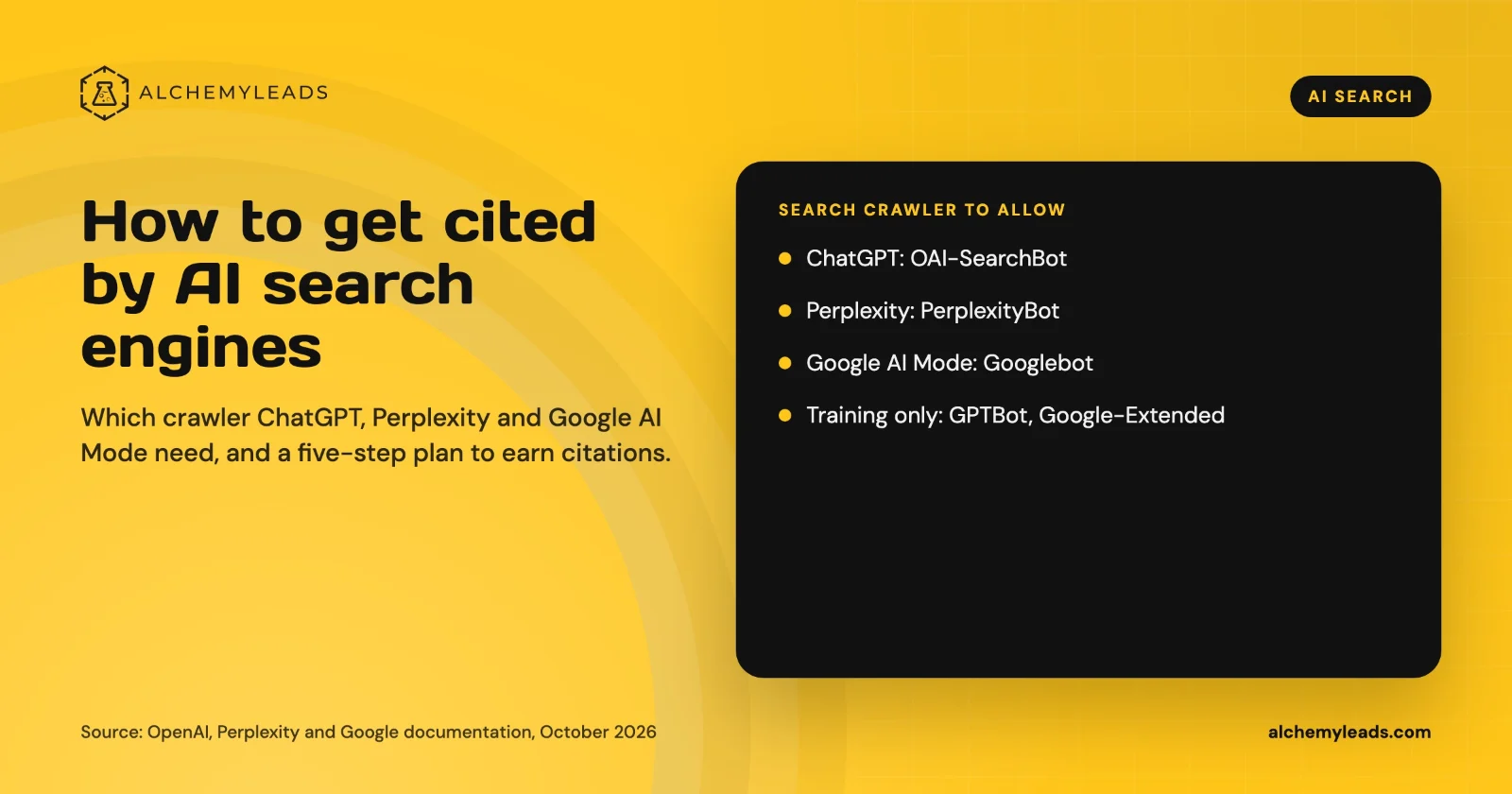
How to Get Cited by ChatGPT, Perplexity and Google AI Mode
How ChatGPT, Perplexity and Google AI Mode choose sources, which crawlers to allow, and a five-step plan to get your company cited, based on official docs.
October 26, 2026
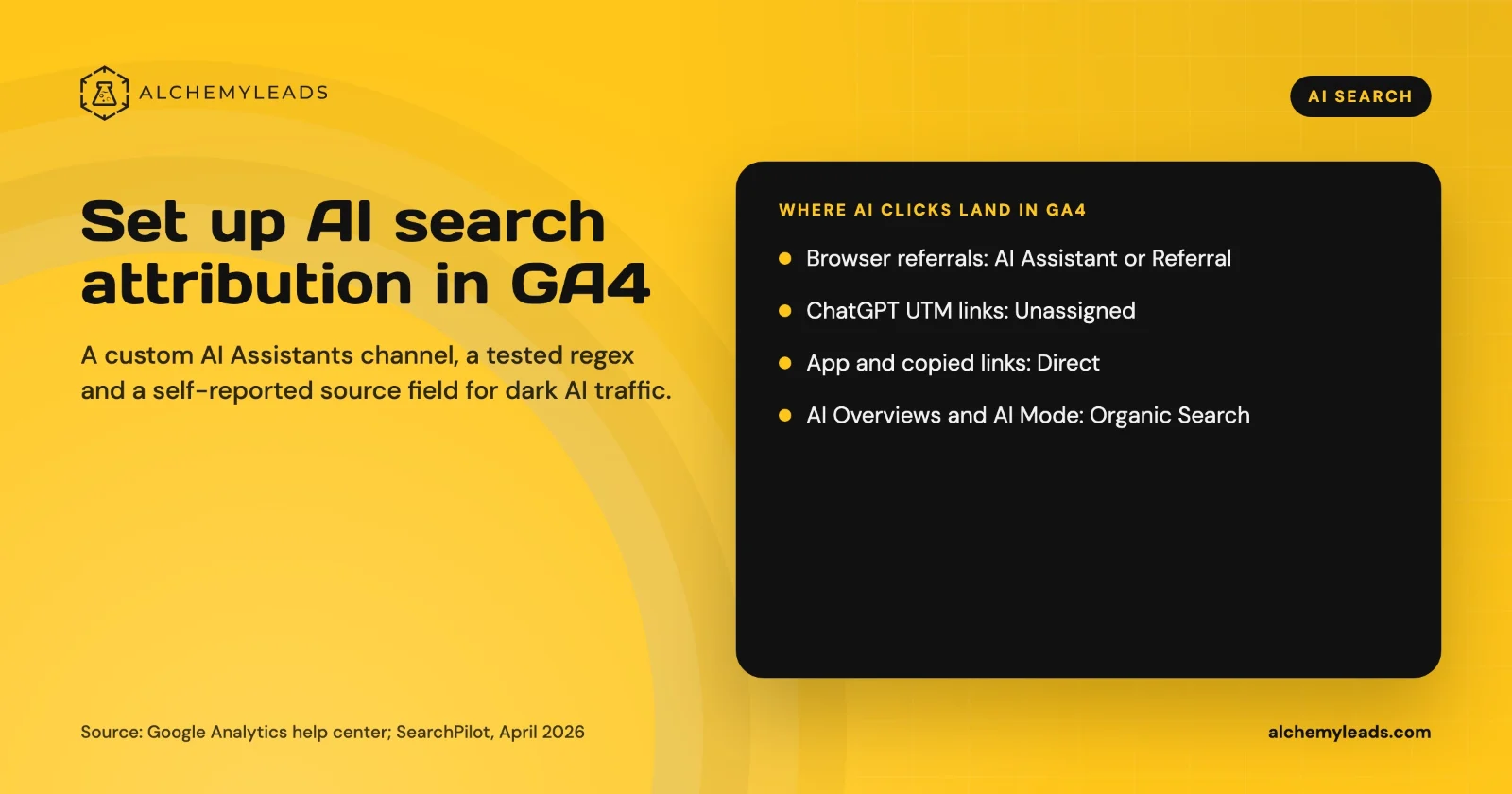
How to Set Up AI Search Attribution in GA4: A Step-by-Step Guide for 2026
Step-by-step GA4 setup for AI search attribution: an AI Assistants channel, a copy-paste regex, ChatGPT UTM fixes and a self-reported AI source field.
October 26, 2026
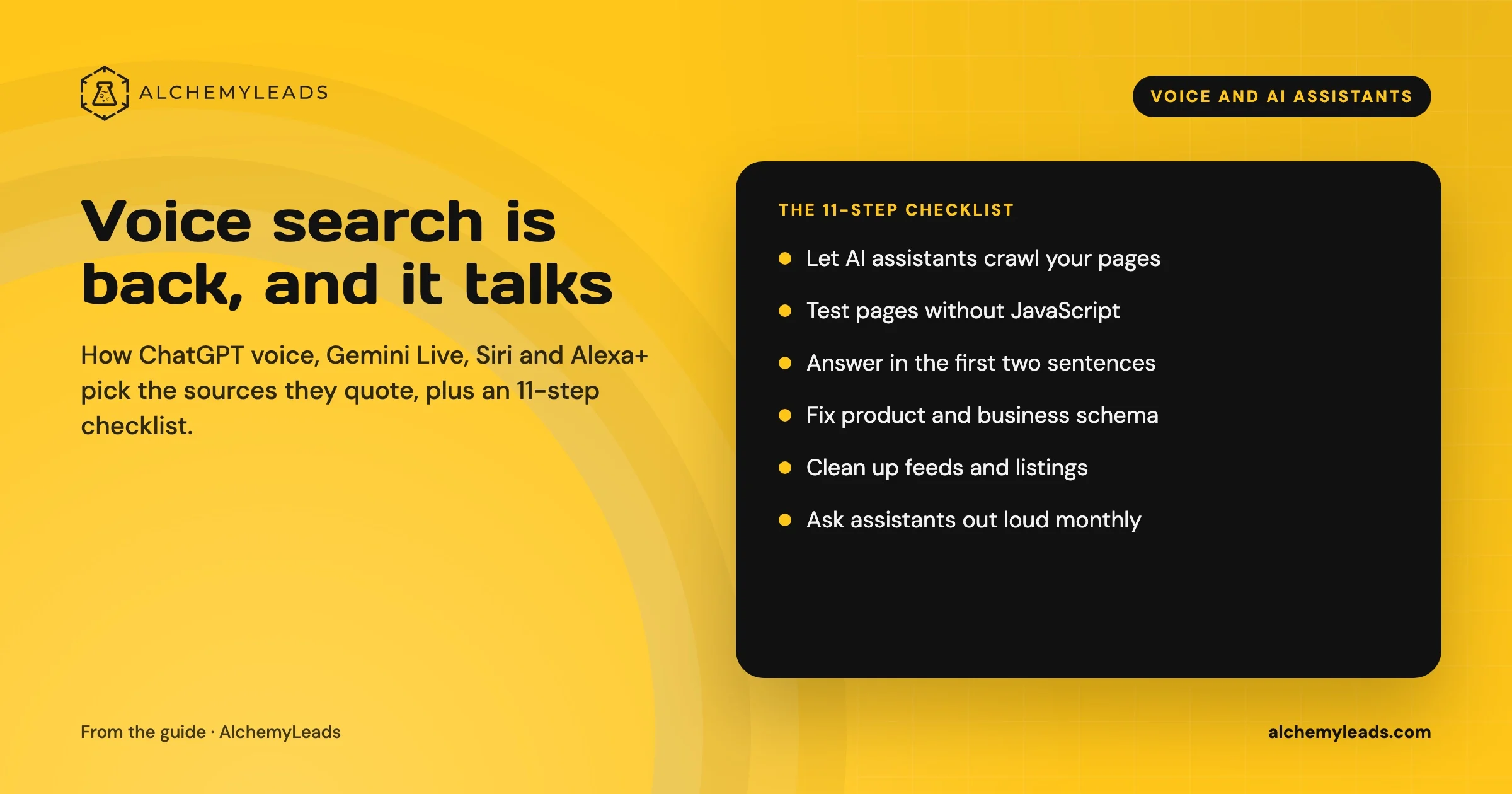
Voice Search in 2026: How AI Assistants Pick Their Sources
We first wrote about voice search in 2022, when the question was whether “Hey Siri” and “OK Google” would change how people shop. Four years later, voice is back in a bigger form. People now talk to ChatGPT, Gemini, Siri, Alexa+ and Copilot the way they talk to a knowledgeable friend, and those assistants answer by reading the web in
October 17, 2026
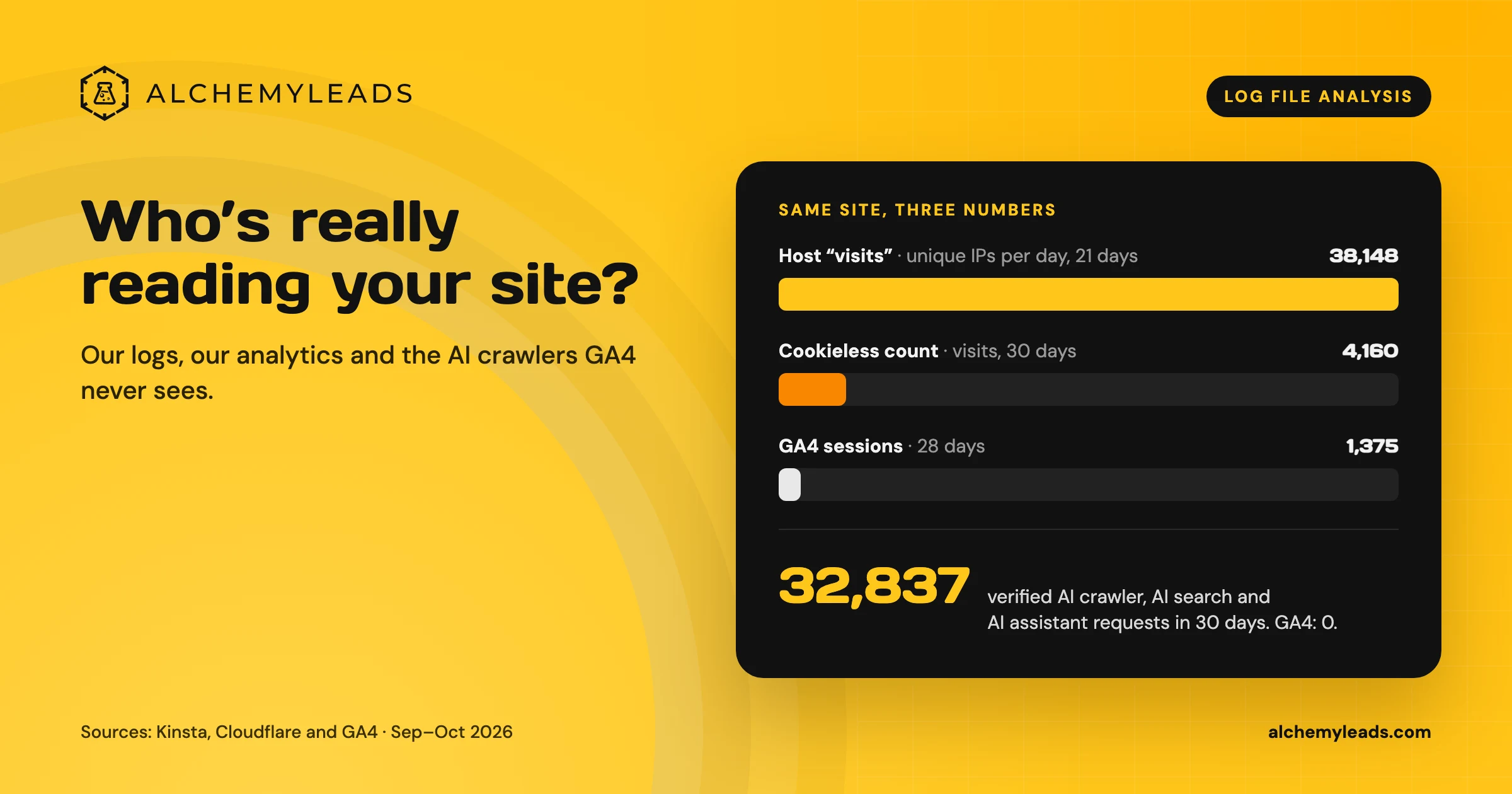
Log File Analysis for AI Search: Our Logs Showed 38,148 Visits. GA4 Showed 1,375.
Our host logged 38,148 visits. GA4 logged 1,375 sessions. We opened the server logs to see who was really there, and what AI crawlers read.
October 16, 2026
Contact us
We value your privacy and won't share your email with others.
We'll only contact you with curated content.
