
TL;DR To set up AI search attribution in GA4, copy the default channel group into a custom group, add an “AI Assistants” channel that matches the medium ai-assistant or a regex of AI source domains, and drag it above Organic Search and Referral. Then mark your lead events as key events, add a “How did you hear about us?” field with an AI option, and track direct-traffic lift, because most AI-driven visits never carry a source.
GA4 gives you more help than it did a year ago. On May 13, 2026, Google added a built-in AI Assistant channel to the default channel group, according to Google Analytics’ release notes. That channel is a good start and it still leaves gaps: ChatGPT’s own UTM tag can push visits into Unassigned, the channel list is Google’s to change, and Google AI Overviews and AI Mode stay inside Organic Search.
This guide is the setup we run for clients at AlchemyLeads. The GA4 part takes about 20 minutes, every step below is checked against Google’s help docs, and it pairs the GA4 work with the two signals GA4 can never collect on its own: what buyers tell you, and how much your direct traffic grows. For the why behind the gap, read our post on solving the AI search attribution funnel. This post is the build sheet.
What Does GA4 Track From AI Search Out of the Box?
GA4 now files a session under the AI Assistant channel when the referrer matches Google’s list of recognized assistants, and it sets the medium to ai-assistant and the campaign to (ai-assistant). Google’s default channel group definitions describe it as traffic “from sources like ChatGPT, Gemini, Deepseek, Copilot, or Grok” and state that it excludes Google’s AI Overviews and AI Mode.
Three limits make a custom setup worth the 20 minutes:
The list is Google’s
Google decides which domains count as an assistant, and its help pages publish no full list. A custom channel lets you add the ones your buyers use and audit the rule yourself.
ChatGPT tags its own links
Since mid-2025, ChatGPT adds utm_source=chatgpt.com to the links it cites, per SearchPilot’s AI referrer reference. There is no utm_medium, so the medium becomes (not set) and the visit can land in Unassigned.
History predates the channel
Sessions from before May 2026 were classified under the older rules. Google says a custom channel group applies retroactively, so you can trend AI visits across the full year.
How to Set Up AI Search Attribution in GA4, Step by Step
Follow these nine steps in order. You need the Editor role or higher on the property, which is what Google requires to create channel groups.
- See what GA4 already captures. Open Reports, then Acquisition, then Traffic acquisition. With the default channel dimension selected, look for an AI Assistant row. Then switch the dimension to Session source / medium, set the date range to at least 90 days, and search for chatgpt, perplexity, gemini, copilot and claude. Write down every spelling you find, including
chatgpt.com / (not set)rows, which are the UTM-tagged ChatGPT clicks. - Create a custom channel group. In Admin, under Data display, click Channel groups, then Create new channel group. GA4 copies the default group so every standard channel stays in place. Name it something clear, such as “Channels + AI”. Standard properties allow two custom groups and 360 properties allow five, per Google’s custom channel groups help page.
- Add an “AI Assistants” channel with two condition groups. Click Add new channel and name it “AI Assistants”. In the first condition group, set Medium exactly matches
ai-assistant, which keeps everything Google’s own list recognizes. Click Add condition group, choose OR, and set Source matches regex with the pattern in the next section. Matching on Source, with no medium rule, is what catches thechatgpt.com / (not set)visits. - Move the channel above Organic Search and Referral. GA4 places each session in “the first channel whose definition it matches given the current order of channels in the group.” Click Reorder and drag AI Assistants directly above Organic Search. That puts it above the default AI Assistant channel and Referral too, while paid channels stay on top so a tagged paid click keeps its paid label. Click Apply, then Save group.
- Test it with real clicks. In a fresh browser profile, ask ChatGPT and Perplexity a question that cites one of your pages, click through, and open Reports, then Realtime. Your visit should appear in the last-30-minutes view. Check Traffic acquisition again a day later with your new group selected as the dimension, since standard views take time to process.
- Mark your lead events as key events. In Admin, under Data display, open Events and mark the events that mean money as key events: quote requests, demo bookings, form submits, calls, purchases. Google’s key events guide covers the toggle. Without key events, an AI channel only counts sessions.
- Extend data retention, then build the exploration. Explorations only reach back as far as your retention setting, so in Admin, open Data retention and set event data retention to 14 months (see Google’s data retention page). Then open Explore, start a Free form exploration, and add your custom channel group and Landing page + query string as rows, with Sessions, Key events and Session key event rate as values. Filter to AI Assistants to see which pages AI tools send buyers to. Google’s Explorations guide walks through the canvas.
- Add a self-reported AI source. Add a required “How did you hear about us?” field to every lead form, with “ChatGPT, Perplexity or another AI assistant” and “Google AI Overview or AI Mode” as two separate options. Send the answer with your lead event as a parameter (for example
heard_about, usually through Google Tag Manager), register it in Admin, under Data display, Custom definitions, as an event-scoped custom dimension (Google’s custom dimensions guide), and sync the same field to your CRM. Our attribution funnel post covers the question wording and how to read the answers. - Track direct-traffic lift every quarter. In Traffic acquisition, compare Direct users quarter over quarter next to your AI citation trend and branded search impressions in Search Console. When AI visibility climbs and no campaign explains a Direct jump, that lift is the dark AI funnel showing up in your data.
Set the primary group last. Once the new group looks right, you can make it the default dimension across GA4: in Admin, open Channel groups, click the pencil icon and pick your group. Google applies a new primary group from that point forward, so keep both groups available for comparisons.
Copy-Paste Regex for an “AI Assistants” Channel
Paste this into the Source matches regex condition from step 3. It matches each assistant’s domain as a whole, with or without a subdomain such as www., so it skips unrelated sources that happen to contain “ai”.
^(.*\.)?(chatgpt\.com|chat\.openai\.com|perplexity\.ai|gemini\.google\.com|copilot\.microsoft\.com|copilot\.cloud\.microsoft|claude\.ai|meta\.ai|grok\.com|chat\.deepseek\.com|chat\.mistral\.ai|you\.com|phind\.com)$What each entry covers:
- chatgpt.com and chat.openai.com: ChatGPT (the old domain now redirects to chatgpt.com, and older data still carries it). Also matches the
utm_source=chatgpt.comtag. - perplexity.ai: Perplexity, including
www.perplexity.ai. - gemini.google.com: Gemini on the web. Plain
googlesources are left alone, so Organic Search stays intact. - copilot.microsoft.com and copilot.cloud.microsoft: consumer Copilot and Microsoft 365 Copilot.
- claude.ai, meta.ai, grok.com, chat.deepseek.com, chat.mistral.ai, you.com, phind.com: other assistants that run on their own chat domains.
Before you save, compare the list with the source spellings you wrote down in step 1 and add any we missed. Revisit it every quarter. Google gives its own sample regex on the custom channel groups page and says to update it “if URLs or the list of assistants you wish to measure change.” Its sample starts with ^.*ai|, which also matches any source that contains “ai” anywhere, so we use the anchored version above.
Where Does Each AI Click Land in GA4?
Most AI clicks land in one of four places, and only the first two are fixable with channel rules. The table below summarizes Google’s channel definitions and SearchPilot’s April 2026 AI referrer reference.
| Where the click came from | What GA4 records | Default channel | Fixed by this setup? |
|---|---|---|---|
| Assistant in a web browser, referrer intact | e.g. perplexity.ai / referral or ai-assistant |
AI Assistant or Referral | Yes |
| ChatGPT link with its UTM tag | chatgpt.com / (not set) |
Unassigned | Yes, via the Source regex |
| Assistant mobile or desktop app, copied link | (direct) / (none) |
Direct | Partly. Use self-reported source and direct lift |
| Google AI Overviews and AI Mode | google / organic |
Organic Search | Approximate with Search Console |
The dark rows are the big ones. SearchPilot’s reference, built on a 446k-visit Loamly dataset, puts 70.6% of AI-origin traffic in Direct by default. That is why the last two steps of the setup matter as much as the regex.
What GA4 Misses: AI Overviews, AI Mode and Lost Referrers
GA4 has no way to split Google AI Overviews or AI Mode clicks from regular Google clicks. Google’s own definition of Organic Search includes “Google’s AI Overviews and AI Mode,” and those clicks arrive as google / organic like any other search visit. No regex fixes that, so approximate it from Google’s side:
- Search Console’s Generative AI view. Google’s generative AI performance help page lists impressions in AI Overviews and AI Mode by page, country, date and device, and says the view rolled out to all websites worldwide as of August 31, 2026. Export the pages with the most AI impressions, then look at those same landing pages in your GA4 Organic Search data. That pairing is the closest proxy you have for AI Overview and AI Mode traffic.
- Conversational queries in Search Console. Long, question-shaped queries are often prompts typed into AI Mode. Our free AI Query Classifier sorts your Search Console queries into conversational and classic searches, and our guide to finding AI conversations in Search Console shows the filters, with more patterns in our Search Console regex guide. We run this analysis every quarter for our AI SEO clients.
- Gemini’s mobile app. SearchPilot found that Gemini app clicks often arrive with no referrer, and a minority route through Google Search and land as
google / organic. Treat Gemini app traffic as dark. - Apps and copied links. Assistant apps commonly hand links to the phone’s browser without a referrer, and copied URLs carry nothing. Those visits read as Direct.
- The return visit. A buyer who meets you in an AI answer and types your domain next week is Direct in every analytics tool.
For the referrer-stripped share, we add a second tracking layer. Our PostHog AI traffic setup checks both the referrer and the UTM source before the first event fires, and our log file analysis post shows how much traffic GA4 never records at all.
How to Read Direct-Traffic Lift as AI Attribution
When AI visibility grows, direct traffic grows with it, and on our client accounts that lift is often far larger than anything the AI channel records. Here is the pattern in three published case studies:
+242.1% direct sessions
Industrial ground monitoring manufacturer: direct sessions +242.1%, alongside 4,500 AI citations across just 18 pages in six months. Read the case study.
+195% direct users
3PL fulfillment provider: +195% direct users quarter over quarter in GA4, with 29.5K AI citations in six months. Read the case study.
+186% direct traffic
Aerospace manufacturer: direct traffic +186%, with 74,808 Google AI impressions in three months. Read the case study.
Before you credit AI with a direct spike, rule out the usual causes: offline campaigns, email sends, a new consent banner, broken UTMs, a site migration and bot traffic. Our post on what counts as real direct traffic covers the bot and tracking checks. Then line up three trends by week: AI citations, branded search impressions in Search Console, and Direct users. When they rise together and nothing else explains it, the dark funnel is doing the work. The dark funnel post walks through our full checklist.
How Should Your Team Combine the Three Signals?
Use the GA4 AI channel as your floor, the “How did you hear about us?” answers as your reality check, and direct-traffic lift as the trend line. Each one covers a blind spot in the others:
- GA4 AI channel: exact, page-level and tied to key events, for the minority of AI clicks that keep a source.
- Self-reported source: catches app clicks, copied links and return visits, with recall bias, so read it in aggregate across a few hundred answers.
- Direct lift: shows the size of the dark funnel quarter over quarter, once other causes are ruled out.
Put all three in one dashboard next to pipeline from your CRM. For AlchemyLeads clients that lives in 24/7 real-time dashboards with automated monthly updates, alongside AI citation tracking from Searchable and Scrunch. If you also want to see whether AI engines name your brand before anyone clicks, start with our AI Visibility Checker and our roundup of AI SEO tools.
Want this wired into your GA4, forms and CRM? Our analytics team sets it up as part of our AI SEO and GEO work. Book a call, or browse our client reviews and case studies first.
Frequently Asked Questions
How should our team set up AI search attribution in GA4?
Copy the default channel group into a custom group, add an “AI Assistants” channel where Medium exactly matches ai-assistant OR Source matches a regex of AI domains, and move it above Organic Search and Referral. Mark lead events as key events, add a “How did you hear about us?” field with AI options, and track direct-traffic lift quarter over quarter.
Does GA4 track ChatGPT traffic automatically?
Partly. Since May 13, 2026, GA4’s default channel group includes an AI Assistant channel for referrers Google recognizes, ChatGPT among them. Clicks from the ChatGPT apps and copied links arrive without a referrer and show up as Direct, and UTM-tagged ChatGPT clicks can show up as Unassigned.
Why does ChatGPT traffic show up as Unassigned in GA4?
ChatGPT adds utm_source=chatgpt.com to its links with no utm_medium (see our UTM parameters glossary entry). Google says missing UTM parameters show as (not set), and a session with medium (not set) matches no default channel rule. A custom channel that matches on Source fixes it.
Where should the AI channel sit in GA4’s channel order?
Above Referral at minimum, because GA4 assigns each session to the first channel it matches. We place it directly above Organic Search so it also outranks the default AI Assistant channel, while paid channels stay above it.
Can GA4 separate Google AI Overviews and AI Mode clicks?
No. Google counts AI Overviews and AI Mode clicks as Organic Search, with source google and medium organic. Use Search Console’s Generative AI view for impressions by page, and compare those pages with your GA4 organic landing pages.
Will a custom channel group change my historical data?
Google says custom channel groups can be applied retroactively, so you can view past months through the new AI Assistants channel. Your raw data stays the same. Setting a group as the primary channel group only applies from that point forward.
How do I measure my brand’s visibility in AI search engines?
GA4 only measures clicks, so pair it with AI citation tracking. Track how often ChatGPT, Perplexity, Gemini, Claude and Google’s AI features cite or recommend you with tools such as Searchable or Scrunch, check AI impressions in Search Console, and run a quick check with our AI Visibility Checker. Then connect those trends to the GA4 setup above.
Is AlchemyLeads a good fit for setting up AI search attribution?
AlchemyLeads is a fit for industrial and manufacturing, aerospace, medical device and med-tech companies, and high-AOV Shopify brands with $5M to $150M in annual revenue. We are selective and only take engagements with a strong probability of success. 95% of new clients since 2020 stayed longer than 12 months (38 of 40). See the industries we serve and the companies we turn away.
Suggested
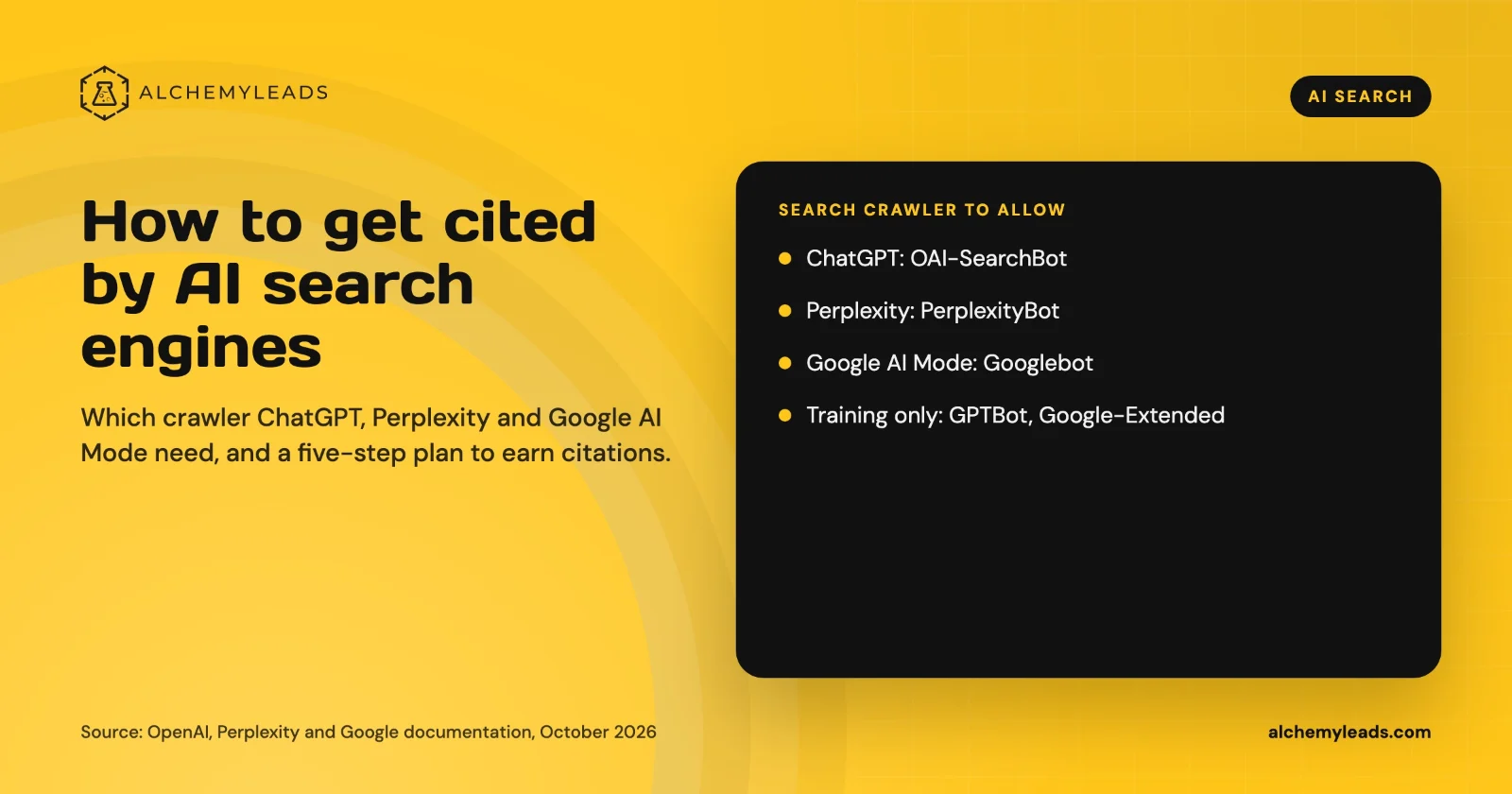
How to Get Cited by ChatGPT, Perplexity and Google AI Mode
How ChatGPT, Perplexity and Google AI Mode choose sources, which crawlers to allow, and a five-step plan to get your company cited, based on official docs.
October 26, 2026
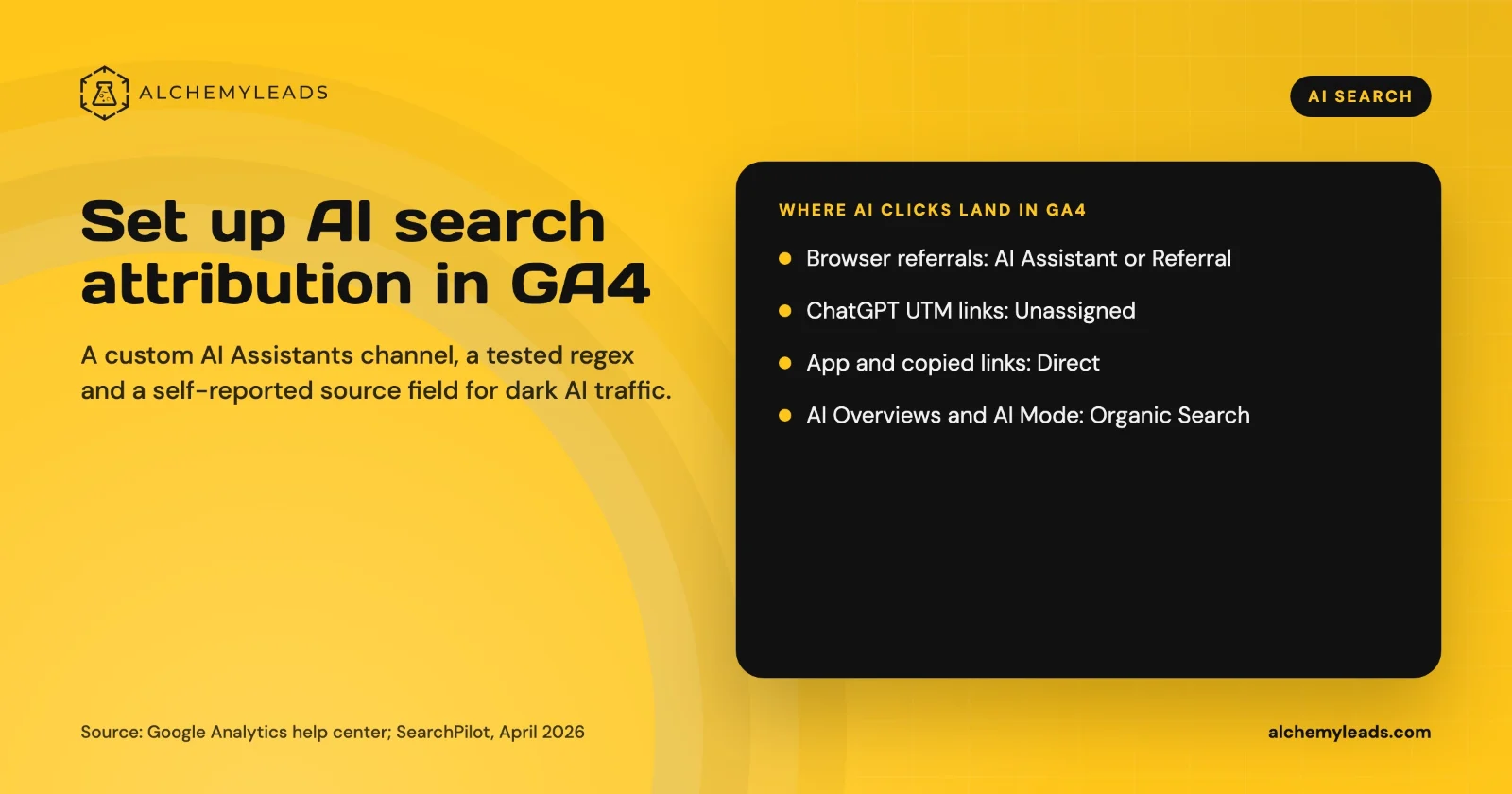
How to Set Up AI Search Attribution in GA4: A Step-by-Step Guide for 2026
Step-by-step GA4 setup for AI search attribution: an AI Assistants channel, a copy-paste regex, ChatGPT UTM fixes and a self-reported AI source field.
October 26, 2026
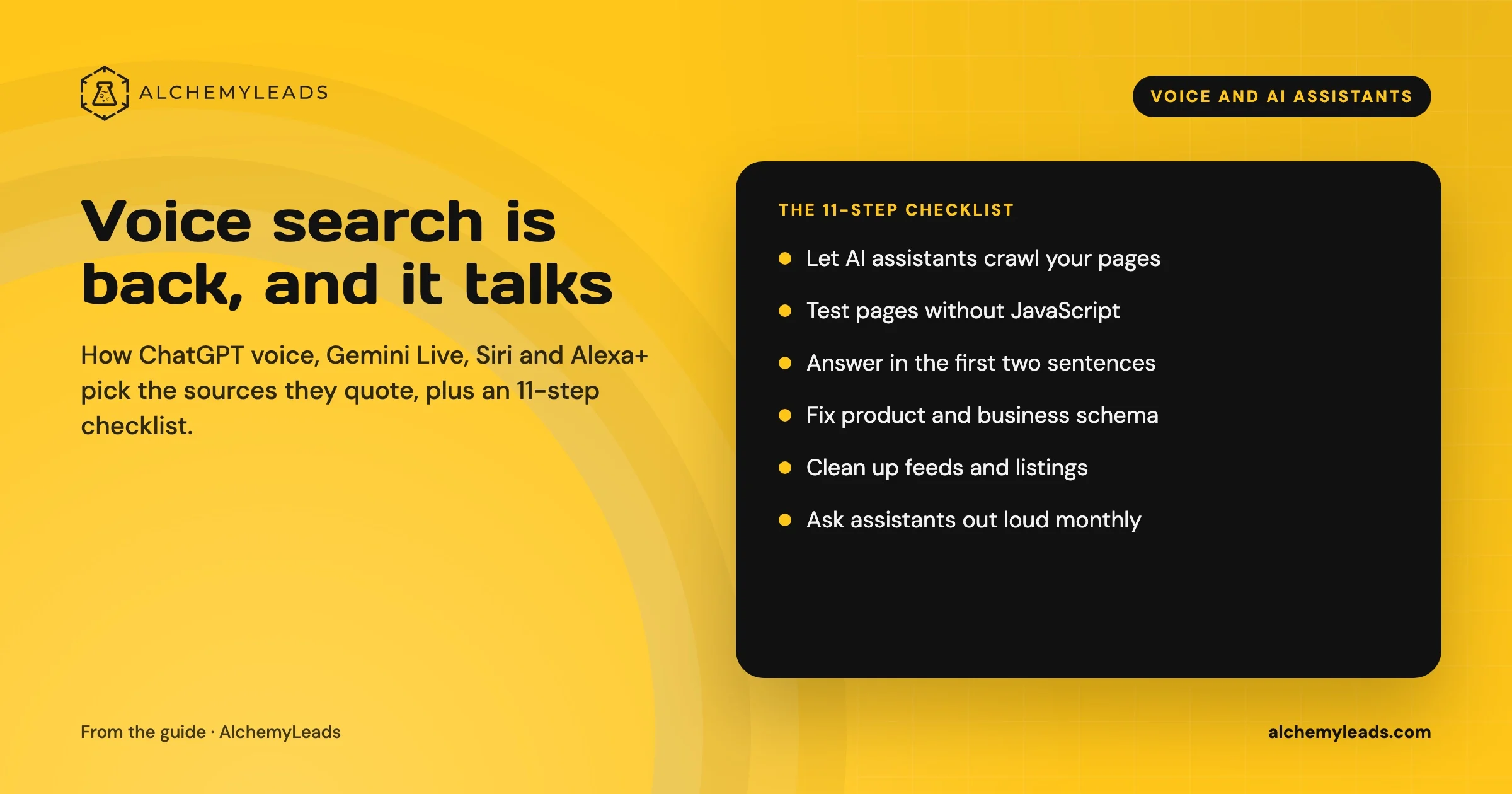
Voice Search in 2026: How AI Assistants Pick Their Sources
We first wrote about voice search in 2022, when the question was whether “Hey Siri” and “OK Google” would change how people shop. Four years later, voice is back in a bigger form. People now talk to ChatGPT, Gemini, Siri, Alexa+ and Copilot the way they talk to a knowledgeable friend, and those assistants answer by reading the web in
October 17, 2026
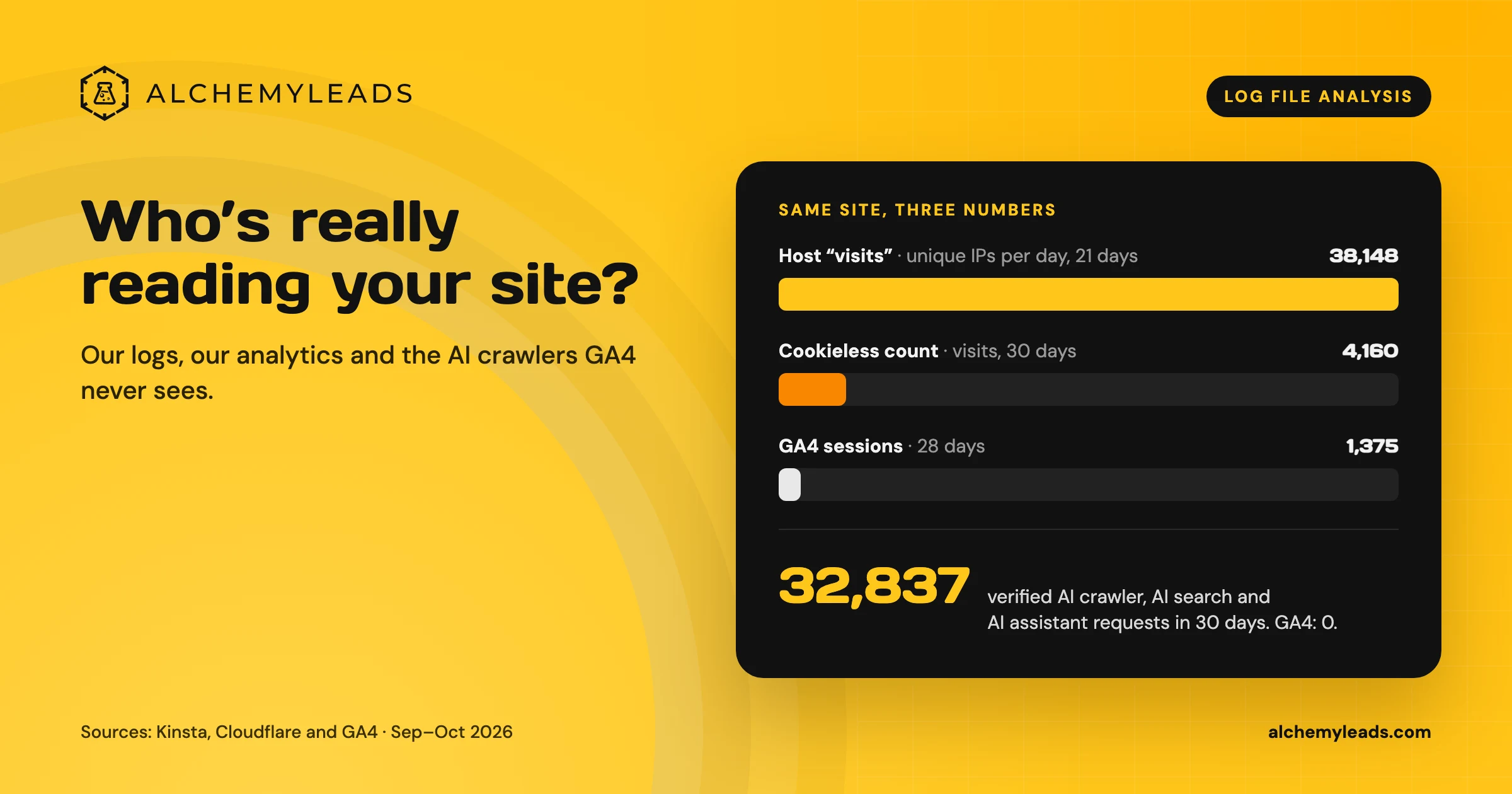
Log File Analysis for AI Search: Our Logs Showed 38,148 Visits. GA4 Showed 1,375.
Our host logged 38,148 visits. GA4 logged 1,375 sessions. We opened the server logs to see who was really there, and what AI crawlers read.
October 16, 2026
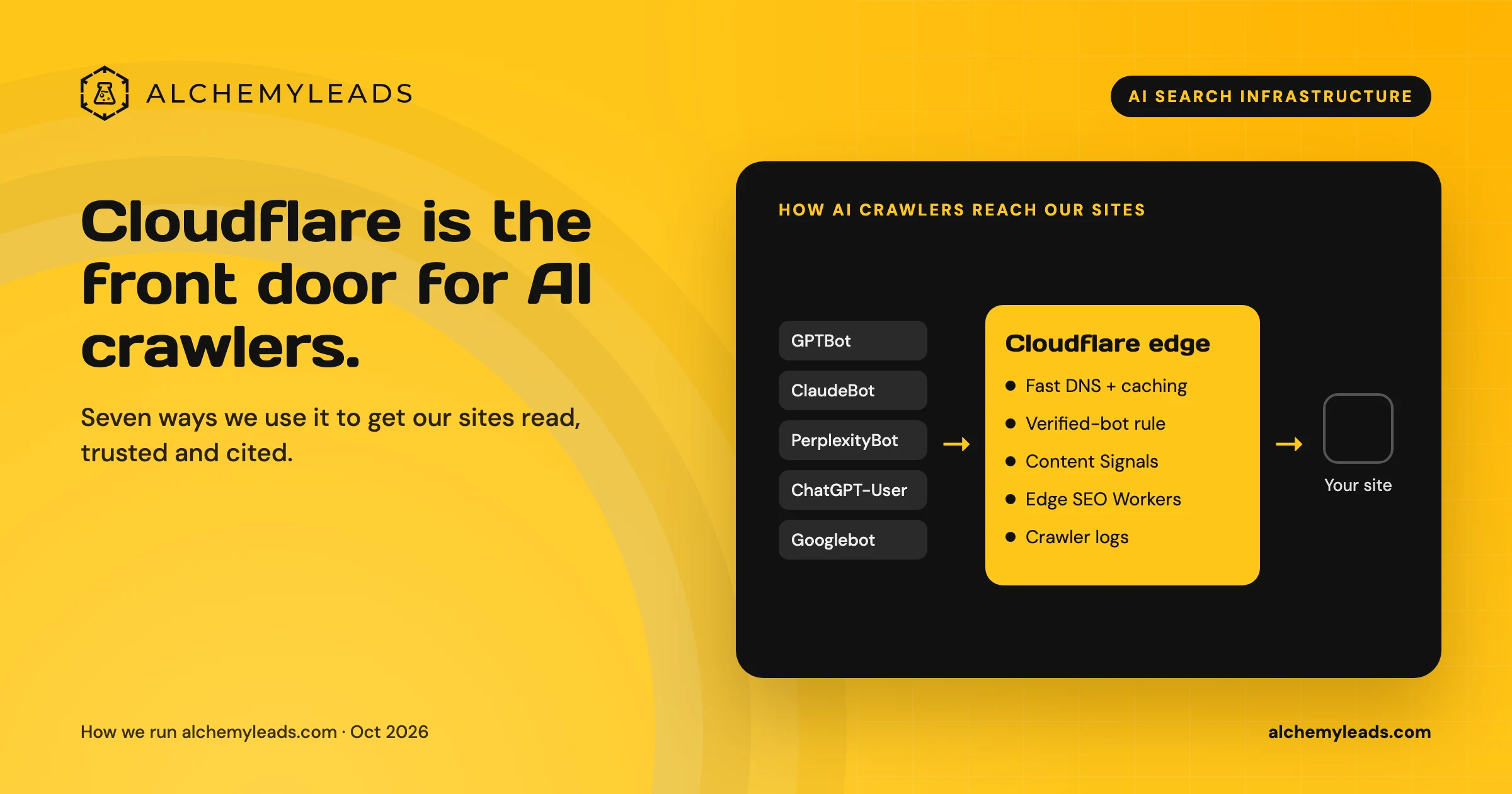
Why We Love Cloudflare for AI Search: 7 Ways We Use It for GEO and AEO
How we use Cloudflare DNS, bot rules, Content Signals and Workers to make our sites fast, crawlable and citable for ChatGPT, Claude and Perplexity.
October 16, 2026
Contact us
We value your privacy and won't share your email with others.
We'll only contact you with curated content.
