
Most SEO teams treat Google Search Console regex like a syntax puzzle. They learn the patterns, post them in Slack, and move on. The dashboard goes back to looking the same as it did before.
That’s the gap. Filtering search data is the easy part. Turning a filtered list into a revenue move is where the work actually starts.
This playbook covers Google Search Console regex from a different angle. Not “here are 20 patterns,” but “here are the patterns that earn their keep, and what to do with each one once the filter loads.” Each pattern below is paired with a decision a marketing lead can make on a Monday.
What you’ll get: a tight reference for using regex in GSC, then a working playbook tied to outcomes we’ve shipped for clients.
What Is Regex in Google Search Console
Regex (short for regular expression) is a way to match text patterns. Instead of typing “buy” or “purchase” or “order” as three separate filters, you write one pattern that catches all three. Faster filtering, fewer exports, deeper insight.
In Google Search Console, regex filters live inside the Performance report. They work on two fields: Query and Page. No other report supports them.
Google built GSC on RE2 syntax, the regex engine Google maintains in-house. RE2 is fast and safe. It runs across millions of queries without slowing the dashboard down. The tradeoff is a slightly narrower feature set than what you’d find in Python or PHP. Lookaheads, lookbehinds, and backreferences don’t work. Most other patterns you’ll need do.
One detail worth knowing upfront: all query data in GSC arrives lowercase. That means your regex doesn’t have to handle case. Write buy, not (?i)buy. URL patterns keep their original casing, so for Page filters, casing still matters.
That’s the technical floor. Now to the part nobody on page one talks about.
Why GSC Regex Matters for Revenue, Not Just Reporting
Here’s the thing. Every regex tutorial on page one of Google teaches the same patterns. None of them tells you what to do with the result. That’s the difference between data extraction and revenue decisions.
We use regex in GSC for four categories of decisions. Each one ties to a line item on a revenue forecast.
Spend allocation. Splitting branded versus non-branded queries with regex shows you what your brand recognition is actually carrying. If 80% of clicks come from branded queries, the non-branded gap is your single largest unclaimed opportunity. That’s a budget conversation, not a reporting line.
Content gaps. Question-pattern filters surface queries where the searcher wants an answer and you’re showing up without one ready. Every unanswered question on page two is a draft brief waiting to happen.
AI citation opportunities. AI Overviews and Perplexity cite pages that answer specific questions cleanly. Regex finds the questions you already rank for. Fix the page, win the citation, take the click that AI tried to absorb.
Technical cleanup. Parameter URLs, faceted navigation, indexed pagination. Regex surfaces what’s quietly leaking equity. Then redirects or canonical fixes seal it.
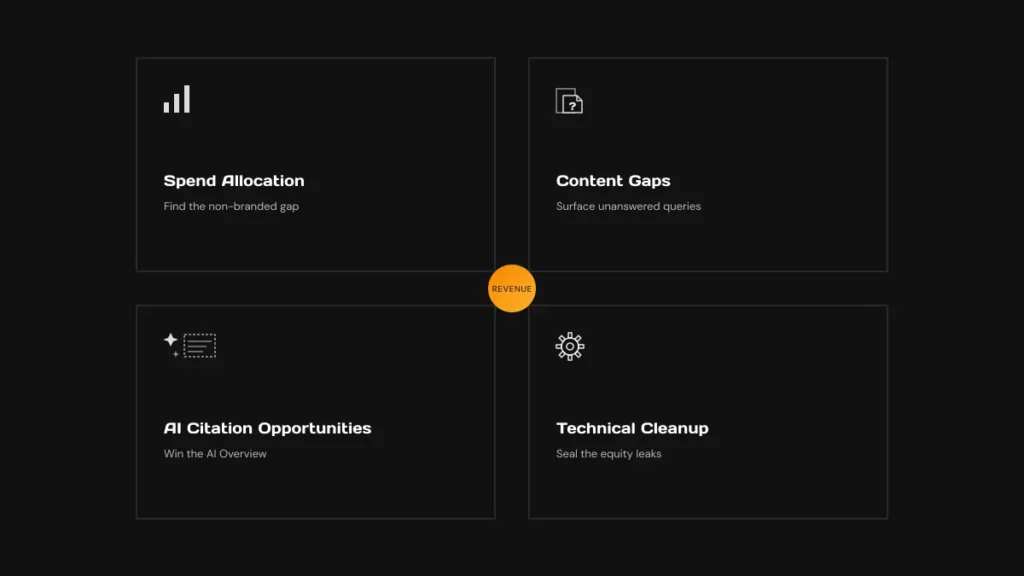
This is what we mean by Revenue First SEO. Every diagnostic earns its place by pointing at a number on the P&L.
How to Apply a Regex Filter in GSC in Five Clicks
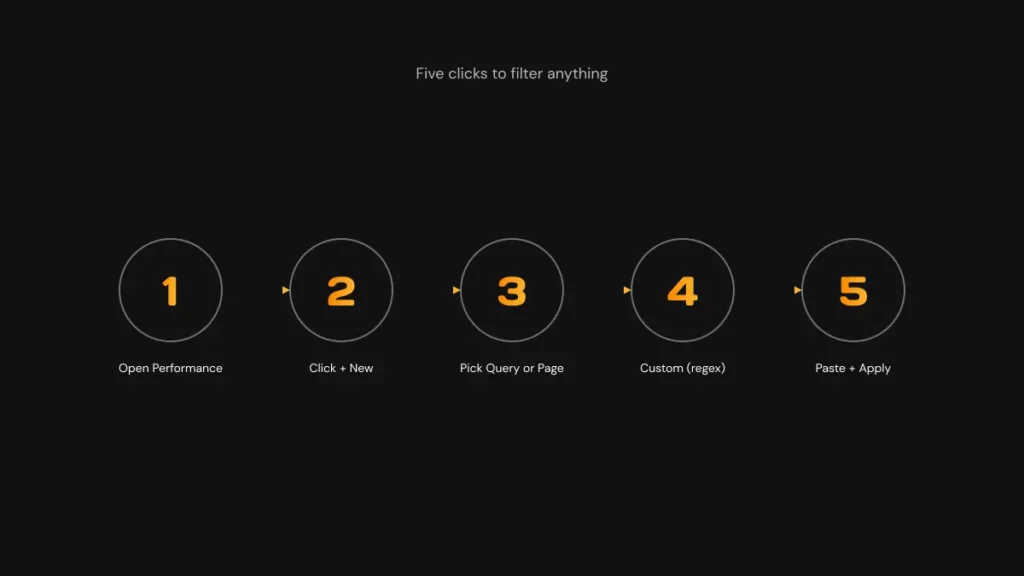
Five clicks. That’s the whole setup.
- Open the Performance > Search results report in GSC.
- Click + New at the top of the filter row.
- Pick Query or Page depending on what you’re matching.
- Choose Custom (regex) from the dropdown.
- Pick Matches regex or Doesn’t match regex in the secondary dropdown, paste your pattern, click Apply.
That’s it. The filter stays active as you switch between reports. Unlike GA4, GSC doesn’t reset filters when you switch to a new view. Stack multiple filters by repeating the steps.
A useful habit: keep a notes file with your most-used patterns. Naming each pattern by the decision it triggers (“non-brand gap finder,” “question queries for AEO,” “URL parameter leak”) makes them faster to find than searching by syntax. We keep a shared one across our SEO team. You’ll build yours in a week of using GSC daily.
For the broader workflow of stacking GSC with Google Analytics, this walkthrough on GSC and GA for small businesses covers the rest.
The Six Regex Patterns That Earn Their Keep
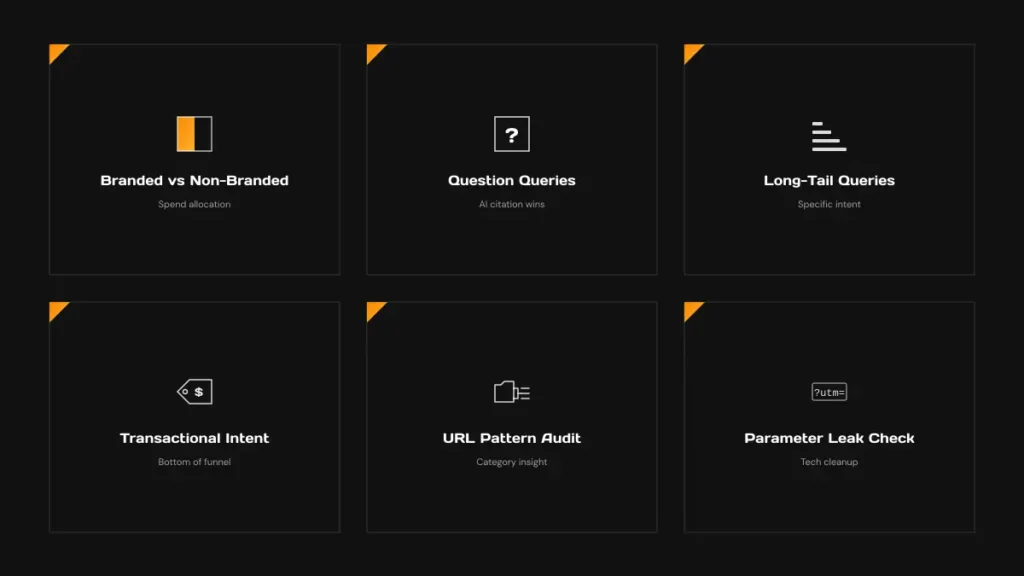
Six patterns. Each paired with a revenue move.
Branded Versus Non-Branded Split
Pattern: (yourbrand|yourbrand\.com|brnd|misspelled-version)
What it surfaces: every query mentioning your brand, including common misspellings. Apply Doesn’t match regex to see only the non-branded traffic.
The move: compare the click totals. If branded clicks dwarf non-branded, your brand is doing the heavy lifting and your top-of-funnel needs work. If non-branded leads, you have demand you haven’t fully captured. Either result points at the next budget allocation.
Question Queries That Win AI Citations
Pattern: ^(what|how|why|when|where|who|which|can|does|is|are|should|will)\s
What it surfaces: every query that starts with a question word. These are the highest-impact queries for AI Overviews, ChatGPT citations, and the “People Also Ask” block.
The move: cross-reference the filtered queries against your existing content. Any question you rank for without a clean answer paragraph on the page is a fast rewrite. Add a 40 to 80 word direct answer near the top. AI engines pull from there.
Long-Tail Queries With Five or More Words
Pattern: ^(\w+\s){4,}\w+
What it surfaces: queries with five or more words. Specific intent, lower competition, higher conversion. Cluster these into topical buckets and you have a content calendar for the next quarter that already has search demand attached.
Transactional Intent
Pattern: (buy|price|cost|cheap|deal|order|hire|quote|demo|trial)
What it surfaces: queries where the searcher is past the research phase. Bottom-of-funnel demand.
The move: check the click-through rate on the pages ranking for these queries. Low CTR on a transactional query means the meta title isn’t earning the click. Rewrite the title to lead with the buying signal. We’ve seen this single change recover meaningful revenue inside a quarter.
URL Pattern Audit
Pattern: .*/blog/.* (or any subdirectory you want to isolate)
What it surfaces: every indexed page inside a specific directory.
The move: pivot the Page filter on category. Categories pulling impressions but no clicks usually have a thin or off-intent page at the top. Worth a content refresh. Categories pulling neither are candidates for consolidation or de-indexing.
Parameter Leak Check
Pattern: \?.*=
What it surfaces: every indexed URL with a query parameter. UTM links, faceted filters, internal search results.
The move: if you see impressions on parameterized URLs, your canonical setup is leaking. Each parameterized URL competing with its clean counterpart splits equity. Plan the 301 redirects and tighten the canonical tags.
RE2 Syntax Cheat Sheet: What Works, What Doesn’t, What to Watch For
The metacharacters you’ll use most:
| Symbol | What it does | Example |
|---|---|---|
| |
OR | cat|dog matches “cat” or “dog” |
.* |
Wildcard (any characters) | /blog/.* matches everything under /blog/ |
^ |
Start of string | ^how matches queries starting with “how” |
$ |
End of string | review$ matches queries ending in “review” |
() |
Group | (buy|order) groups alternatives |
? |
Preceding char is optional | colou?r matches color and colour |
+ |
One or more | a+ matches “a”, “aa”, “aaa” |
\b |
Word boundary | \bcan\b matches “can” but not “scan” |
[] |
Character class | gr[ae]y matches gray or grey |
{n,m} |
Repeat range | (\w+\s){4,} matches 5+ words |
What doesn’t work in RE2: lookaheads (?=), lookbehinds (?<=), and backreferences \1. If you copied a pattern from Stack Overflow and it errors out in GSC, that’s usually why. The Doesn’t match regex option covers most negative-lookahead use cases.
Things to watch for:
Escape your dots. A literal period needs a backslash. example\.com, not example.com. Without the escape, the dot becomes a wildcard.
Don’t lean on .* too hard. Over-broad patterns return too much and slow your analysis. Be specific.
Don’t mix matches and doesn’t-match. Easy to flip. Double-check the secondary dropdown before you wonder why the data looks wrong.
Mind the 4,096-character limit. GSC caps each filter at 4,096 characters. Long brand-misspelling lists hit it faster than you’d expect. Group with parentheses to compress.
GSC Regex for GEO and AEO Opportunities
Question-pattern regex is the cheapest AI citation discovery tool you have.
Here’s why. AI Overviews, ChatGPT search, and Perplexity all favor pages that answer specific questions cleanly. They pull from pages with clear question-answer structure. The challenge most teams have isn’t writing those answers. It’s knowing which questions to answer first.
GSC regex tells you. Apply this pattern to your Query filter:
^(what|how|why|when|where|who|which|can|does|is|are)\s
What you get back is every question your site already has impressions for. These are questions Google is already pairing with your domain. Some are getting clicks. Many aren’t. The ones with high impressions and low clicks are pure AI Overview opportunities. Google is showing you to the searcher, but the searcher isn’t clicking because the page doesn’t answer the question quickly enough.
The move:
- Export the filtered question queries.
- Match each to the ranking page.
- Add or expand a direct answer in the first 80 words after the H1.
- Wrap the answer in a clean paragraph and an H2 that mirrors the question.
- Wait two to four weeks for re-crawl.
This is the AEO motion. It also feeds into GEO and the broader Revenue First SEO play. Once you have the question list, you’re not optimizing for a single search engine. You’re optimizing for every AI surface that pulls from organic.
Same pattern. Much wider citation footprint.
Three Diagnostic Workflows We Run for Clients
Three workflows, three outcomes. Each ran on a real account.
Brand-Share Audit
We ran the branded-versus-non-branded split for a B2B industrial cleanroom manufacturer. The result showed a thin non-branded footprint propping up a heavy branded base. We rebuilt 933 mixed-language pages, corrected 307 404 errors, and shipped 32 new blog posts in three months. New baseline: $2.7M in monthly sales opportunities versus $1M before. That’s a 170% sales pipeline lift in 90 days, with total leads up 225% from 20 to 54 quote requests.
AI Citation Gap Audit
For a 3PL eCommerce client, we filtered question queries and crossed them against ranking pages. Most ranked but didn’t answer cleanly. We applied an outreach-led link strategy at roughly 50 links per month for 12 months while rewriting the question-fit pages. Outcome: 8,000+ high-difficulty keywords on page one, organic traffic from 40,000 to 180,000 monthly visits, and total revenue 3x the prior year.
Parameter and Pagination Cleanup
A B2B sign and printing company was running 4 subdomain Shopify migrations at once. The parameter-leak regex surfaced 282,000 errors and redirects across the merged stack. We ran the migrations in 10 days, then spent 8 weeks fixing redirects and earning 119 backlinks. Result: $850K in added revenue in the first 90 days post-migration, a 35% revenue lift versus the prior period.
Want this kind of diagnostic baked into a full audit? Our 15-step SEO audit checklist is how we open every engagement.
Working With a Partner on GSC and Revenue First SEO
GSC regex is a strong lever. Patterns alone don’t move revenue. The work is mapping each filter to a tactical move, then shipping the move.
That’s what AlchemyLeads does for B2B and eCommerce clients across 100+ brands. Revenue First SEO, no retainers required, real numbers in every deliverable.
If you want a second set of eyes on your search data, book a strategy session.
Related guide: how AI search retrieves, grounds and cites sources.
Suggested
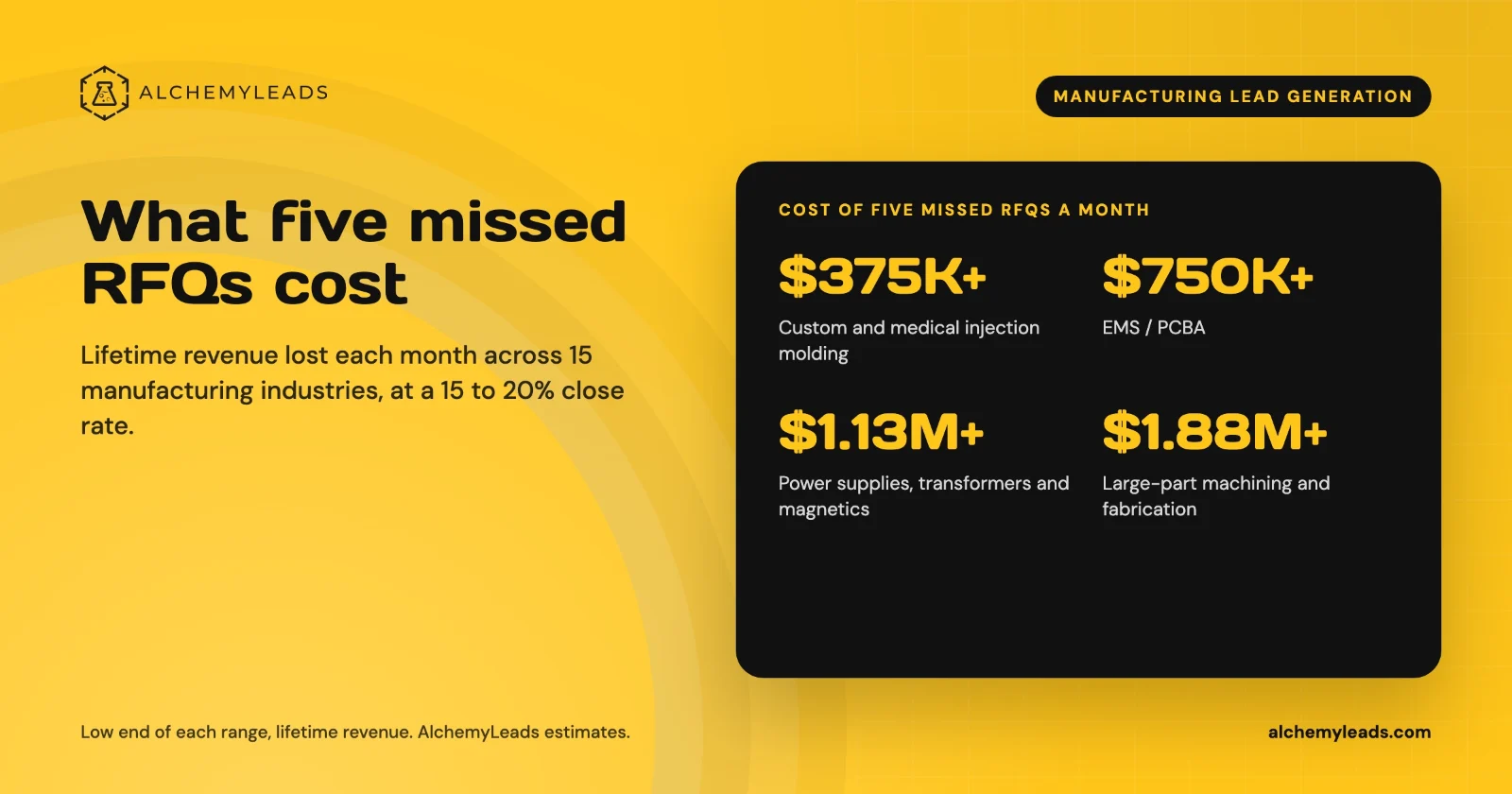
The Cost of Inaction in Manufacturing Lead Generation: What Five Missed RFQs a Month Cost in 15 Industries
What five missed RFQs a month cost in 15 manufacturing industries, with customer lifetime values, a conservative 15 to 20% close rate, and a cost of inaction calculator.
October 27, 2026
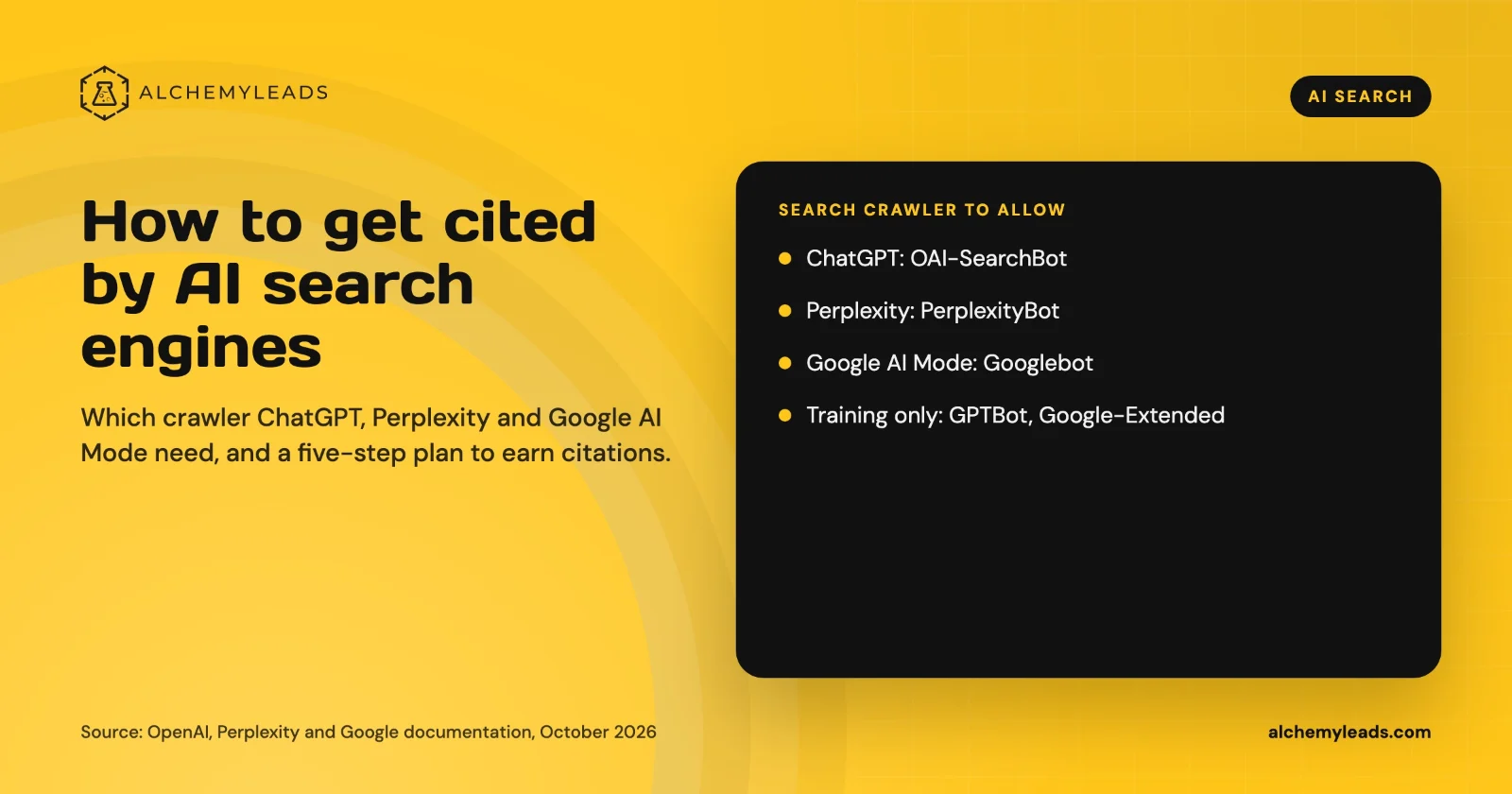
How to Get Cited by ChatGPT, Perplexity and Google AI Mode
How ChatGPT, Perplexity and Google AI Mode choose sources, which crawlers to allow, and a five-step plan to get your company cited, based on official docs.
October 26, 2026
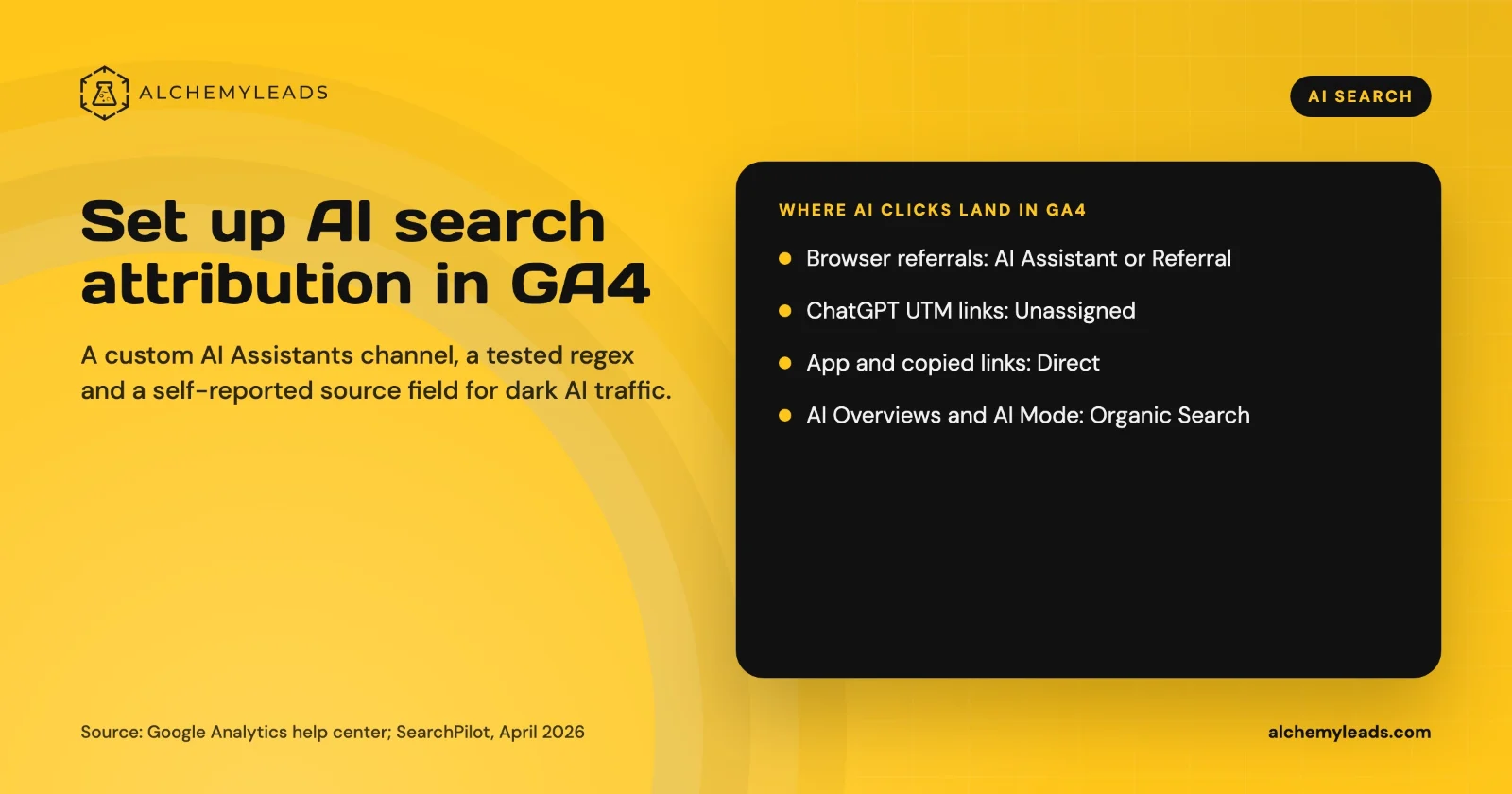
How to Set Up AI Search Attribution in GA4: A Step-by-Step Guide for 2026
Step-by-step GA4 setup for AI search attribution: an AI Assistants channel, a copy-paste regex, ChatGPT UTM fixes and a self-reported AI source field.
October 26, 2026
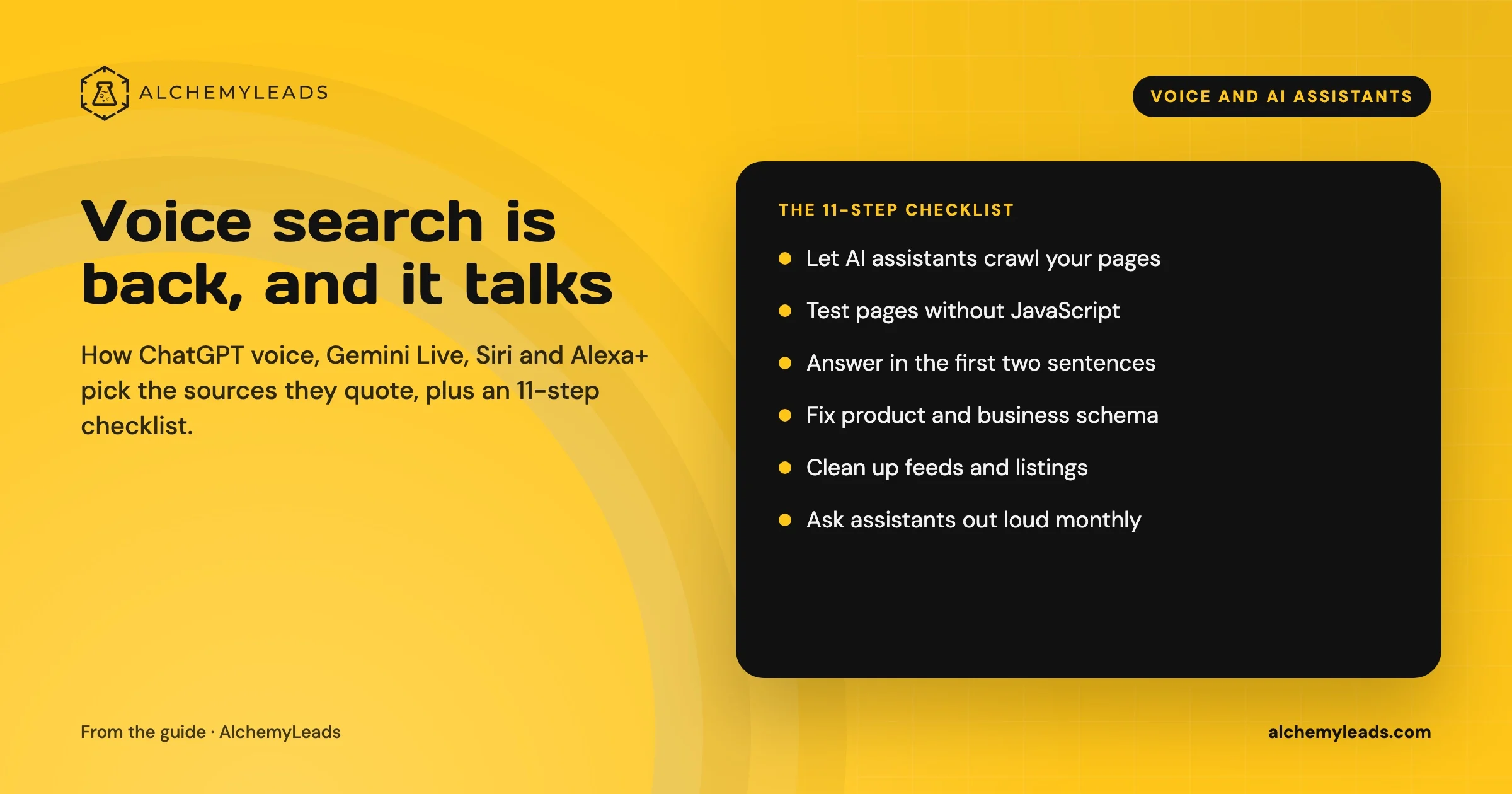
Voice Search in 2026: How AI Assistants Pick Their Sources
We first wrote about voice search in 2022, when the question was whether “Hey Siri” and “OK Google” would change how people shop. Four years later, voice is back in a bigger form. People now talk to ChatGPT, Gemini, Siri, Alexa+ and Copilot the way they talk to a knowledgeable friend, and those assistants answer by reading the web in
October 17, 2026
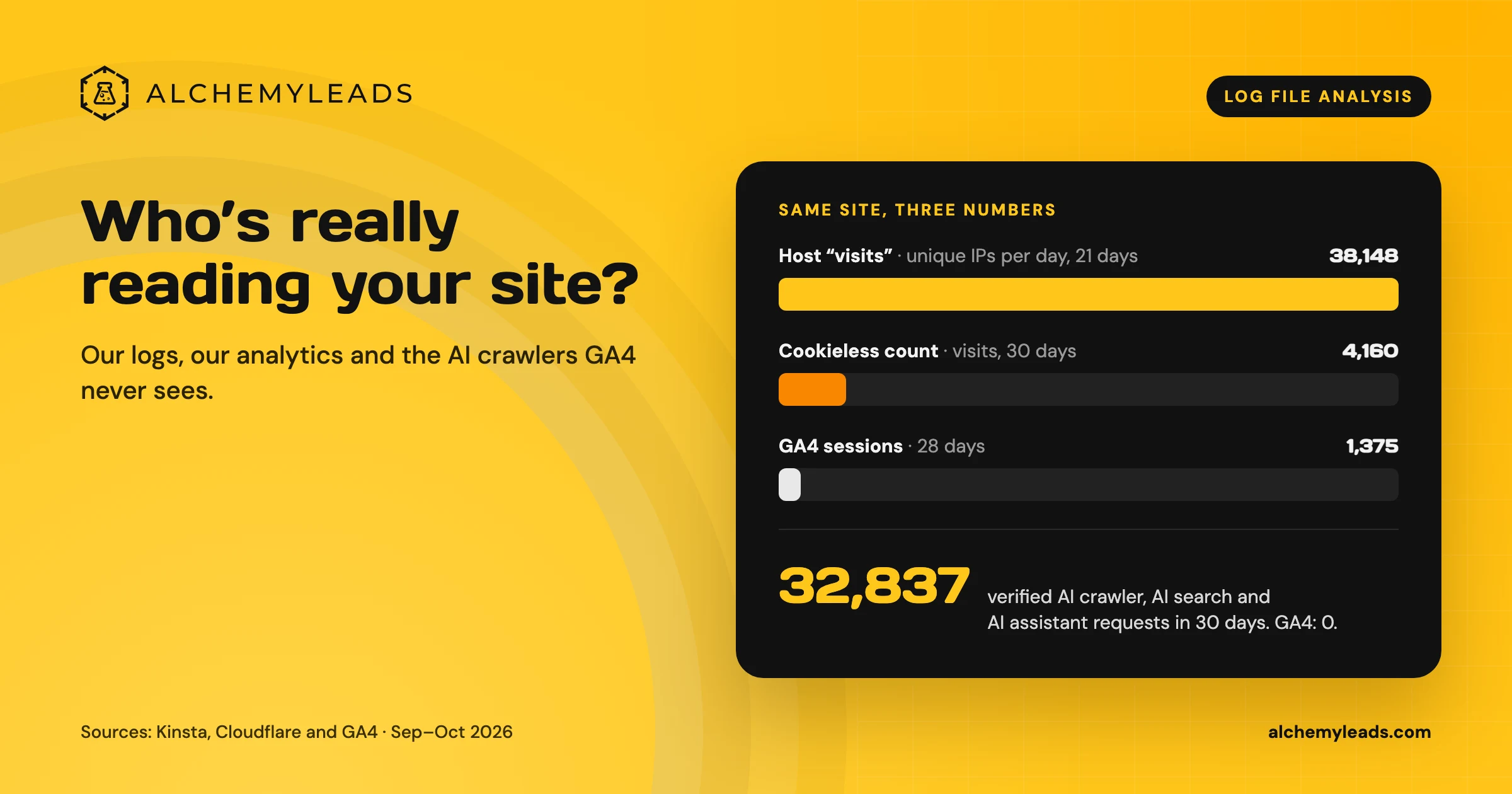
Log File Analysis for AI Search: Our Logs Showed 38,148 Visits. GA4 Showed 1,375.
Our host logged 38,148 visits. GA4 logged 1,375 sessions. We opened the server logs to see who was really there, and what AI crawlers read.
October 16, 2026
Contact us
We value your privacy and won't share your email with others.
We'll only contact you with curated content.
