
Key takeaways
- We connect HubSpot and Tripleseat so every event inquiry starts in HubSpot, lands in Tripleseat for your sales team, and booking status flows back into your HubSpot deals.
- Leads have to start in a HubSpot form. Tripleseat’s own lead forms can’t be pulled into HubSpot reliably, which is why most venues can’t see which campaigns actually produce bookings.
- You choose what syncs: lead push, event creation at a deal stage, two-way stage and deal-field sync, documents into HubSpot, and multiple locations. Nothing syncs until you approve the rules.
- We’ve shipped 9 HubSpot–Tripleseat integrations for hospitality groups. That work is now packaged as a HubSpot app, Tripleseat Integration by AlchemyLeads, in early access and set up by our team.
- No Operations Hub upgrade, no AWS account, and no shared passwords. We host and monitor it, and you connect both systems with secure sign-in (OAuth).
Now in early access: the HubSpot app. Tripleseat Integration by AlchemyLeads installs from HubSpot and connects to your Tripleseat account in a few clicks. We map your forms, pipelines, stages and locations with you, test it with sample records, then switch it on. Book a HubSpot Tripleseat integration call to get access.
What is a HubSpot Tripleseat integration?
A HubSpot Tripleseat integration keeps your marketing system (HubSpot) and your event sales system (Tripleseat) in sync. New inquiries are captured in HubSpot, created as leads in Tripleseat, and the progress your sales team makes in Tripleseat (proposals, holds, contracts, bookings) is reflected back on the HubSpot deal.
The result is one connected record from first ad click to signed event. Marketing can see which campaigns produce booked revenue, and sales keeps working in Tripleseat exactly as before.
Why every lead has to start in HubSpot
When your website uses Tripleseat’s booking form, the inquiry goes straight into Tripleseat and skips HubSpot. Tripleseat doesn’t expose those form submissions to other systems, so HubSpot never learns which ad, email or search brought that guest in.
That blind spot is expensive. Without attribution, venues tend to:
- keep spending on campaigns that never turn into bookings,
- cut budget from the ads that actually fill the calendar,
- miss channels that are quietly working, and
- struggle to show ownership what marketing returns.
The fix is simple in principle: replace the Tripleseat form on your site with a HubSpot form that asks the same questions. HubSpot records the source, then the integration creates the Tripleseat lead automatically. Your guests see the same form and your sales team sees the same lead.
What syncs between HubSpot and Tripleseat
Every part of the sync is a switch you turn on, with field and stage mapping set up for your venue. Our default package, based on the setup that has worked best in production, looks like this:
Lead push
A HubSpot form submission creates a Tripleseat lead with contact details, event type, date, start and end time, guest count and notes.
Event at the right stage
When the HubSpot deal reaches a stage you choose (usually Proposal), a Tripleseat event is created and linked to the lead, so early inquiries don’t clutter your calendar with holds.
Status back to HubSpot
Tripleseat status changes move the HubSpot deal through your pipeline automatically, and the reverse where you want it.
Deal details
Event name, date and times, location, expected and guaranteed guests, F&B minimum, rental fee, deposit, grand total, amount due and price per person.
Documents into HubSpot
Event attachments such as contracts and invoices are copied onto the HubSpot deal. Tripleseat stays the system of record for documents.
Multiple locations
Each Tripleseat location maps to a HubSpot form, property value or pipeline. Adding a new venue means copying an existing location’s setup.
Default stage mapping (fully configurable per pipeline and location):
| HubSpot deal stage | Tripleseat status |
|---|---|
| New inquiry | Not synced (lead only) |
| Proposal | Prospect |
| Negotiation | Tentative |
| Closed won | Definite |
| Closed lost | Lost |
You decide which leads reach Tripleseat
Not every HubSpot contact belongs in Tripleseat. Membership inquiries, co-working leads, job applicants and newsletter sign-ups should stay in HubSpot. The integration uses filters you approve, by form, pipeline, lifecycle stage or any contact property, and until those rules exist, nothing is sent.
Built so it can’t damage your Tripleseat account
Tripleseat is where your contracts, signatures and calendar live, so we treat every write to it as high-stakes. These safeguards come straight from what we’ve learned running these integrations in production:
- Never edits or deletes Tripleseat documents. Contracts, invoices and signatures are read and copied to HubSpot, never written back.
- Only touches records it created or linked. It won’t reach into old events or unrelated bookings.
- Paced to respect Tripleseat’s limits, so a burst of form fills or a HubSpot import can’t flood your account or the other tools connected to it.
- Monitored by our team. Failed syncs retry automatically and alert us, so we usually know about a problem before you do.
- No shared passwords or servers on your side. You connect HubSpot and Tripleseat through their secure sign-in (OAuth). We host the integration, so there is no AWS account, server or two-factor juggling for your team.
How an engagement works
- Discovery call. Your goals, HubSpot setup, Tripleseat locations and the forms on your sites.
- Mapping. We agree which forms, fields, pipelines, stages, locations and filters are in scope, and what should never sync.
- Forms. Your Tripleseat forms are replaced with HubSpot forms that ask the same questions and match your site.
- Connect. You install the app in HubSpot and approve access to Tripleseat. No credentials are emailed or shared.
- Test. We run sample inquiries end to end with clearly marked test records, and you check them in both systems.
- Go live. We switch on your approved rules and monitor the first live inquiries closely.
- Grow. New locations, fields or pipelines are added by extending your existing configuration.
Who it’s for
Event venues, hotels, restaurants with private dining, private members’ clubs and multi-location hospitality groups that run marketing in HubSpot and event sales in Tripleseat. It works with any HubSpot tier and doesn’t need Operations Hub.
Proven across 9 integrations
We’ve built and run HubSpot–Tripleseat integrations for venues including a multi-location members’ club and event venue in New York and Washington, DC, a Philadelphia private members’ club with two venues, and an event-planning company. Each one taught us something about field formats, stage timing, locations and safety, and all of it is built into the app.
Want the technical detail, or planning to build it yourself? Read our full guide: How to integrate HubSpot and Tripleseat: lessons from 9 builds. For other CRM and system connections, see our CRM and tech integrations services.
Frequently Asked Questions
Does the HubSpot Tripleseat integration work with any HubSpot plan?
Yes. It works with any HubSpot tier, including free and Starter accounts, and doesn’t require an Operations Hub upgrade.
Do we have to replace our Tripleseat forms?
Yes, for any inquiry you want tracked. Tripleseat doesn’t expose its own form submissions to other systems, so the first capture has to be a HubSpot form. We rebuild your forms with the same questions and styling, so guests won’t notice a difference.
What happens if a lead fails to sync to Tripleseat?
The integration retries automatically with increasing wait times. If a sync still fails, our team is alerted and the lead stays safely in HubSpot until the issue is fixed, so no inquiry is lost.
Can we choose which leads get sent to Tripleseat?
Yes. You approve filters by form, pipeline, lifecycle stage or any contact property, such as sending event inquiries but keeping membership or co-working leads in HubSpot. Nothing is sent until those rules are in place.
Does it sync more than leads?
Yes. Beyond leads it can create Tripleseat events at a deal stage you choose, keep deal stages and event details in sync both ways, and copy contracts, invoices and other event attachments onto the HubSpot deal.
Can the integration change or delete anything in Tripleseat?
It only creates or updates records it created or linked, and it never edits or deletes Tripleseat documents, contracts or signatures. Documents flow one way, from Tripleseat into HubSpot.
Does it support multiple locations?
Yes. Each Tripleseat location is mapped to a HubSpot form, property value or pipeline. New locations are added by copying an existing location’s setup. Tripleseat may need to enable a new location on your account first.
Do we need our own server or AWS account?
No. We host and monitor the integration. You only sign in to HubSpot and Tripleseat to approve the connection.
We already have a custom HubSpot–Tripleseat integration. Can we switch?
Yes. We can move existing integrations onto the app, including setups that used Tripleseat’s older API keys, which Tripleseat replaced with OAuth 2.0 in July 2026.
Will this slow down our website forms?
No. The sync runs in the background after the form is submitted, so visitors get the same fast form experience.
Ready to connect HubSpot and Tripleseat? Book a HubSpot Tripleseat integration call and we’ll map your forms, pipelines and locations with you.
Suggested
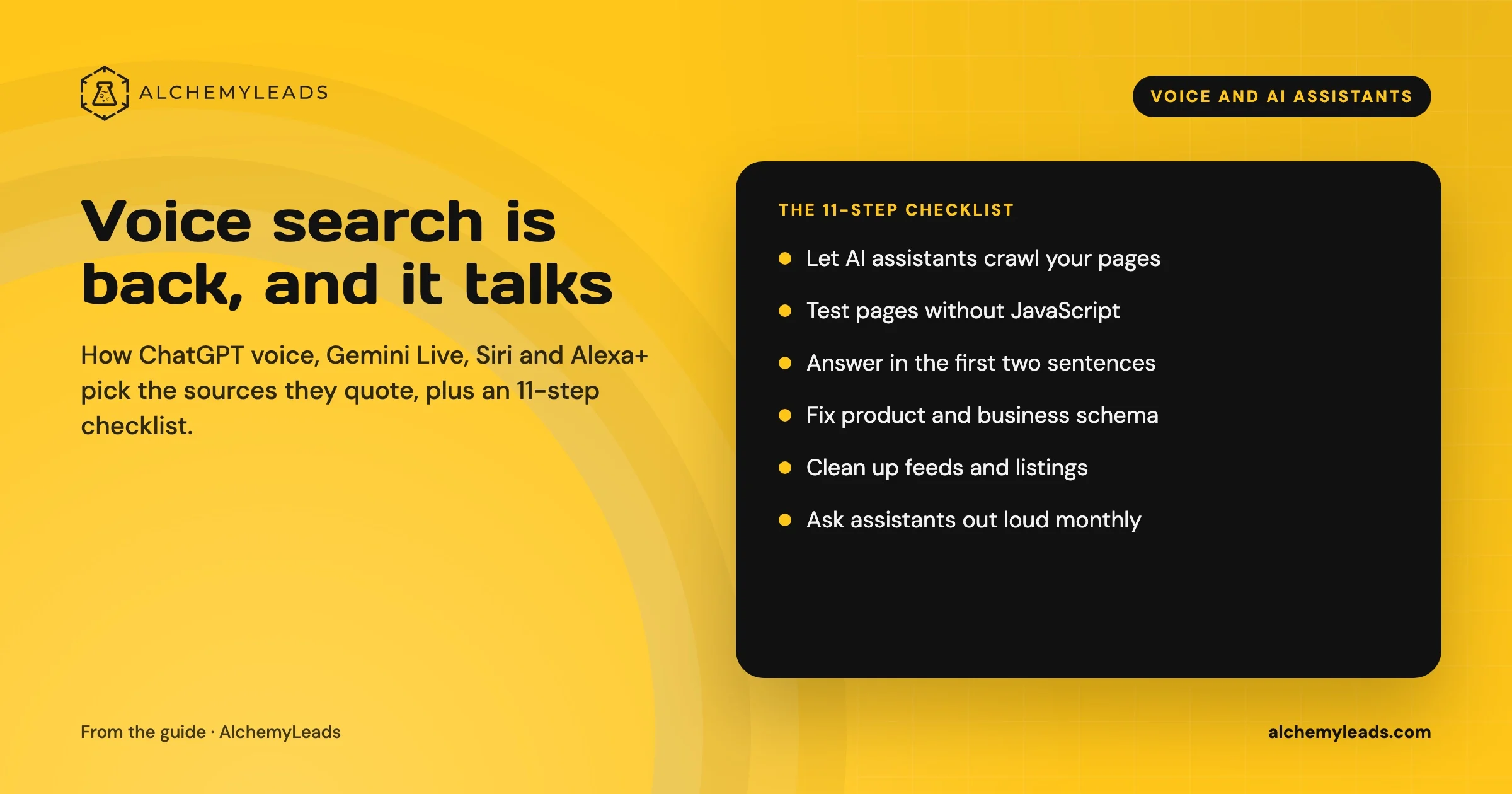
Voice Search in 2026: How AI Assistants Pick Their Sources
We first wrote about voice search in 2022, when the question was whether “Hey Siri” and “OK Google” would change how people shop. Four years later, voice is back in a bigger form. People now talk to ChatGPT, Gemini, Siri, Alexa+ and Copilot the way they talk to a knowledgeable friend, and those assistants answer by reading the web in
October 17, 2026
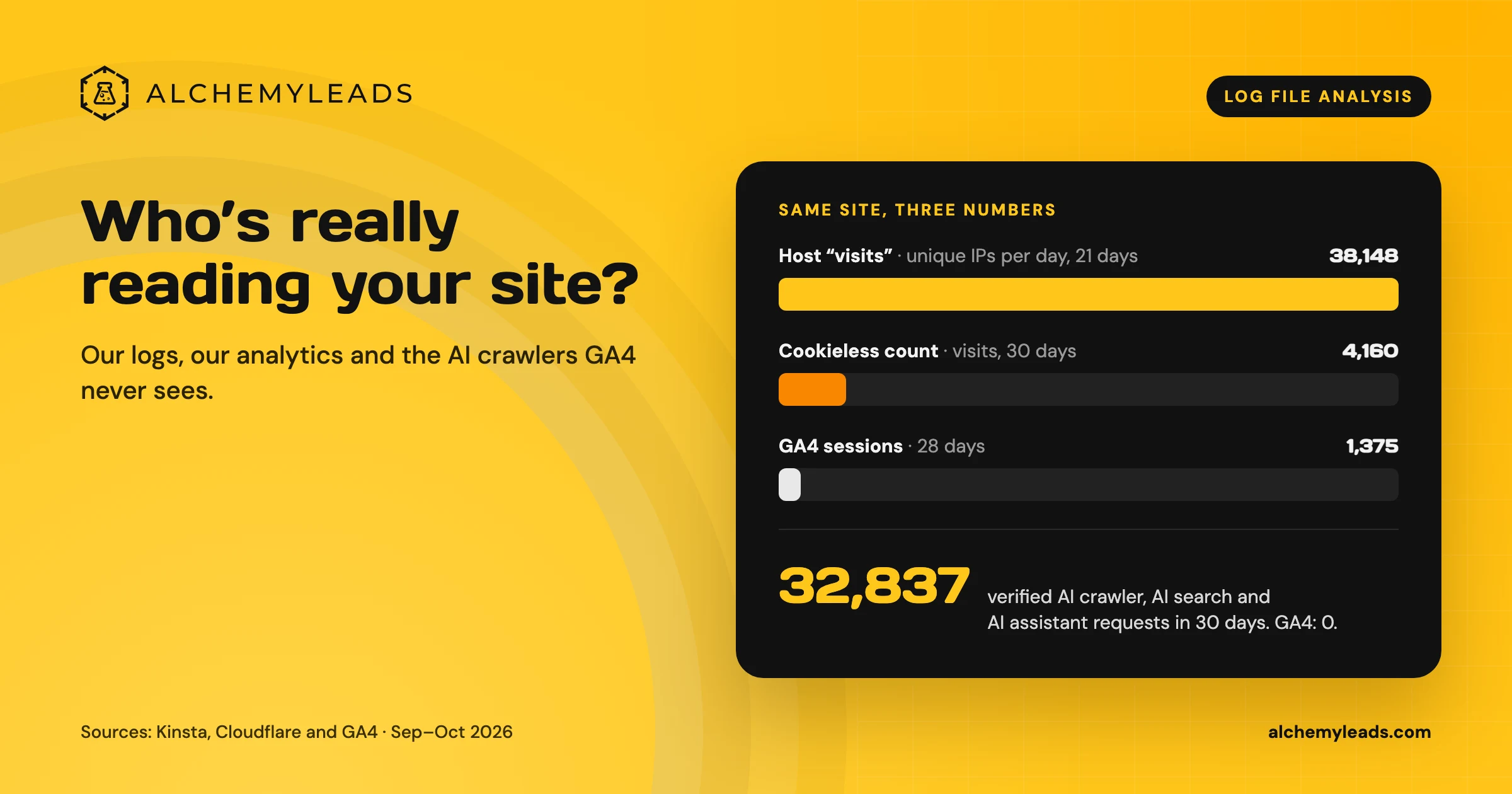
Log File Analysis for AI Search: Our Logs Showed 38,148 Visits. GA4 Showed 1,375.
Our host logged 38,148 visits. GA4 logged 1,375 sessions. We opened the server logs to see who was really there, and what AI crawlers read.
October 16, 2026
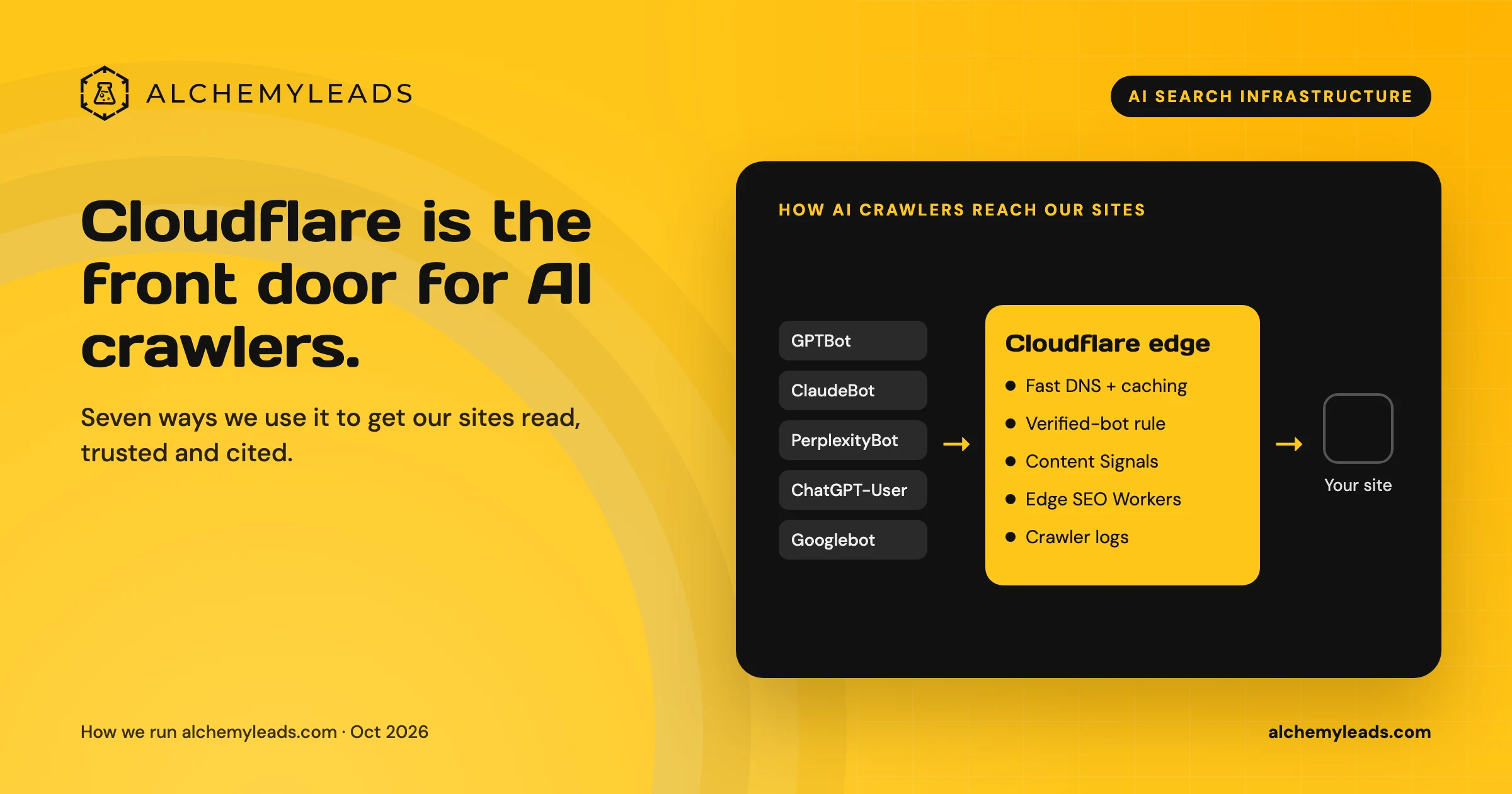
Why We Love Cloudflare for AI Search: 7 Ways We Use It for GEO and AEO
How we use Cloudflare DNS, bot rules, Content Signals and Workers to make our sites fast, crawlable and citable for ChatGPT, Claude and Perplexity.
October 16, 2026
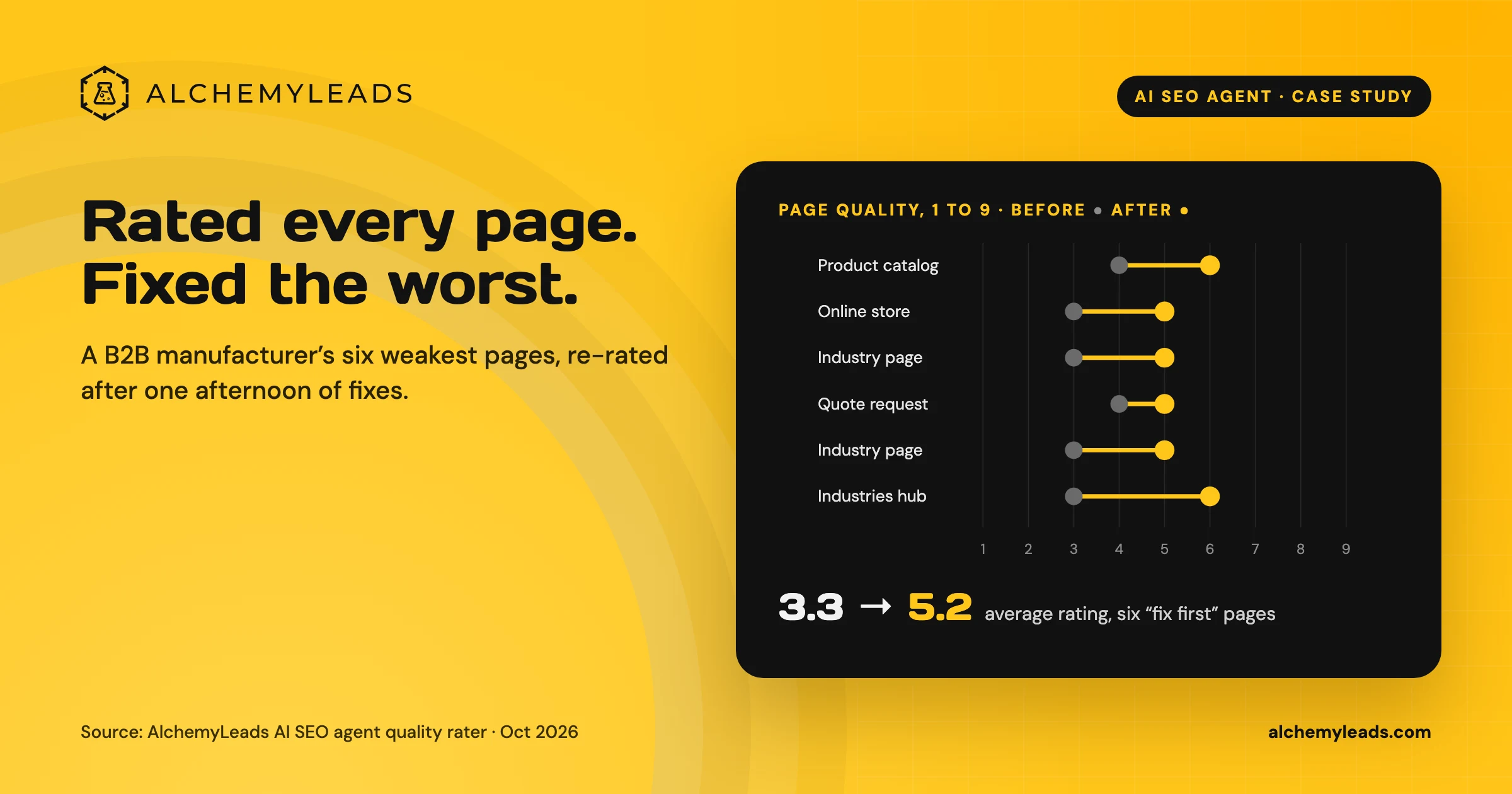
Our AI SEO Agent Rated Every Page on a Manufacturer’s Site, Then Fixed the Worst Ones in an Afternoon
Our AI SEO agent rated 40 pages of a B2B industrial equipment manufacturer’s site against a Quality Rater Guidelines-style rubric, joined the ratings to Search Console data, and lifted the six weakest pages from an average of 3.3 to 5.2 out of 9 in one afternoon.
October 16, 2026
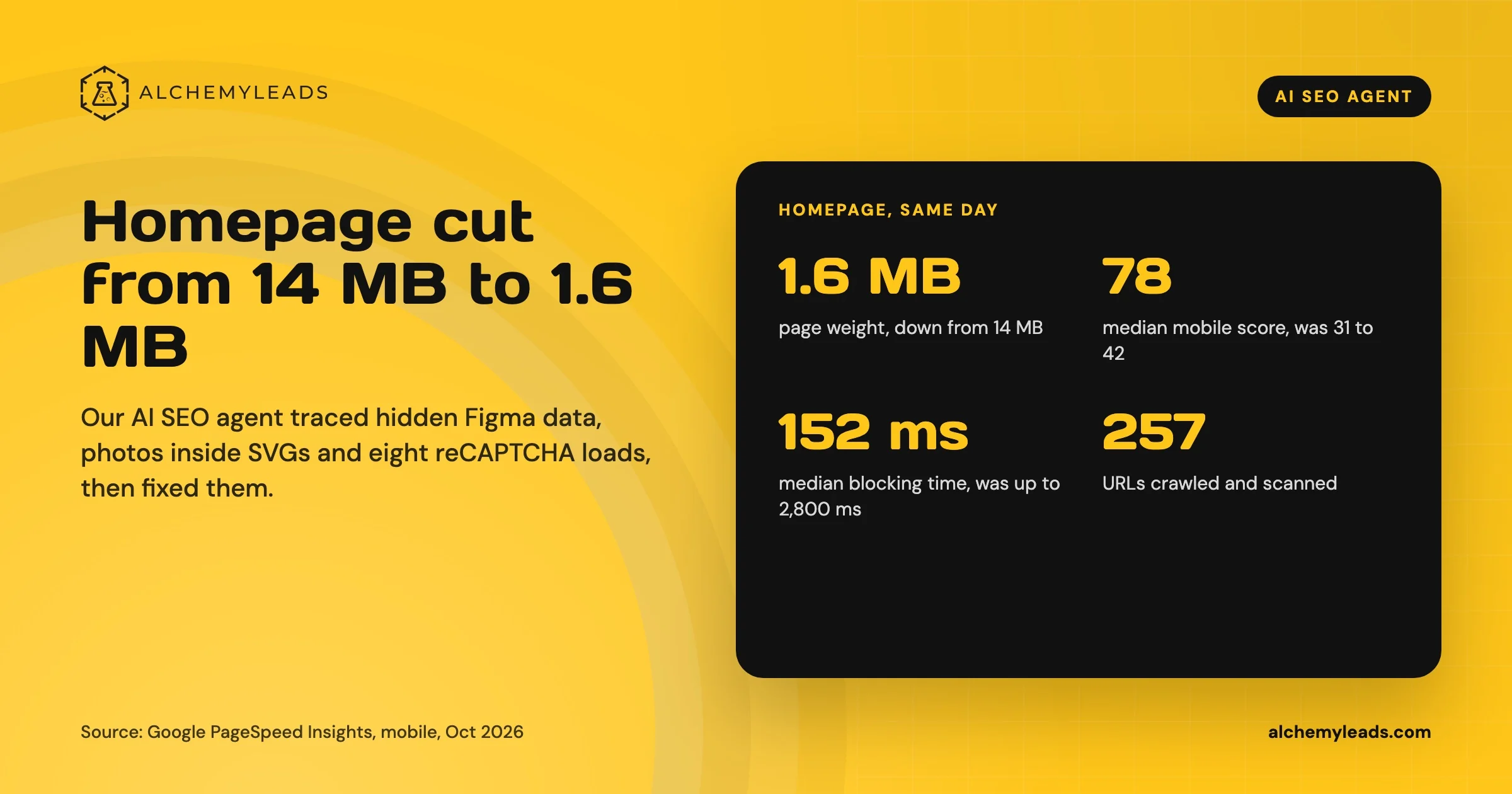
Our Homepage Went From 14 MB to 1.6 MB. Here’s What Our AI SEO Agent Found.
How our AI SEO agent cut our homepage from 14 MB to 1.6 MB: hidden Figma data, photos inside SVGs, a preloading video, eight reCAPTCHA loads, and the code behind each fix.
October 15, 2026
Contact us
We value your privacy and won't share your email with others.
We'll only contact you with curated content.
