
Key takeaways
- A HubSpot–Tripleseat integration has three jobs: push new inquiries from HubSpot into Tripleseat, create the Tripleseat event at the right moment, and bring booking status and event details back to the HubSpot deal.
- Leads must start in a HubSpot form. Tripleseat’s own forms can’t be pulled into HubSpot reliably, so form replacement is step one, not an afterthought.
- Tripleseat now requires OAuth 2.0 for API access (the older key-based method was shut down on July 1, 2026). Access tokens are short-lived, so your integration must refresh them.
- Most failures we’ve seen weren’t code bugs: free-text dates, events created too early, wrong pipelines, user-tied HubSpot apps, and blocked server logins.
- The two rules that matter most: never write to Tripleseat documents, and never update records your integration didn’t create or link.
We’ve built nine HubSpot–Tripleseat integrations for event venues, members’ clubs and hospitality groups. This guide is everything we’d tell you before you start: how the integration works, how to set it up step by step, the field and stage mappings that hold up in production, and the mistakes that cost our clients weeks.
If you’d rather not build and maintain it yourself, our HubSpot Tripleseat integration service and HubSpot app do all of this for you.
How a HubSpot–Tripleseat integration works
A small service sits between HubSpot and Tripleseat, listens for changes on each side, and translates records from one system’s format to the other’s.
- Inquiry. A guest submits a HubSpot form on your website. HubSpot creates the contact and records the traffic source.
- Lead push. HubSpot notifies the integration (a webhook). The integration checks your filters, maps the fields and creates a Tripleseat lead.
- Event creation. When the HubSpot deal reaches the stage you choose, such as Proposal, the integration creates a Tripleseat event and links it to the lead.
- Status back. Tripleseat notifies the integration when an event’s status or details change. The integration updates the HubSpot deal’s stage and properties.
- Documents. Contracts, invoices and other event attachments are copied from Tripleseat to the HubSpot deal.
Your sales team keeps working in Tripleseat. Marketing gets the full journey, from first click to booked event, in HubSpot.
Step 1: Make HubSpot the front door
Replace every Tripleseat lead form on your websites with a HubSpot form that asks the same questions. This is the step venues most want to skip, and it’s the one that decides whether the integration works.
Tripleseat’s booking forms submit straight into Tripleseat, and those submissions aren’t available to other systems through the API. If a guest uses a Tripleseat form, HubSpot never sees the inquiry or its source. In two of our projects, months after launch, event inquiries were still arriving through old Tripleseat forms on campaign landing pages that nobody remembered.
Typical fields to carry over:
- First name, last name, email, phone and company
- Nature or type of event (a dropdown, not free text)
- Event date, start time and end time (date and time pickers, not free text)
- Number of guests (a number field)
- Location of interest, if you have more than one venue (a dropdown)
- Additional information, and how they heard about you
Lesson learned: free-text fields break integrations. On one build, a guest typed “6 p” as a start time, which the API rejected while “6 pm” worked. Use dropdowns, date pickers and number fields for anything Tripleseat needs in a specific format.
Before launch, audit every page and campaign for leftover Tripleseat forms, including landing pages, microsites and “book now” buttons.
Step 2: Connect to Tripleseat with OAuth 2.0
Tripleseat’s API uses OAuth 2.0. The older consumer key and secret method was shut down on July 1, 2026, so any integration still using it has stopped working or needs migrating.
To set it up, a Tripleseat admin creates an OAuth 2.0 application in the Tripleseat account (under the API and webhooks settings), with:
- a name, such as “HubSpot Integration”,
- a redirect URI on your integration’s HTTPS domain, and
- only the scopes you need, typically read and write for leads and events.
An admin then approves the connection once. Tripleseat access tokens expire after about two hours, so the integration must store the refresh token securely and renew access automatically. Never ask a venue to email API credentials. In past projects, keys shared over email ended up forwarded to contractors and pasted into documents.
Step 3: Connect HubSpot the durable way
Use a HubSpot app that connects through OAuth, with the minimum scopes: read and write for contacts and deals, plus permission to create your Tripleseat custom properties.
Lesson learned: on one project, the integration ran through an app tied to a single HubSpot user. When that user was removed during a routine permissions cleanup, the sync stopped. Connect at the account level, not through one person’s login.
Subscribe to the HubSpot events you need, usually new contacts and deal stage changes, and verify HubSpot’s request signature on every webhook so nobody can send fake events to your endpoint.
Create a few custom properties in HubSpot to hold the link between systems, for example the Tripleseat lead ID, event ID and location ID. These are how the integration knows which records belong together.
Step 4: Host it somewhere your team can actually access
The integration needs a small, always-on server with HTTPS, a database for record links and encrypted tokens, and a queue for retries. A managed platform such as DigitalOcean App Platform or AWS works fine; the hosting bill for a single venue is usually small.
Lesson learned: hosting access, not code, caused the longest delays we’ve seen. One integration was built in weeks but sat waiting for about two months because the venue’s cloud account was locked behind two-factor login nobody could reach. Decide up front who owns the hosting account and how developers get access.
Store credentials in the hosting platform’s encrypted settings, never in code or shared documents, and encrypt OAuth tokens at rest.
Step 5: Map the fields
Field mapping is where most of the real work happens. Agree on it in writing before anyone writes code.
Lead fields (HubSpot contact to Tripleseat lead):
| HubSpot | Tripleseat | Notes |
|---|---|---|
| First name, last name | First name, last name | Required |
| Email address | Required; used to check for duplicates | |
| Phone, company | Phone number, company | |
| Event type | Event type / nature of event | Match dropdown values exactly |
| Event date, start, end | Event date, start time, end time | Fixed formats; mind time zones |
| Number of guests | Guest count | Whole number |
| Additional information | Additional information / notes | |
| How did you hear about us | Lead source / referred by | Pick one system as the standard |
Event fields (Tripleseat event to HubSpot deal): event name, date, start and end time, location, expected guests, guaranteed guests, F&B minimum, rental fee, deposit amount, actual amount, grand total, amount due, price per person, and event status.
- Decide what the HubSpot deal amount means. One client chose the subtotal before taxes and fees so it matched their sales reporting.
- Map deal owners deliberately, matching Tripleseat users to HubSpot owners. On one launch, stages synced but owners didn’t, and every new deal arrived unassigned.
- Rename labels freely, but keep internal property names stable once the integration depends on them.
Step 6: Create the Tripleseat event at the right moment
Don’t create a Tripleseat event for every inquiry. Create the lead at inquiry time, and create the event when the HubSpot deal shows real intent, usually when a proposal goes out.
A stage mapping that has worked well in production:
| HubSpot deal stage | Tripleseat status |
|---|---|
| New inquiry | Not synced (lead only) |
| Proposal | Prospect (event created and linked to the lead) |
| Negotiation | Tentative |
| Closed won | Definite |
| Closed lost | Lost |
Lesson learned: map every status explicitly. On one build, creating a proposed event in Tripleseat moved the HubSpot deal straight to Closed Won because the status wasn’t mapped. Unmapped statuses should do nothing.
Tripleseat’s API can’t convert a lead into an event the way the app’s button does, so the integration creates the event and links it to the original lead. Also make sure deals land in the right pipeline. Several early test deals in one project landed in the default pipeline instead of the events pipeline.
Step 7: Handle multiple locations
Multi-venue groups need every lead routed to the right Tripleseat location and HubSpot pipeline.
- Use a “location of interest” dropdown on the form, or a separate form per venue.
- Map locations by name, not numeric codes. Internal numeric values confused the client team on one project, and nobody wanted to touch them.
- Expect Tripleseat to enable a new location, and any new custom fields, on its side before they can sync. Plan that request into your launch timeline.
- Design adding a venue as copying an existing location’s configuration, not a new build.
Step 8: Copy documents one way only
Contracts, invoices and attachments are some of the most useful things to see in HubSpot, and the most dangerous to get wrong.
Lesson learned: after one integration updated events in Tripleseat, signatures disappeared from that venue’s contract documents. The venue recovered them, but the rule we took away is absolute: read documents from Tripleseat and copy them to HubSpot; never write documents, contracts or signatures back.
When an integration does update a Tripleseat event, it should send only the fields that changed, not a full copy of the record, and only for events it created or linked.
Step 9: Filter what syncs
Decide which HubSpot contacts belong in Tripleseat, and default to sending nothing until those rules exist.
- Send event inquiries; keep membership, co-working, job and newsletter contacts in HubSpot.
- Filter by form, pipeline, lifecycle stage or a contact property.
- Watch HubSpot’s marketing contact limits. On one club’s account, membership forms from another tool were being captured as HubSpot marketing contacts and pushing them toward a higher tier. Setting those forms to create non-marketing contacts fixed it.
- Be selective about historical imports. Importing every past Tripleseat contact into HubSpot can raise your contact bill quickly. Import top accounts or recent bookers instead.
Step 10: Test, pace and monitor
Treat Tripleseat as a shared system: every update your integration makes can trigger every other tool connected to the account.
Lesson learned: one venue’s account received a flood of updates to events dating back years. Tripleseat began rate limiting, and the venue’s other integrations were disrupted, so event syncing had to be switched off. Limit how fast the integration writes, and never sweep old records.
- Test with marked records, such as an email prefix only your team uses, and filter real leads out until launch.
- Retry with backoff when Tripleseat or HubSpot is busy, and stop retrying errors that won’t fix themselves.
- Verify Tripleseat’s webhook signatures (HMAC) and reject old timestamps.
- Alert a human on failure. In every incident we reviewed, the client noticed before anyone was alerted. Send failures to a channel someone watches.
- Watch outside changes: expired billing on the Tripleseat account, removed HubSpot users and API changes all broke integrations we’ve seen.
Build it yourself or use an app?
| Build it yourself | AlchemyLeads app and service | |
|---|---|---|
| Setup | Developer time for forms, OAuth, hosting, mapping and testing | We map, configure and test with you |
| Hosting | Your server or cloud account | Hosted and monitored by us |
| Tripleseat API changes | You update the code | We update the app |
| Safety rules | You build them | Built in: no document writes, linked records only, paced writes |
| Monitoring | You set up alerts | Failure alerts go to our team |
A capable developer can build a basic lead push in a few weeks. Two-way sync, locations, documents and monitoring take considerably longer, and maintaining them is ongoing work.
Frequently Asked Questions
Can HubSpot and Tripleseat integrate without code?
There’s no built-in, two-way connector between HubSpot and Tripleseat. You need either a custom integration or a HubSpot app built for it, such as Tripleseat Integration by AlchemyLeads, which is in early access.
Why can’t we keep using Tripleseat’s lead forms?
Tripleseat form submissions go straight into Tripleseat and aren’t available to HubSpot through the API, so you lose the marketing source. Replacing them with HubSpot forms keeps attribution and lets the integration create the Tripleseat lead.
Does Tripleseat still support API keys?
No. Tripleseat moved API access to OAuth 2.0, and the older consumer key and secret method was shut down on July 1, 2026. Existing integrations need to migrate.
Which Tripleseat statuses should map to HubSpot deal stages?
A common mapping is Prospect to Proposal, Tentative to Negotiation, Definite to Closed Won and Lost to Closed Lost, with new inquiries kept as Tripleseat leads only. Map every status explicitly so an unmapped one never moves a deal.
Can contracts and invoices sync to HubSpot?
Yes. Event attachments can be copied onto the HubSpot deal. We recommend copying in that one direction only and never writing documents back to Tripleseat.
Does the integration need HubSpot Operations Hub?
No. A custom integration or HubSpot app works with any HubSpot tier.
Want this done for you? See our HubSpot Tripleseat integration service or book an integration call.
Suggested
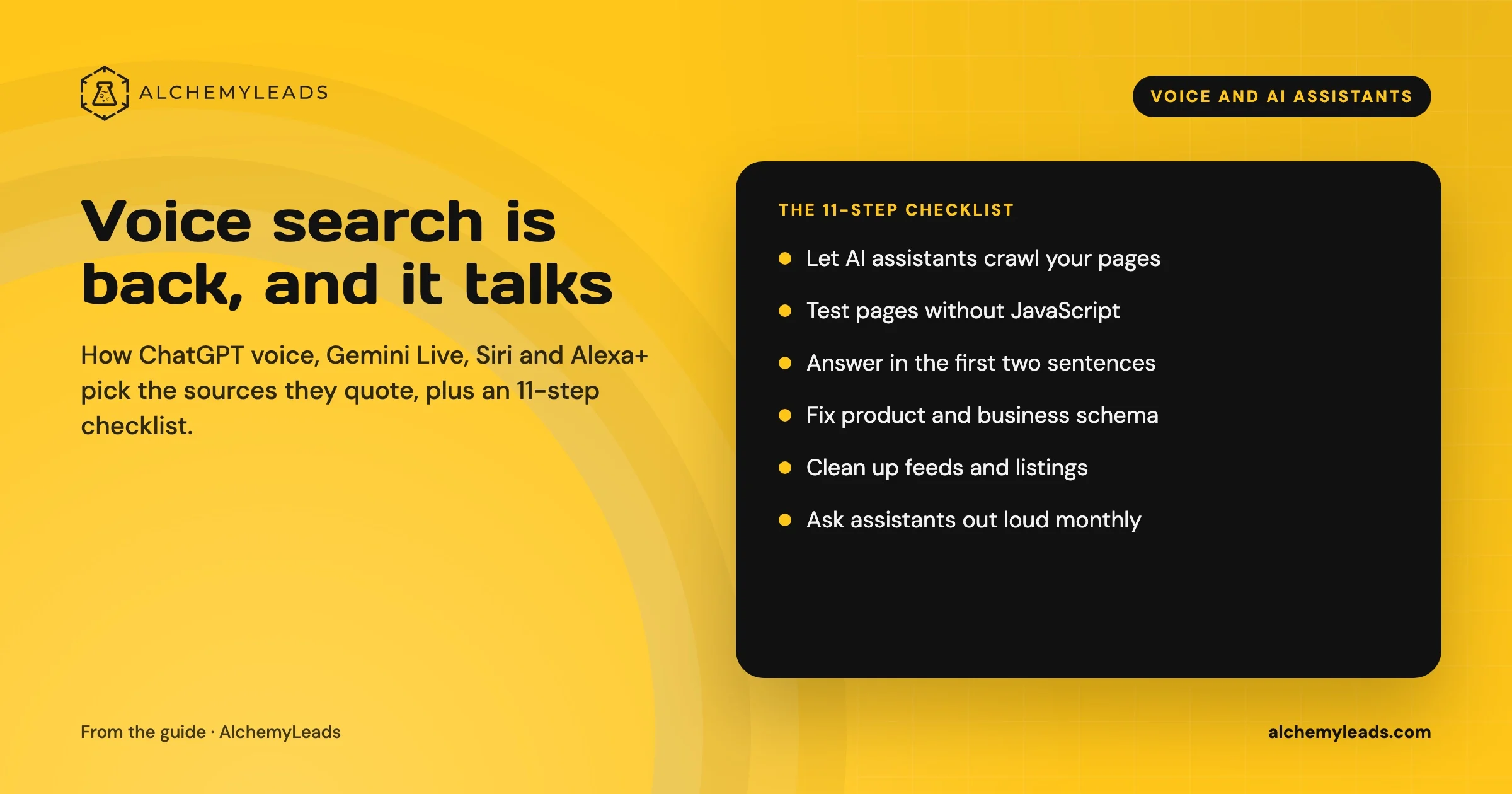
Voice Search in 2026: How AI Assistants Pick Their Sources
We first wrote about voice search in 2022, when the question was whether “Hey Siri” and “OK Google” would change how people shop. Four years later, voice is back in a bigger form. People now talk to ChatGPT, Gemini, Siri, Alexa+ and Copilot the way they talk to a knowledgeable friend, and those assistants answer by reading the web in
October 17, 2026
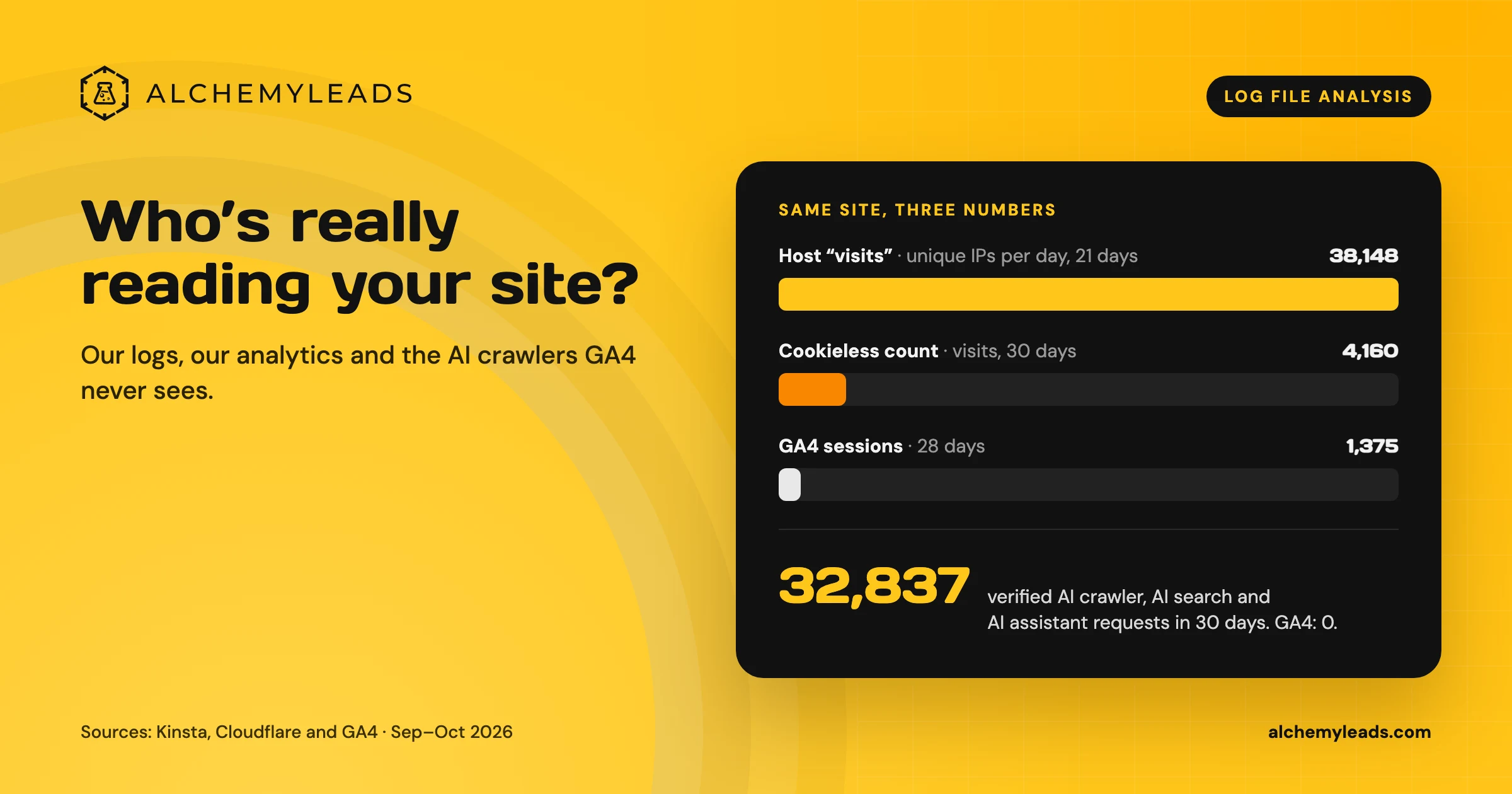
Log File Analysis for AI Search: Our Logs Showed 38,148 Visits. GA4 Showed 1,375.
Our host logged 38,148 visits. GA4 logged 1,375 sessions. We opened the server logs to see who was really there, and what AI crawlers read.
October 16, 2026
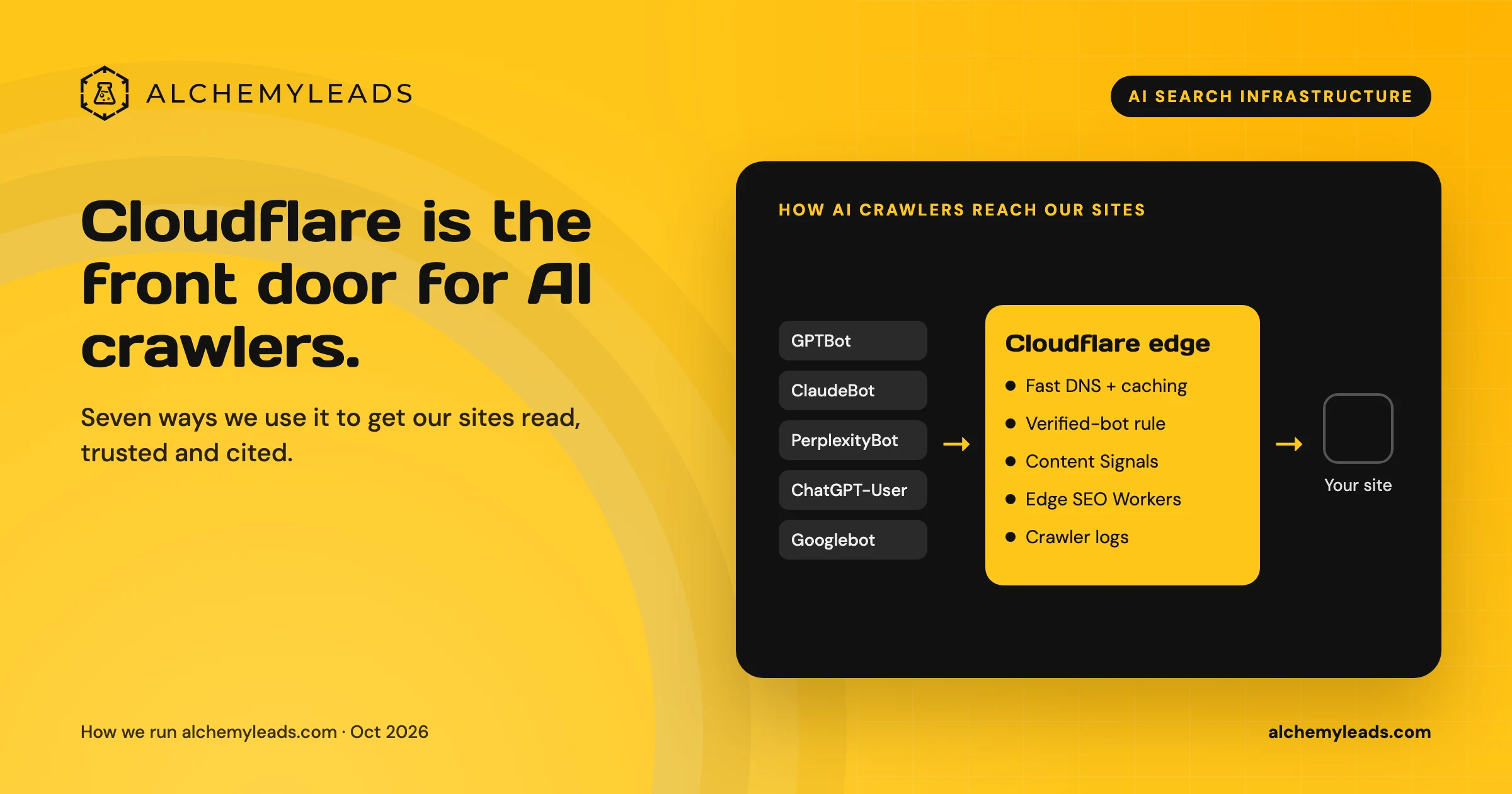
Why We Love Cloudflare for AI Search: 7 Ways We Use It for GEO and AEO
How we use Cloudflare DNS, bot rules, Content Signals and Workers to make our sites fast, crawlable and citable for ChatGPT, Claude and Perplexity.
October 16, 2026
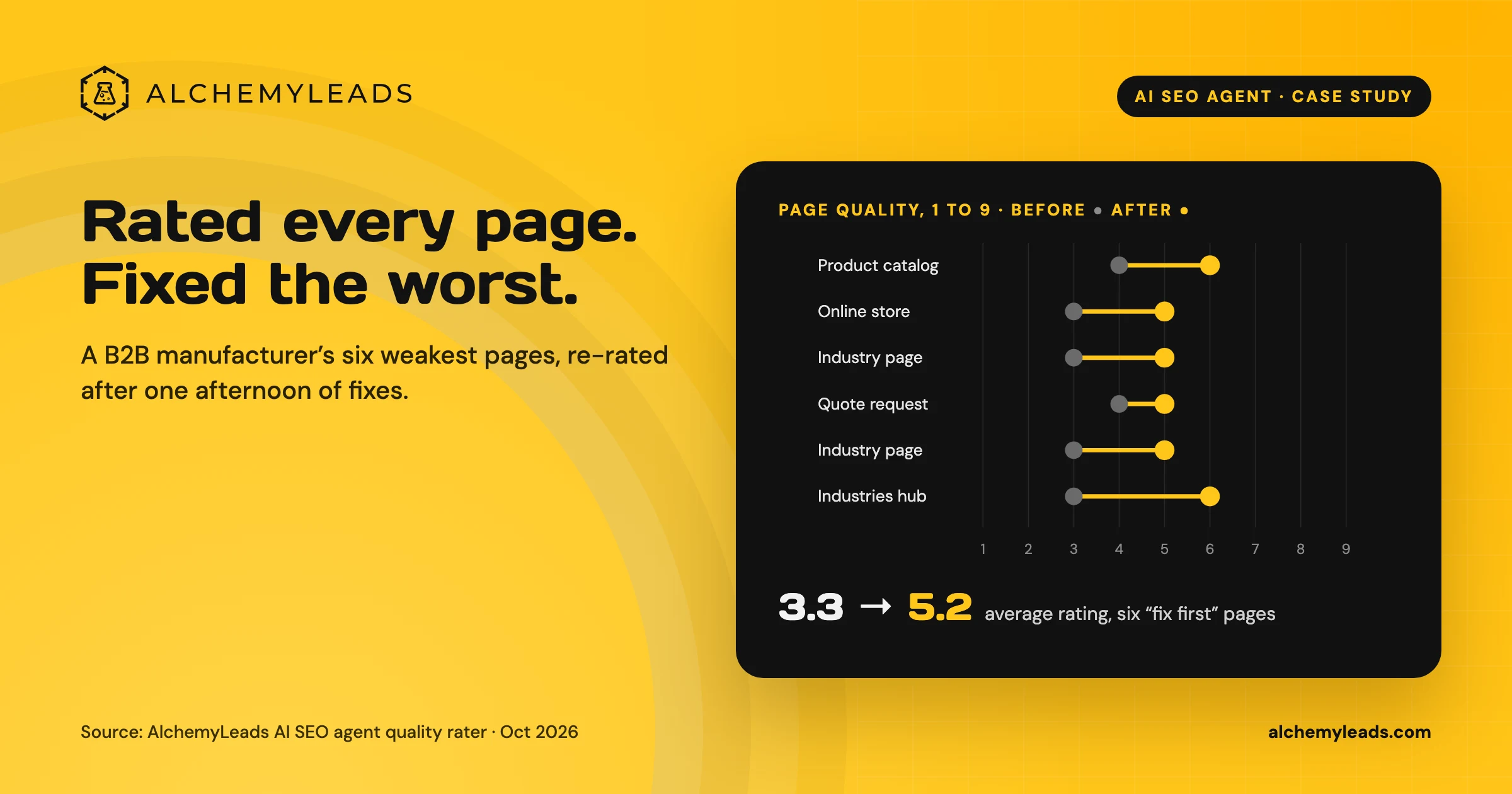
Our AI SEO Agent Rated Every Page on a Manufacturer’s Site, Then Fixed the Worst Ones in an Afternoon
Our AI SEO agent rated 40 pages of a B2B industrial equipment manufacturer’s site against a Quality Rater Guidelines-style rubric, joined the ratings to Search Console data, and lifted the six weakest pages from an average of 3.3 to 5.2 out of 9 in one afternoon.
October 16, 2026
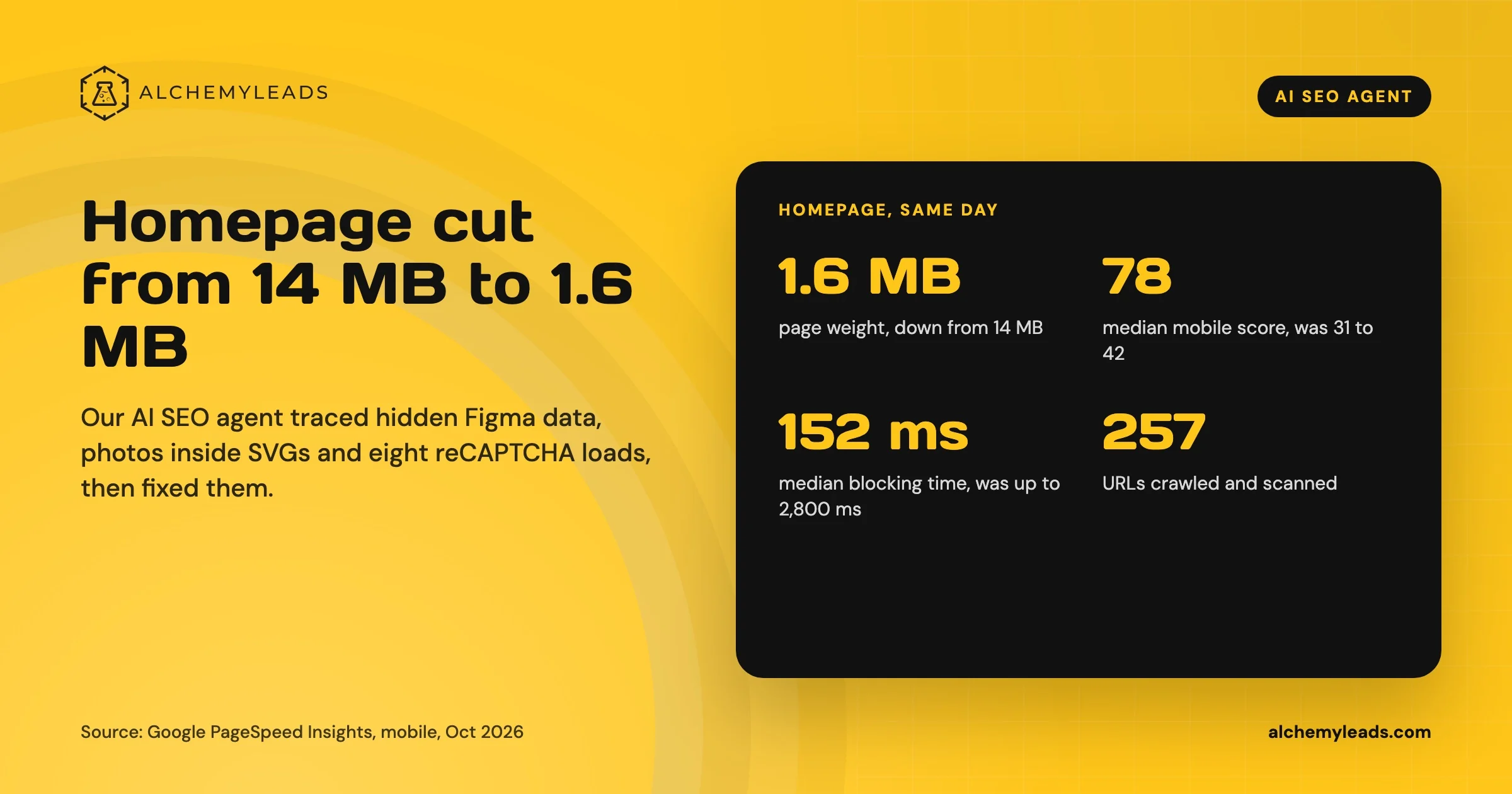
Our Homepage Went From 14 MB to 1.6 MB. Here’s What Our AI SEO Agent Found.
How our AI SEO agent cut our homepage from 14 MB to 1.6 MB: hidden Figma data, photos inside SVGs, a preloading video, eight reCAPTCHA loads, and the code behind each fix.
October 15, 2026
Contact us
We value your privacy and won't share your email with others.
We'll only contact you with curated content.
