
Add as a preferred source on Google
The short version
When someone pastes your link into iMessage, Slack, WhatsApp or LinkedIn, the app’s preview bot fetches your page first. That fetch carries its own user agent, so your Cloudflare logs can name the app behind “Direct.” In 31 days of alchemyleads.com data, iMessage previews outnumbered every other preview bot combined, 87 to 68. Below: our numbers, the user agent table, the noise to filter out and the setup steps.
Dark social traffic is the visit you can’t explain. Someone texts your link to a coworker, the coworker taps it, and GA4 files the session under Direct. No referrer. No source. Just a bigger Direct bucket every month and a shrug in the reporting meeting.
Here’s the thing. Most of those shares leave a fingerprint before anyone clicks. When you paste a link into iMessage, Slack, WhatsApp or LinkedIn, the app fetches your page to build the little preview card. That fetch hits your server with its own user agent. If your site runs through Cloudflare, you already have the logs.
So we pulled 31 days of alchemyleads.com traffic and sorted every preview ping and in-app browser visit by app. Then we wired the same rules into our edge worker so it logs every share from now on. This post covers what we found, the exact user agents to look for, the noise that almost fooled us, and how to set up the same tracking on your own site.
What Dark Social Traffic Actually Is
Dark social is any share that happens in a private channel. Texts. DMs. Group chats. Work Slack. Email forwards.
The click that follows usually lands with no referrer. Some apps strip it on purpose. Others open the link in an in-app browser that never sends one. Either way, analytics tools can’t tell where the visit came from, so it lands in Direct.
Why does that matter? Private shares are some of the strongest buying signals you get. A founder forwarding your case study to their CFO is a deal moving. It’s a different problem from the dark funnel created by AI search, where people read about you in ChatGPT and type your URL later. Both inflate Direct. For the AI side, see how we solve the AI search attribution funnel and how we track AI traffic in PostHog. This post covers the private-share side.
The Two Signals Hiding in Your Logs
Every dark share can leave two kinds of tracks.
Link preview pings
The app’s bot fetches your page the moment someone pastes the link, before anyone clicks. Roughly one ping per share.
In-app browser visits
A real person taps the link and it opens inside the app. The user agent carries the app’s name, like [LinkedInApp] or FBAN. GA4 still calls it Direct.
Network name
Cloudflare also records the network behind each request. A phone carrier usually means a person. A cloud data center usually means a bot pretending.
Previews tell you something got shared. In-app visits tell you a human opened it. Together they turn Direct into names you can act on.
The User Agents to Look For
This is the reference table we built. Order matters, and the reason comes right after.
| App | Signal | User agent contains |
|---|---|---|
| iMessage | Link preview | facebookexternalhit/1.1 Facebot Twitterbot/1.0 |
| Link preview | WhatsApp/ |
|
| Slack | Link preview | Slackbot-LinkExpanding or Slack-ImgProxy |
| Link preview | LinkedInBot |
|
| X / Twitter | Link preview | Twitterbot |
| Facebook, Messenger, Instagram | Link preview | facebookexternalhit or Facebot |
| Telegram | Link preview | TelegramBot |
| Discord | Link preview | Discordbot |
| Microsoft Teams / Skype | Link preview | SkypeUriPreview |
| In-app visit | LinkedInApp |
|
| In-app visit | Instagram plus a version number |
|
| Facebook / Messenger | In-app visit | FBAN/, FBAV/ or FB_IAB |
| TikTok | In-app visit | musical_ly or BytedanceWebview |
The weird one is iMessage. Apple’s preview bot sends a user agent that claims to be Facebook’s crawler and Twitter’s crawler in the same string. So check for that exact combo first. Match facebookexternalhit first and every iMessage share gets counted as Facebook.
That one detail changed our whole read of the data.
What We Found on alchemyleads.com
Window: October 25 to November 24, 2026. Pages only, successful responses only. Cloudflare samples this log data, so treat every number as an estimate.
| App | Signal | Hits |
|---|---|---|
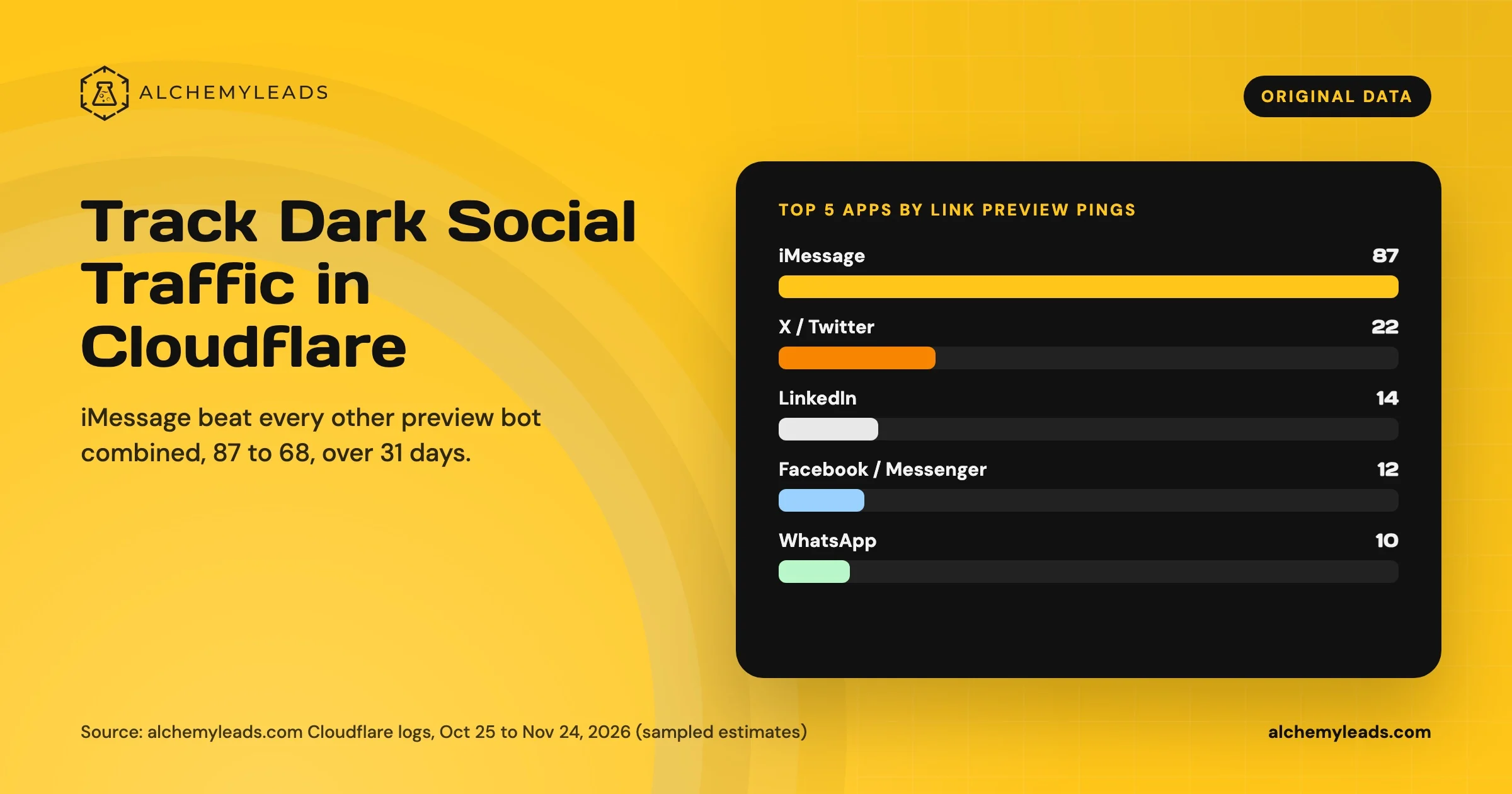
| iMessage | Link preview | 87 |
| X / Twitter | Link preview | 22 |
| Link preview | 14 | |
| Facebook, Messenger, Instagram | Link preview | 12 |
| Link preview | 10 | |
| Facebook / Messenger | In-app visit | 9 |
| Teams / Skype | Link preview | 8 |
| In-app visit | 7 | |
| Slack | Link preview | 2 |
| In-app visit | 2 |
iMessage beat every other preview bot combined, 87 to 68. Not close.
That says a lot about how B2B buyers share. They text our content to one person. Probably a boss, a partner or a cofounder. That’s a 1:1 recommendation, and it never shows up in a social analytics dashboard.
The pages getting texted were telling too. Outside the homepage, the top ones were our piece on how Google’s research splits retrieval from training, our SEO services pages, a post on the cost of inaction in manufacturing lead generation, our client reviews and case studies page and a clinical lab AI SEO case study.
Look at that list. Research, services, proof. That’s somebody building a case to hire an agency.
The Noise That Almost Fooled Us
Our first pass showed about 18,900 Facebook preview hits. Huge, right?
Nope. Almost all of them hit the homepage at a flat 600 or so per day, every day, for the full month. Real shares spike and fade. A flat line is a machine checking the page on a schedule. We pulled it out.
Two more traps:
- Crawlers in the same searches. Pinterestbot and Google’s page renderer match some of the same patterns. They crawl on their own schedule. Exclude them.
- Fake in-app user agents. We saw “Instagram” visits that requested our XML sitemap. No person does that from a phone. Scanners copy in-app user agents to look human. Check the network name: a phone carrier is a person, a cloud data center usually isn’t.
One more caveat. Slack, LinkedIn, X and Facebook cache previews. If ten people share the same URL in a day, you might see one ping. So treat these counts as a floor.
How to Set This Up on Your Site
You need Cloudflare in front of your site and about an hour. We already use it for a lot of our GEO and AEO work at the edge, so this was a small add.
- Pull the history. In Cloudflare’s GraphQL Analytics API, query
httpRequestsAdaptiveGroupswithuserAgent,clientRequestPathanddateas dimensions. Filter withuserAgent_likefor each pattern in the table above. You get about 31 days back. - Classify in order. Run each user agent through the table top to bottom and stop at the first match. iMessage goes first.
- Strip the noise. Drop asset files, admin paths, flat-line pollers and crawlers.
- Log it going forward. Add the same rules to a Cloudflare Worker and write each match to Workers Analytics Engine. Record the page, the app, the signal type, the country and the network name. You get unsampled data with a longer history, and the network field filters out spoofed visits.
- Report it next to GA4. Put the share counts beside Direct each month. When Direct jumps, you can see which app drove it. Pair it with AI search attribution in GA4 and you’ve explained most of your Direct bucket.
It’s the same playbook as our log file analysis for AI crawlers: the server sees things your analytics tag never will. We run both inside one edge worker for our AI SEO and GEO clients.
What to Do With the Data
The counts only matter if they change a decision. Here’s how we’re using ours.
- Find the pages people forward. Those are your real conversion assets. Give them clearer next steps and better proof.
- Fix your preview cards. If iMessage is your top channel, your title tag, meta description and Open Graph image are your ad creative. Make them sell.
- Explain Direct spikes. A jump in iMessage previews on a case study the week after a sales call? That’s a deal being passed around internally. Tell sales.
- Weigh private shares properly. Post likes are easy to see. Private shares are where buyers make decisions, so give them a line in your monthly report.
Frequently Asked Questions
What is dark social traffic?
Dark social traffic is visits from links shared in private channels like texts, DMs, group chats and work Slack. The click usually arrives without a referrer, so analytics tools like GA4 count it as Direct.
How can you tell if a link was shared in iMessage?
Look for the user agent facebookexternalhit/1.1 Facebot Twitterbot/1.0 in your server or CDN logs. Apple’s link preview bot sends that exact string when someone pastes a link into iMessage, so check for it before matching Facebook or Twitter.
Do link preview pings equal one share each?
Roughly, for apps that fetch from the sender’s device, like iMessage and WhatsApp. Slack, LinkedIn, X and Facebook cache previews on their servers, so repeated shares of the same URL can produce a single ping. Treat the counts as a minimum.
How far back can Cloudflare show user agent data?
On our zone, the GraphQL Analytics API returned about 31 days of sampled request data by user agent. Logging matches to Workers Analytics Engine from a Cloudflare Worker keeps unsampled rows for longer and lets you add fields like network name.
Want to see what your Direct traffic is hiding? We set up dark social tracking, AI crawler logging and search reporting that ties back to pipeline. Book a strategy session with AlchemyLeads.
Suggested
How to Track Dark Social Traffic With Cloudflare Logs
Link preview bots tell you which apps people use to share your pages. Our 31 days of Cloudflare data, the user agent table, the noise to filter and the setup steps.
November 25, 2026
Competitor Ad Analysis: What 3,578 Live Ads Say About the Creative That Lasts
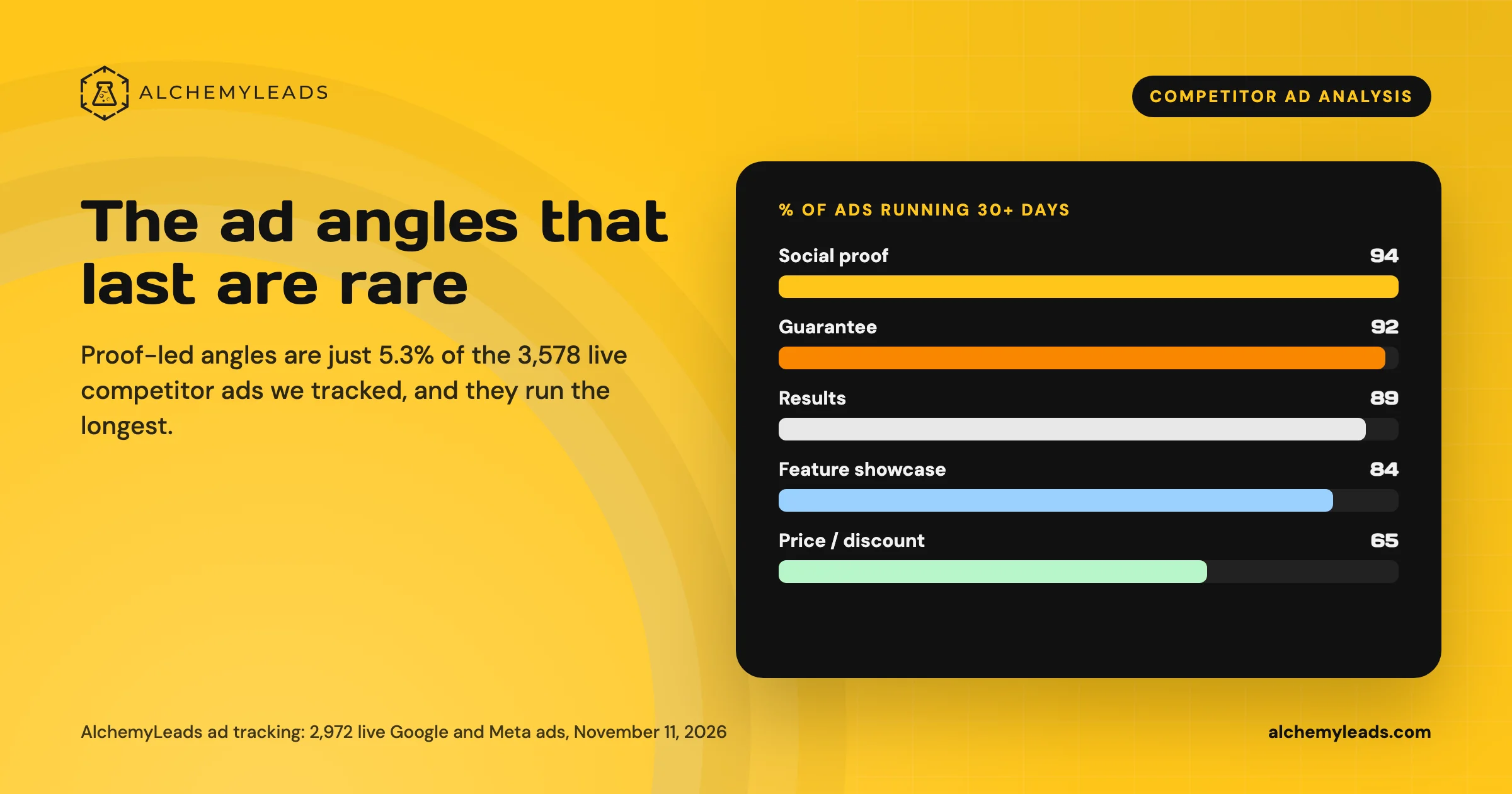
We tracked 3,578 live competitor ads on Google, Meta and LinkedIn. Proof-led angles are the rarest and run the longest. See the data and the playbook.
November 11, 2026
The Cost of Inaction in Manufacturing Lead Generation: What Five Missed RFQs a Month Cost in 15 Industries
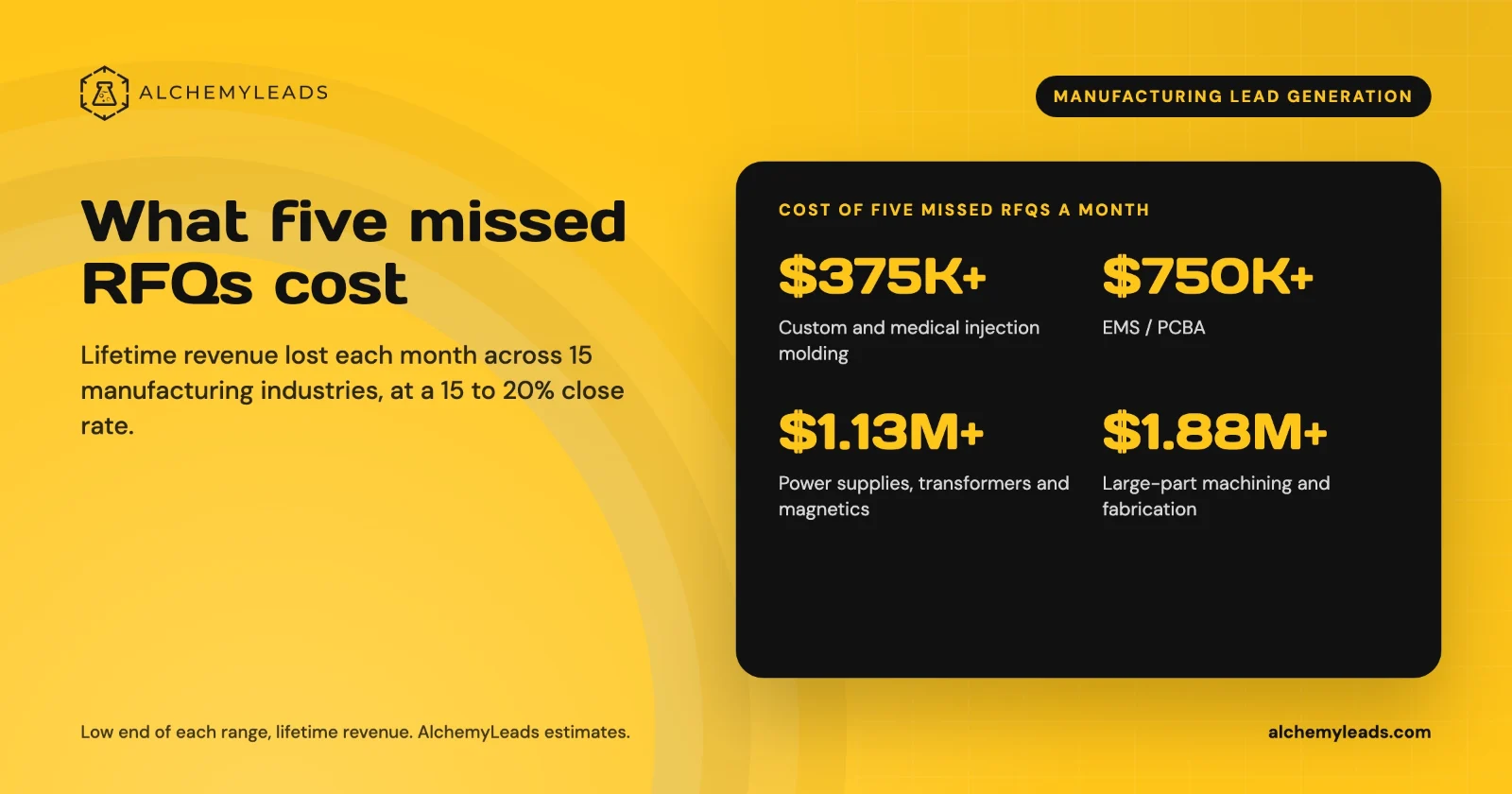
What five missed RFQs a month cost across 15 manufacturing industries, with a cost of inaction calculator.
October 27, 2026
How to Get Cited by ChatGPT, Perplexity and Google AI Mode
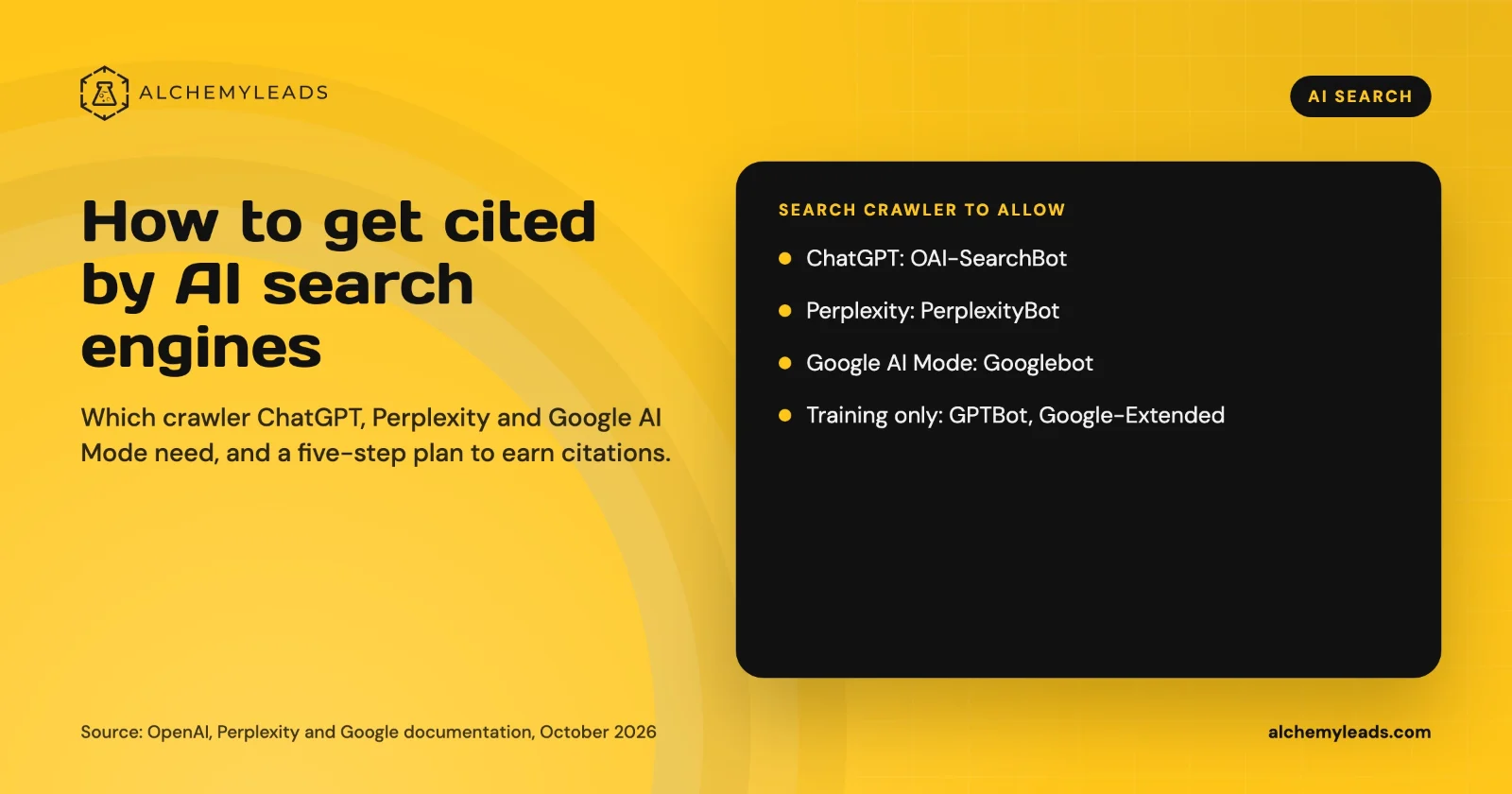
How ChatGPT, Perplexity and Google AI Mode choose sources, which crawlers to allow, and a five-step plan to get your company cited, based on official docs.
October 26, 2026
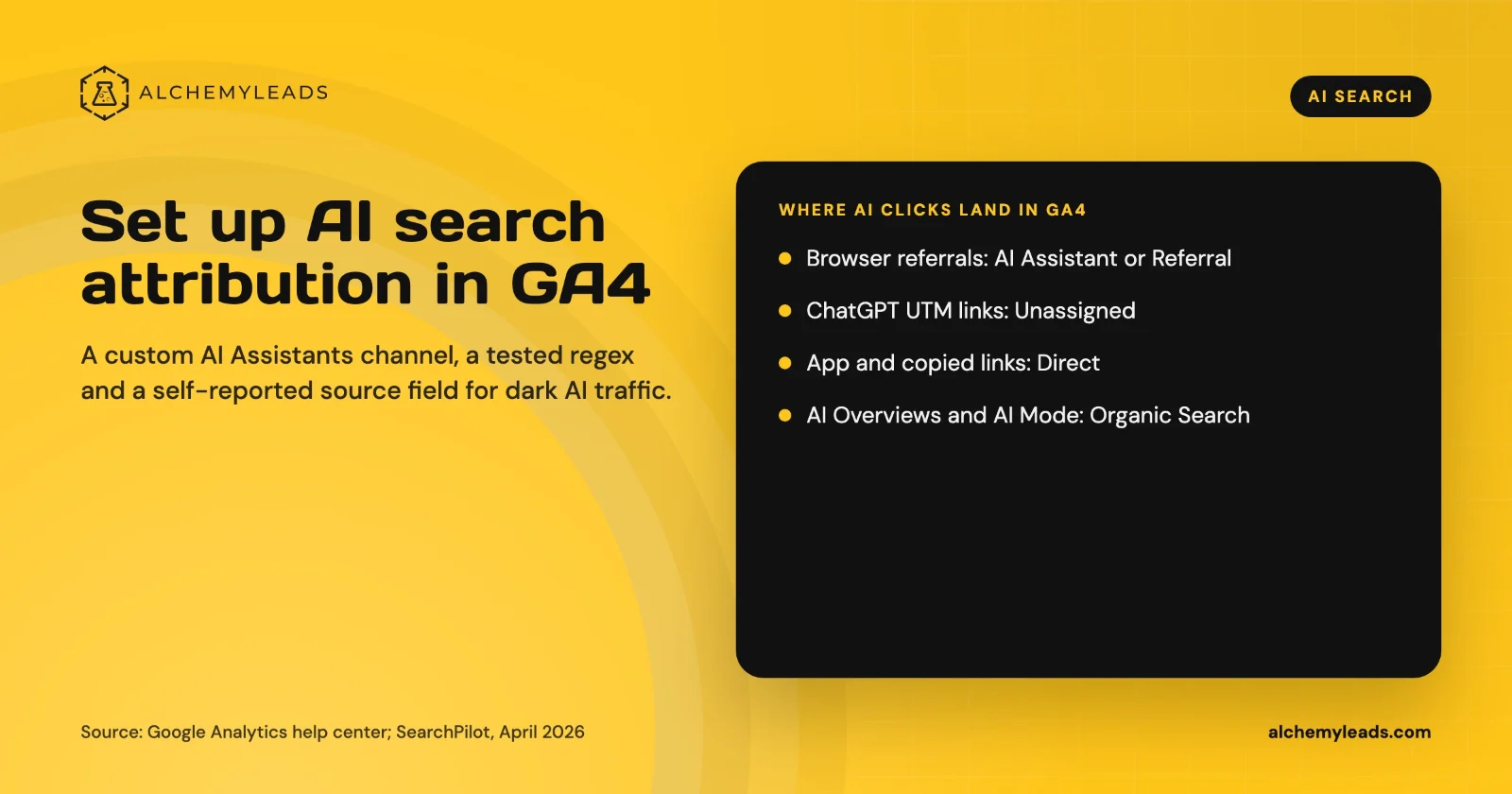
How to Set Up AI Search Attribution in GA4: A Step-by-Step Guide for 2026
Step-by-step GA4 setup for AI search attribution: an AI Assistants channel, a copy-paste regex, ChatGPT UTM fixes and a self-reported AI source field.
October 26, 2026
Contact us
We value your privacy and won't share your email with others.
We'll only contact you with curated content.
