
Content mapping
Most lists of content mapping tools are lists of diagramming apps. Drawing the map is the easy part. Here are the tools we use to decide what goes on it, the process our AI SEO agent follows, and a template you can copy.
The short answerA content map connects each group of search queries and AI prompts to the one page that should answer it, along with the intent behind it and what that page needs next. You need two kinds of tools. Data tools (Search Console, GA4, Ahrefs, AI visibility trackers) tell you what to map. Drawing tools (a spreadsheet, Lucidchart, Miro) only show it.
Content mapping now means planning pages around the questions buyers ask, both in a search box and in a conversation with an assistant. It used to mean matching keywords to pages and funnel stages. That still matters, but it no longer covers everything.
Three things changed the job:
- Prompts, not just keywordsPeople type full questions into ChatGPT, Perplexity and Google’s AI Mode, often with their own situation built in: their team size, their industry, what they already tried. Those prompts are longer and more specific than any keyword list.
- Query fan-outAn AI assistant splits one prompt into several sub-queries, searches each one, and builds an answer from the pages it finds. To be cited, you need pages that answer the sub-queries too, not only the headline question.
- Conversational queries show up in your own dataFragments of AI Mode prompts now appear in Google Search Console next to normal searches. Our guide to finding AI conversations in Search Console shows how to pull them out. They’re some of the clearest signals you’ll get about what to map next.
So a modern content map has one more column than the old ones: the AI prompts you’ve seen for each topic, and whether a page on your site answers them.
What to map
The data tools we use to decide what to map
The data tools come first because they decide what’s worth a page. Here is how we use each one in client work. For pricing and limits, see our full AI SEO tools comparison.
AI visibility
Searchable
We use it to see which buyer prompts mention our clients or their competitors across AI engines, which sources those answers cite, and how each prompt fans out into sub-queries. The fan-out view tells us which supporting pages a topic needs.
Near-citations
GeoToolbox
We use it to find prompts where AI mentions a brand without linking to it, or almost cites it. Those near-citations are often the quickest wins on the map, because a stronger page can tip them over.
Query research
QueryBurst
We use it to model how a buyer’s conversation moves through AI search over several turns, and to check a whole site’s topical coverage against those journeys.
Keywords and gaps
Ahrefs
We use it for keyword demand, content gaps against competitors, and site audits. It’s how we size a topic and catch the technical problems that would hold a mapped page back.
GSC + GA4 in one view
SEOGets
We use it to see Search Console and GA4 data side by side, so we can tell quickly which pages earn impressions but no clicks, and which clicks turn into anything.
First-party data
Search Console + GA4
The source of truth. Search Console shows the queries and prompts that already reach a page and where it ranks. GA4 shows what those visits are worth. Every tracker number gets checked against these two.
Public tool
AI Query Classifier
Our own tool. Upload a Search Console export and it separates conversational AI prompts, follow-ups and AI rank-tracker probes from normal searches. We run this analysis every quarter for our AI SEO clients.
Where to draw it
Tools to draw the map
Use whatever your team will actually keep updated. For most teams, that’s a spreadsheet.
Spreadsheets
Google Sheets or Excel
Our default. One row per query cluster, with filters and status columns. It’s easy to share and easy to paste data into.
Diagrams
Lucidchart
Good for showing how hub pages, supporting pages and internal links connect, especially for site architecture reviews.
Boards and mind maps
Miro and mind-map apps
Useful in workshops for grouping topics with stakeholders. Move the result into a spreadsheet once it’s agreed, or it goes stale.
Worked example
How our AI SEO agent picks what to refresh
Our AI SEO agent runs the same process on our own site. In October 2026 it picked three pages to refresh. This page is one of them.
- Pull page and query data from Search ConsoleThree months of data, filtered page by page, so each URL has its own list of queries.
- Find pages with impressions but almost no clicksThe filter is high impressions at positions roughly 8 to 21: close enough to page one to move, but not earning clicks. Three pages stood out. Our CRO service page had 1,169 impressions and 0 clicks. Our “agency SEO platform” page had 3,873 impressions and 0 clicks, including 2,157 impressions for “agency seo platform” alone at position 17.6. This page had 1,474 impressions and 1 click.
- Check for conversational and AI-assistant promptsThe classifier flagged prompts like “top-rated team for content and query relevance mapping” (130 impressions on this page), which reads like an AI rank-tracker probe, and buyer prompts like “give me agencies that can help with my conversion rate” on the CRO page. These shaped each brief: the answer to that first prompt is a section further down this page.
- Score by commercial valueA service page that buyers reach before they talk to us ranks above a page with more impressions but less intent. Volume alone doesn’t set the order.
- Write a brief, and a person approves itThe agent drafts one brief per page with the queries, the prompts and the proposed angle. A person reviews and approves each one before anything gets written or published.
Template
A content map template
Copy these six columns into a spreadsheet. Each row is one query cluster, mapped to one URL. The example rows come from the briefs above.
| Query cluster | Intent | Target URL | Status | AI prompts seen | Action |
|---|---|---|---|---|---|
| Content mapping tools and software | Commercial research: comparing tools | /content-mapping-tools/ | Ranks 8.7 to 20, 1 click | “top-rated team for content and query relevance mapping” | Refresh around data tools, add process and template, answer the prompt directly |
| Conversion rate optimization services | Commercial: hiring a provider | /services/cro/ | 1,169 impressions, 0 clicks | “give me agencies that can help with my conversion rate” | Rewrite the service page with a clear angle and anonymized proof |
| What is an SEO platform / agency SEO platform | Informational, then comparison | /seo-agency-seo-platform-seo-tools/ | 3,873 impressions, 0 clicks | “do you need an seo agency seo platform or seo tool?” | Keep the definition first, add AI SEO agents as a fourth option and a comparison table |
Building a cluster around one big topic? Our guide to pillar pages covers topical mapping: the hub page, the supporting pages and how they link.
Choosing a team
Who is the top-rated team for content and query relevance mapping?
The honest answerNo single team is the top-rated one for everyone. The right one works from your own Search Console and analytics data, tracks AI prompts as well as keywords, and shows you its process before you sign. Strong in-house SEO teams, content strategy agencies and SEO agencies with an AI search practice can all do this well.
Whoever you talk to, look for these five things:
- They start from your dataA good map is built from the queries and prompts that already reach your site, not from a generic keyword list.
- They map AI prompts tooAsk how they find conversational queries and how they handle query fan-out. If the answer is only “keyword research”, the map will miss part of the picture.
- They prioritize by revenueThe map should rank work by commercial value, not by search volume.
- They show a worked exampleAsk to see a real map and the decisions it led to, like the one above.
- People make the callsAutomation can pull and sort the data. A person who knows your buyers should decide what gets built.
AlchemyLeads is one option. We do this for high-AOV B2B brands (industrial, manufacturing, aerospace, medical device and technical companies) and high-earning Shopify brands, roughly $5M to $150M in annual revenue. If you’re outside that range, a specialist content strategist or an in-house hire may fit you better.
FAQs
Straight answers
What is content mapping?
Content mapping is planning which page on your site answers which group of search queries and AI prompts, based on the intent behind them. A content map lists each query cluster, its intent, its target URL, its current status and the next action.
What is the difference between content mapping and topical mapping?
Topical mapping plans the coverage of a whole subject: the hub page, the supporting pages and how they link. Content mapping assigns specific queries and prompts to specific URLs. Most teams do topical mapping first, then content mapping inside each topic.
What are the best content mapping tools?
Use data tools to decide what to map and a drawing tool to show it. We use Google Search Console, GA4, SEOGets, Ahrefs, Searchable, GeoToolbox, QueryBurst and our own AI Query Classifier for the data, and a spreadsheet for the map itself. Lucidchart and Miro help when you need to present the structure visually.
How does AI search change content mapping?
AI assistants answer longer, conversational prompts and split each one into several sub-queries. A content map now needs to track those prompts and make sure there are pages that answer the sub-queries, not just the main keyword.
Can I find AI prompts in my own Search Console data?
Partly. Fragments of AI Mode and AI Overview prompts appear in the Search Console Performance report, mixed in with normal searches. You can export them and run them through our public AI Query Classifier to separate them out.
How often should a content map be updated?
Review it at least every quarter. That gives new queries and AI prompts time to show up in Search Console, and it matches how often we run AI query analysis for our AI SEO clients.
Map it with us
Find the pages worth fixing first
We’ll look at your Search Console data, pull out the AI prompts, and show you which pages are closest to paying off.
Suggested
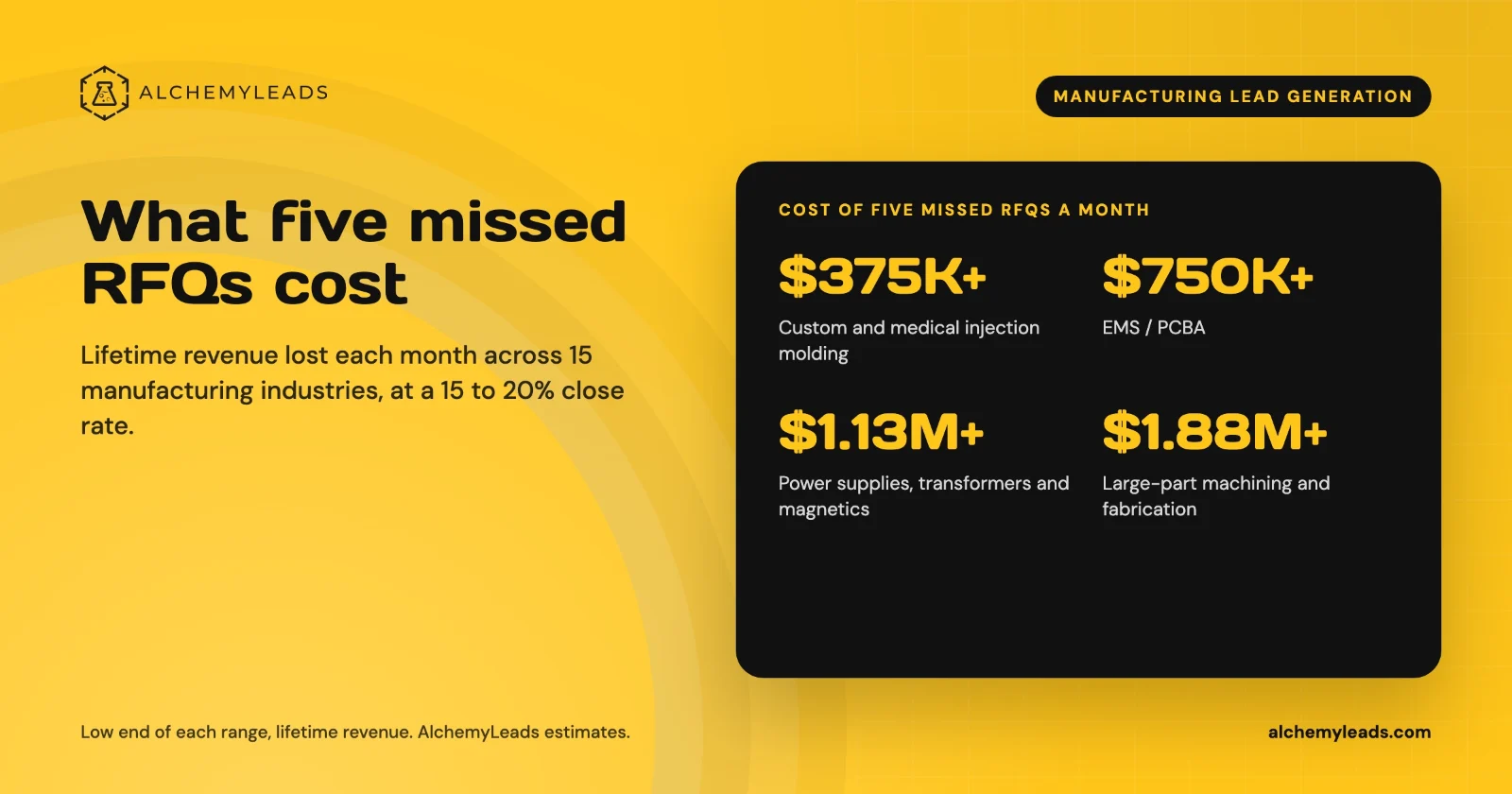
The Cost of Inaction in Manufacturing Lead Generation: What Five Missed RFQs a Month Cost in 15 Industries
What five missed RFQs a month cost in 15 manufacturing industries, with customer lifetime values, a conservative 15 to 20% close rate, and a cost of inaction calculator.
October 27, 2026
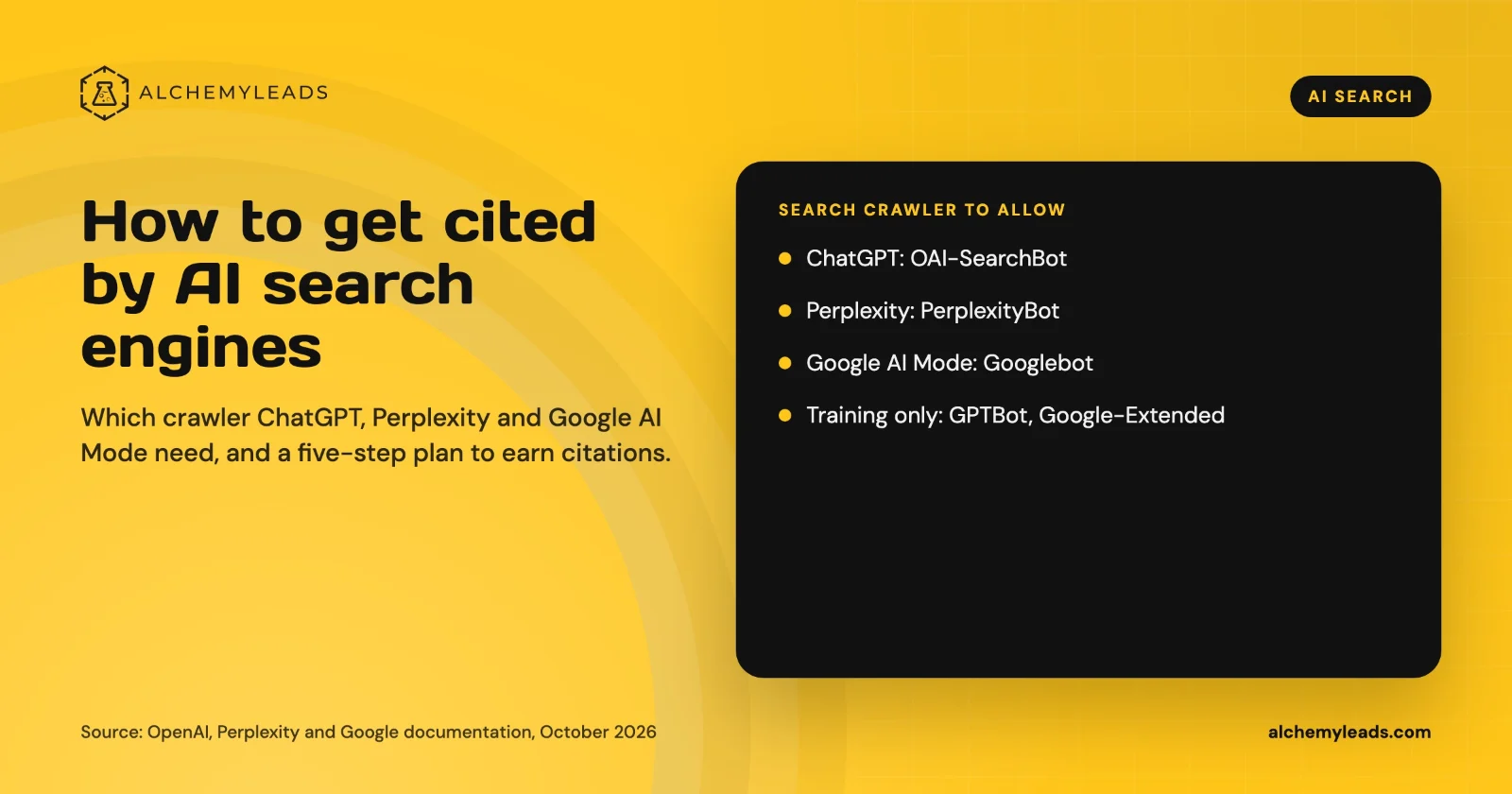
How to Get Cited by ChatGPT, Perplexity and Google AI Mode
How ChatGPT, Perplexity and Google AI Mode choose sources, which crawlers to allow, and a five-step plan to get your company cited, based on official docs.
October 26, 2026
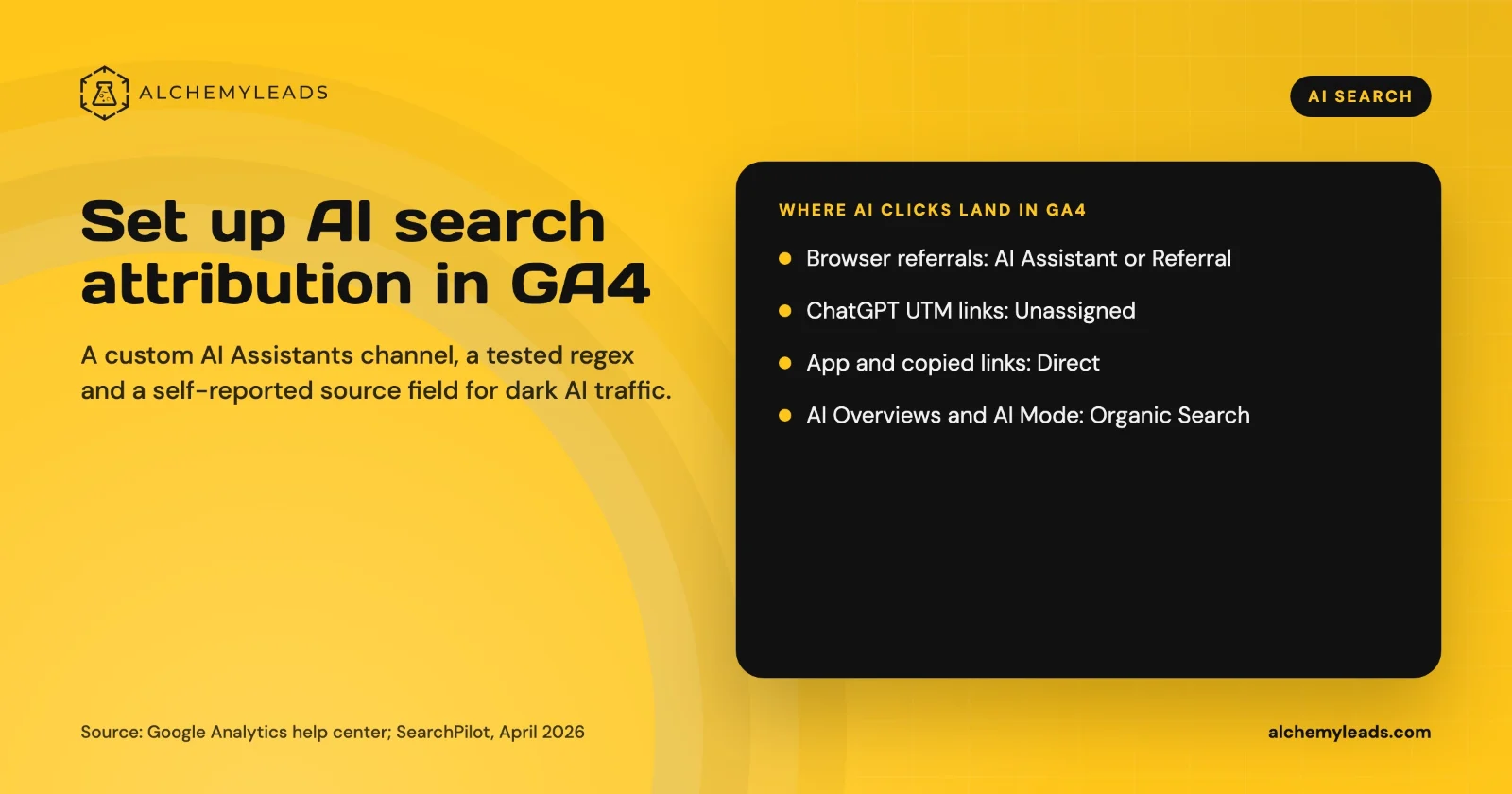
How to Set Up AI Search Attribution in GA4: A Step-by-Step Guide for 2026
Step-by-step GA4 setup for AI search attribution: an AI Assistants channel, a copy-paste regex, ChatGPT UTM fixes and a self-reported AI source field.
October 26, 2026
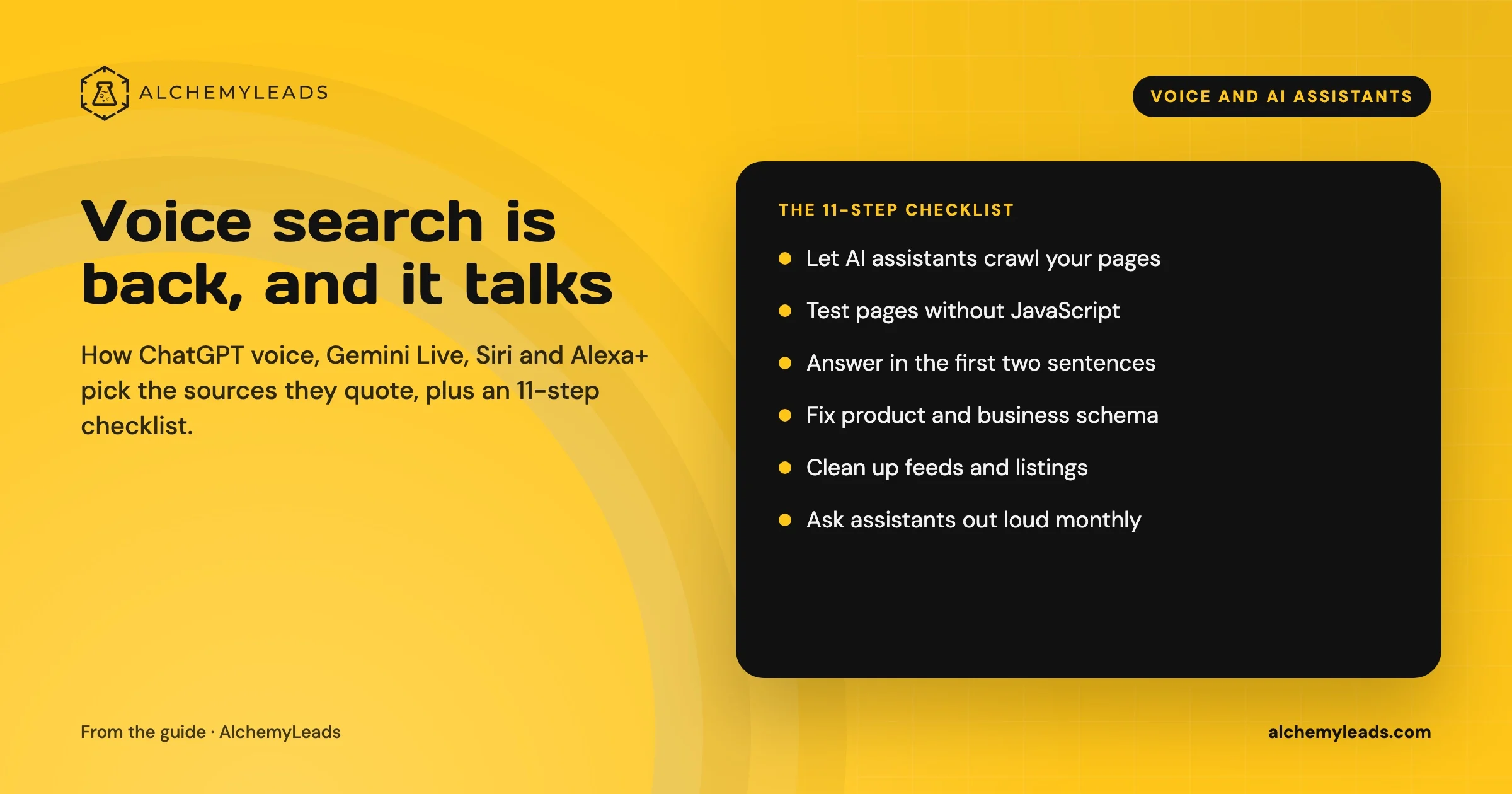
Voice Search in 2026: How AI Assistants Pick Their Sources
We first wrote about voice search in 2022, when the question was whether “Hey Siri” and “OK Google” would change how people shop. Four years later, voice is back in a bigger form. People now talk to ChatGPT, Gemini, Siri, Alexa+ and Copilot the way they talk to a knowledgeable friend, and those assistants answer by reading the web in
October 17, 2026
Log File Analysis for AI Search: Our Logs Showed 38,148 Visits. GA4 Showed 1,375.
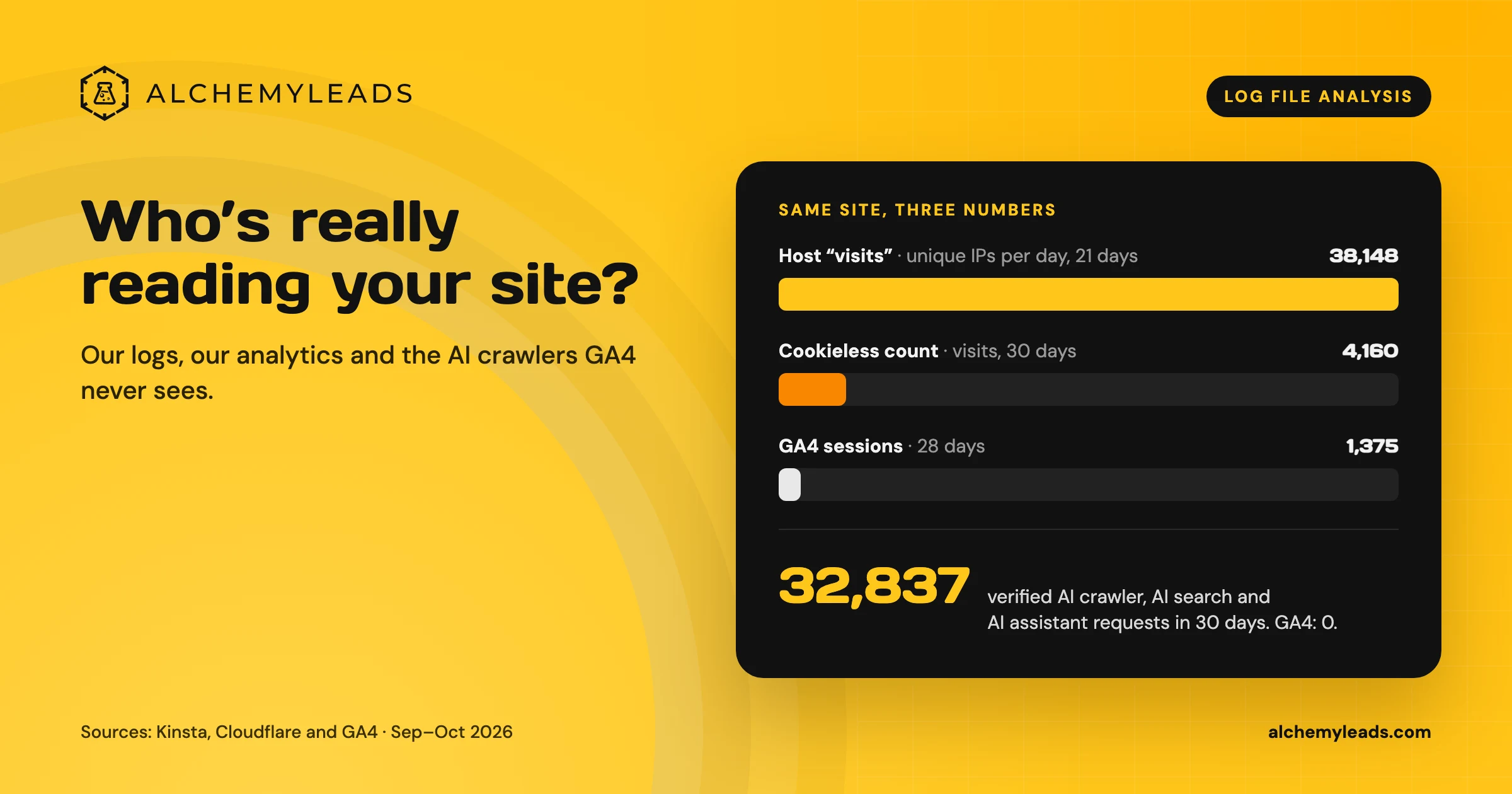
Our host logged 38,148 visits. GA4 logged 1,375 sessions. We opened the server logs to see who was really there, and what AI crawlers read.
October 16, 2026
Contact us
We value your privacy and won't share your email with others.
We'll only contact you with curated content.
