
Agentic resource discovery is the new standard that tells AI agents what your website can do for them. Most sites have no answer yet. They are invisible to the agents that will soon book, buy, and research for real customers.
Here is the problem. Search is moving from people typing queries to agents acting on their behalf. If an agent cannot see what your site offers, you are not in the running. Full stop.
So we did something about it. AlchemyLeads published a working catalog, advertised it four ways, and passed the official checker. This article shows you what agentic resource discovery is, why it matters now, and how to ship it on your own site.
What Is Agentic Resource Discovery?
Agentic resource discovery, or ARD, is an open standard that launched in June 2026. Google and ten other companies backed it. Think of it as a sitemap, but for AI agents instead of search crawlers.
A normal sitemap tells Google which pages exist. An ARD catalog tells an agent what your site can actually do. It can search your blog. It can list your services. It can hand over a booking link.
The whole thing runs on one small file called ai-catalog.json. You publish it at a fixed spot on your domain. Registries crawl it. An agent then searches by intent, like “who can transcribe audio,” and gets back a ranked list of sites that can help.
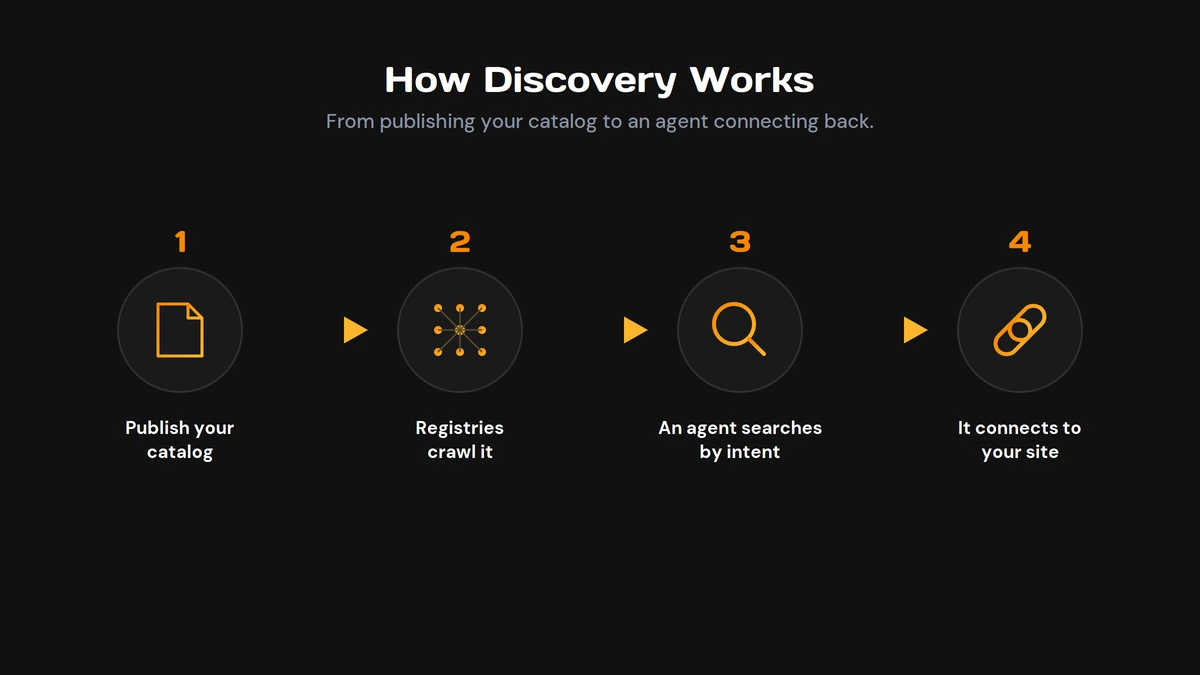
Here is an analogy. The web is a hotel. Your site is a room. The agent is the concierge. The catalog is the small card you pin by the door so the concierge knows what you offer. No card, no referral.
This is the discovery layer for the agentic web. It sits right next to generative engine optimization, the practice of getting found and cited inside AI answers.
Why It Matters Before Everyone Else Catches On
Search is changing fast. People used to type a query and click a blue link. Now an agent does the work. It reads, compares, and acts while the user waits.
That changes the math on visibility. An agent does not scroll a results page. It asks a registry what can help, then connects to whatever answers. If your site has no catalog, it never enters that conversation.
Adoption is still thin. We checked the eleven companies that backed the standard. Most of them do not serve a working catalog of their own yet. The door exists. Almost nobody has walked through it.
That gap is the opportunity. Early movers get indexed first. They become the default answer before the space gets crowded. The same thing happened with structured data and with the first wave of AEO.
Being readable by AI is not a nice-to-have anymore. It is how you get fetched, cited, and mentioned in the answers your buyers now trust.
Inside the ai-catalog.json File
The catalog is plain JSON. It has two parts: a host block and a list of entries.
The host block names who you are. It carries your display name and a domain identity like did:web:yourdomain.com. The entries are where the value sits. Each entry describes one thing an agent can use: an MCP server, an agent card, or an API.
Every entry needs a few fields:
- An identifier in the form urn:ai:yourdomain.com:server:name
- A display name a human can read
- A type, like application/mcp-server-card+json
- A url that points to the card with the details
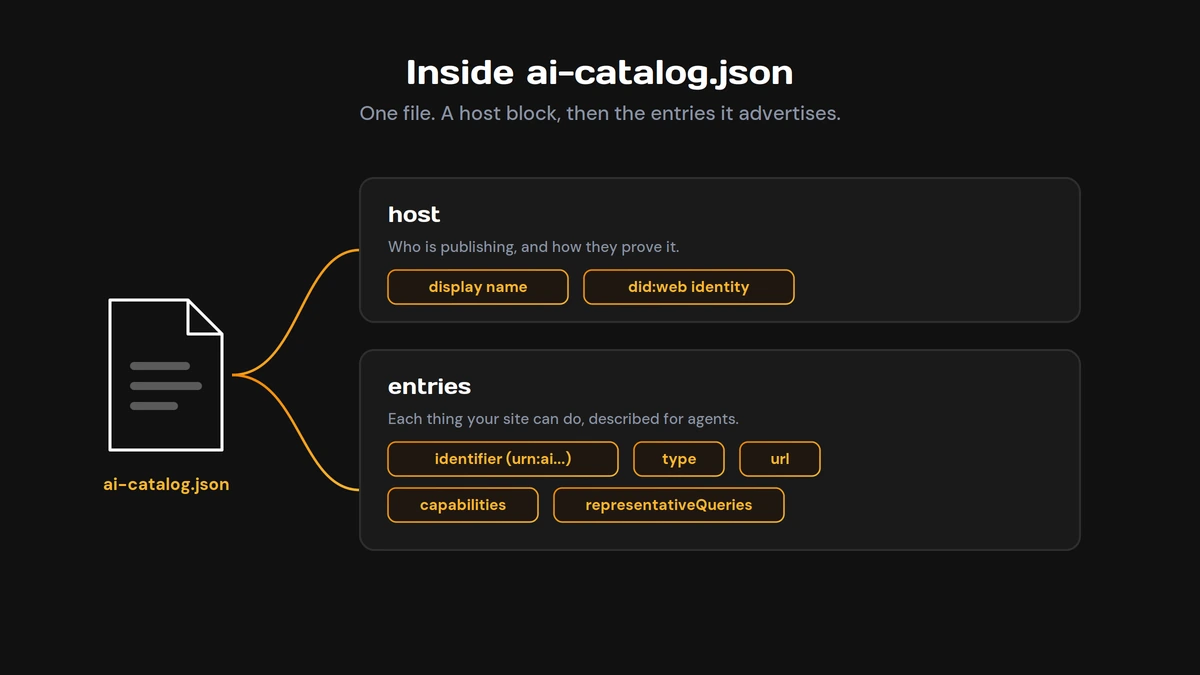
Watch the identifier format, because this one bit us. The official checker expects the scheme urn:ai, with a category word like server, agent, or api. We used urn:air first, copied from a spec page, and the checker rejected the entry. We switched to urn:ai and it passed. When the docs and the checker disagree, match the checker. That is what gets enforced.
The best entries also list capabilities and representative queries. Capabilities are the tools on offer, like search_posts or get_post. Representative queries are short phrases an agent might match, like “book a 45-minute strategy session.” These are how your catalog gets surfaced for the right intent.
Want this to actually pull buyers in? Map your representative queries to real customer questions, the same way you would with entity-based SEO.
The Four Ways to Advertise Your Catalog
Publishing the file is step one. You also have to tell agents where it is. The standard defines a few ways to do that, and the official checker looks for these four. More signals mean more chances to get found.
| Method | Where It Lives | What It Does |
|---|---|---|
| Well-known file | /.well-known/ai-catalog.json | The primary path registries crawl first |
| robots.txt line | Agentmap: [your catalog url] | Points crawlers to the catalog from a file they already read |
| HTML link tag | <link rel="ai-catalog"> in the head |
Signals the catalog on every page |
| HTTP header | Link: …; rel=”ai-catalog” | Advertises it in the server response itself |
The well-known file is the one that matters most. Registries look there first. The other three are backups that widen your coverage. The spec also describes a DNS-based method. These four are the ones the checker scores, and the ones we shipped.
Do you need all four? To pass the official checker cleanly, yes. In practice, the file plus the robots.txt line carry most of the weight. We shipped all four anyway, since each one is a small change and the goal was a full pass.
Publishing It on WordPress Without Breaking Things
Most of this is simpler than it sounds. Here is the path we used on a live WordPress site. A few steps have traps. We hit them so you do not have to.
Hosting the Files
Upload ai-catalog.json to the .well-known folder at your web root. Add the matching card file next to it. Hit both URLs in a browser. You want a 200 response and a content type of application/json. Real files served from the web root get the right type on their own. No plugin needed.
Adding the Three Signals
Add the robots.txt line through your SEO plugin or a direct edit. Add the HTML link tag in your theme head or a header insert box. The HTTP header is the one that fights back. More on that next.
The Header Trap
We tried to set the HTTP header through .htaccess. It did nothing. The host ignored the directive completely, even the one already sitting in the file. The fix was a small PHP snippet that sets the header on the send_headers hook. WordPress emits headers through PHP, so that path works where .htaccess does not. If your header will not show up, this is almost always why.
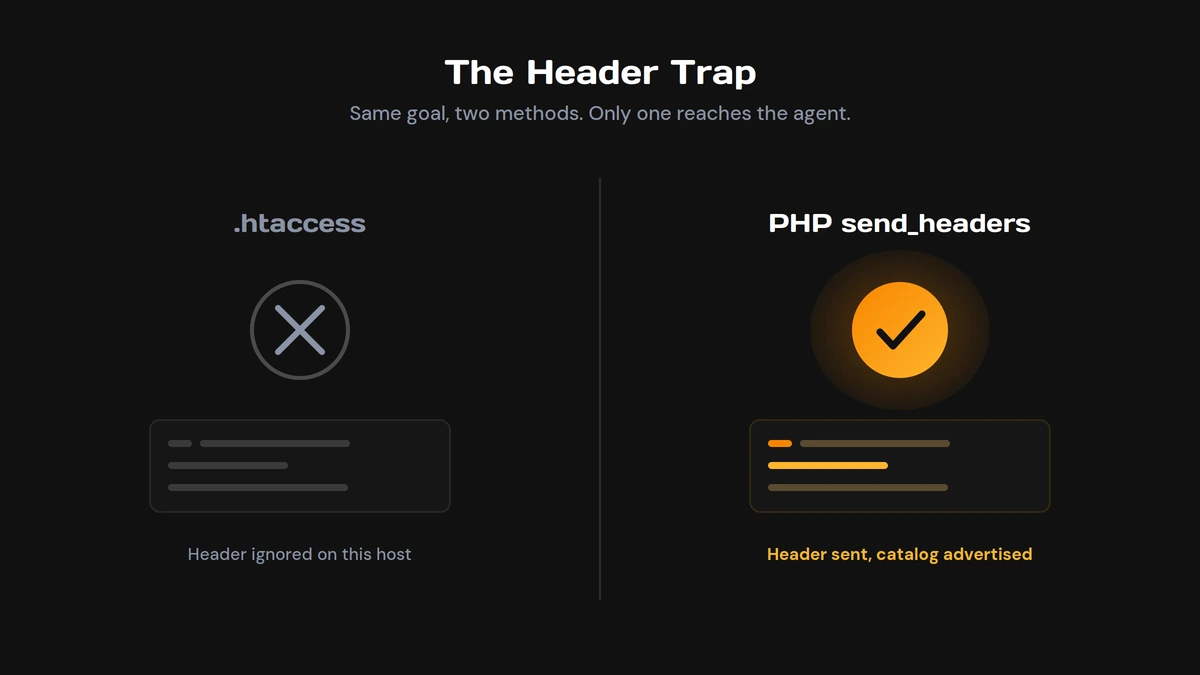
This is the kind of detail that lives next to WebMCP work, where the plumbing decides whether agents can reach you at all.
One Optional Step: Prove You Own It
The standard supports a trust layer called did:web. You serve a small did.json file at your well-known path. It lets registries confirm you control the domain. It is optional. Skipping it still passes the core checks. Adding it flips your status from partly discoverable to fully discoverable. The file took two minutes to write.
Do Not Let Your Firewall Hide Your Catalog
Here is the trap that catches the most sites. Your catalog can be perfect and still be invisible. Why? A firewall is blocking the agents it was built for.
We tested our homepage with the user agents real crawlers use: GPTBot, ClaudeBot, PerplexityBot. A normal browser got a 200. Every AI bot got a 403. A Cloudflare challenge was turning them away at the door.
The file itself was reachable, so the core catalog passed. But the page-level signals were hidden from agents. Worse, the whole site was closed to the AI crawlers that feed AI answers. For a brand that wants to show up in those answers, that is self-defeating.
The fix was a quick change in Cloudflare to let the named AI crawlers through while keeping other protection on. After that, every client we tested got a 200.
Check this on your own site. If a browser gets in and an AI agent gets a 403, a firewall is hiding you from the exact tools you want reading your content. This is core technical SEO now, not an edge case.
How We Know It Works
Talk is cheap. So we ran our site through the official ARD checker. It fetches your site, validates the catalog against the spec, and tries to read it as a browser, as named agents, and as generic clients.
The result: a full pass. Status, discoverable. Every required check went green. The well-known file, the version, a valid entry, the robots line, the link tag, the HTTP header, the did:web identity, and read access for every client it tried.
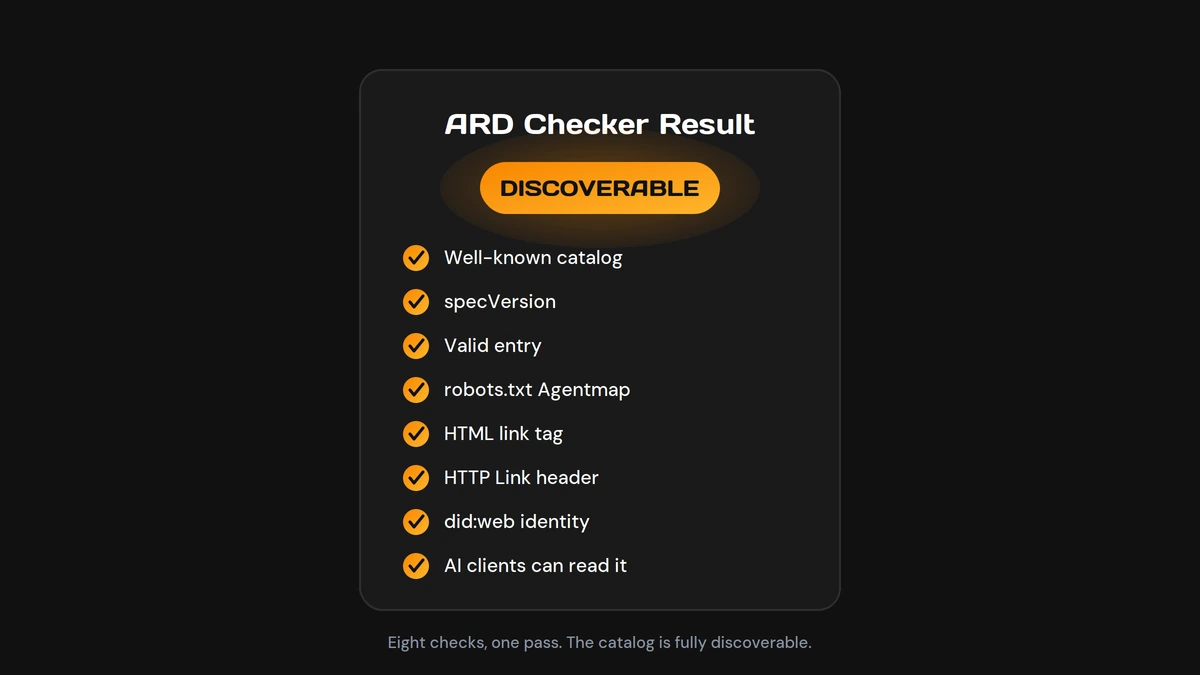
Here is the part worth sitting with. We checked the eleven companies that wrote the standard. Most of them still do not serve a catalog of their own. We shipped a live, verified one anyway.
That is what moving first looks like. Not a think piece. A working file an agent can read right now at our well-known path.
Where This Fits in Your AI Search Strategy
Agentic resource discovery is one piece of a bigger shift. The same move that makes you readable to agents makes you findable across every surface where buyers now search. That is the whole idea behind Search Everywhere Optimization, showing up in Google, in AI answers, and now in agent registries too.
GEO gets you cited in AI answers. AEO gets you the direct response. ARD gets you into the agent’s shortlist. They stack. Skip one and you leave a gap a competitor will fill.
Want to start? Here is the short version:
- Publish an ai-catalog.json at your well-known path
- Advertise it with the robots line, the link tag, and the HTTP header
- Open your firewall to GPTBot, ClaudeBot, and PerplexityBot
- Run the official checker and fix what it flags
None of this is heavy lifting. It is a few files and one firewall change. The hard part is knowing it matters before your competitors do.
Want a partner who ships this kind of work, not just slide decks about it? That is what our AI SEO does, and our own catalog is the proof. Book a strategy session with AlchemyLeads.
Related guide: how AI search retrieves, grounds and cites sources.
Suggested
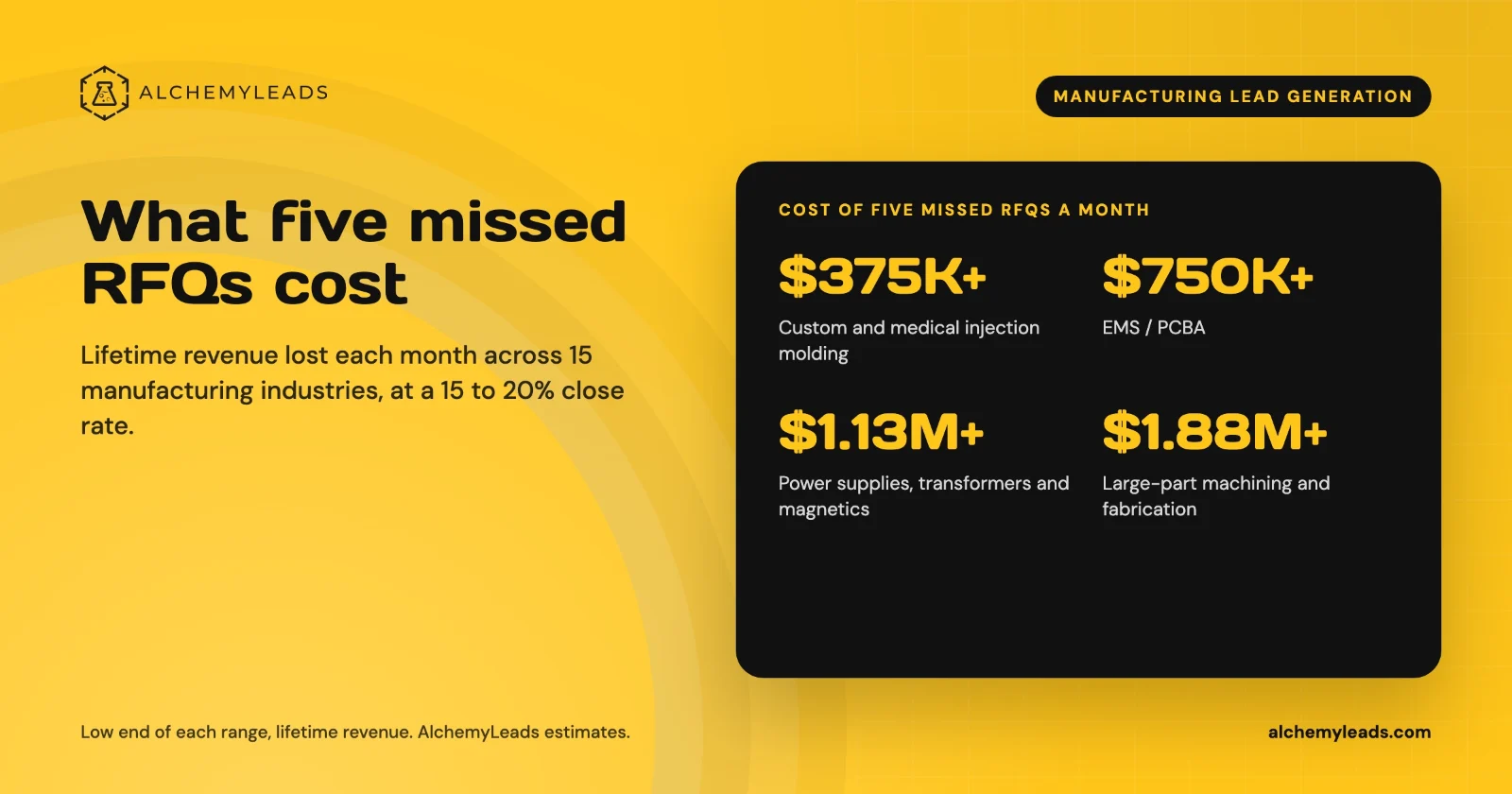
The Cost of Inaction in Manufacturing Lead Generation: What Five Missed RFQs a Month Cost in 15 Industries
What five missed RFQs a month cost in 15 manufacturing industries, with customer lifetime values, a conservative 15 to 20% close rate, and a cost of inaction calculator.
October 27, 2026
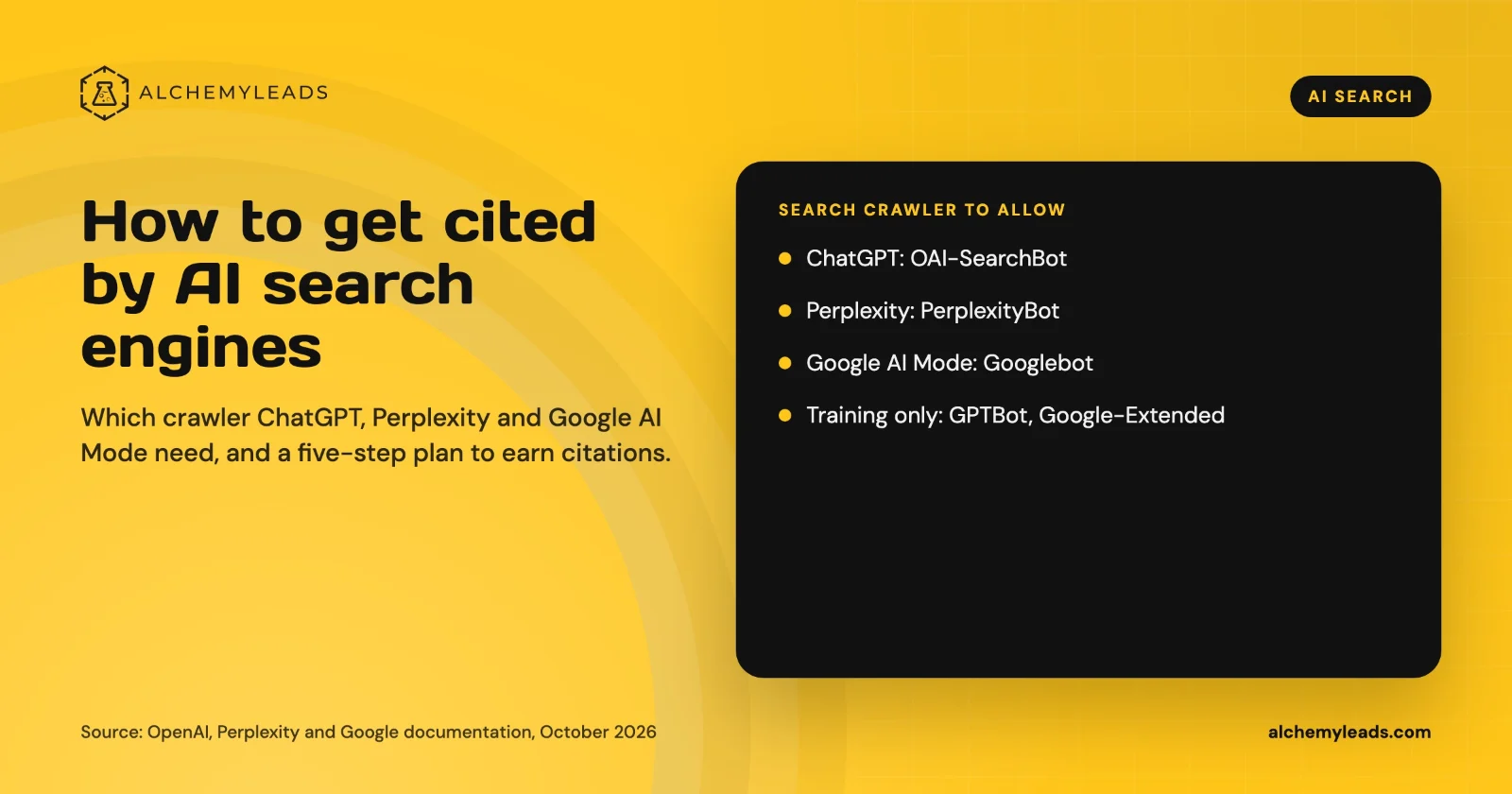
How to Get Cited by ChatGPT, Perplexity and Google AI Mode
How ChatGPT, Perplexity and Google AI Mode choose sources, which crawlers to allow, and a five-step plan to get your company cited, based on official docs.
October 26, 2026
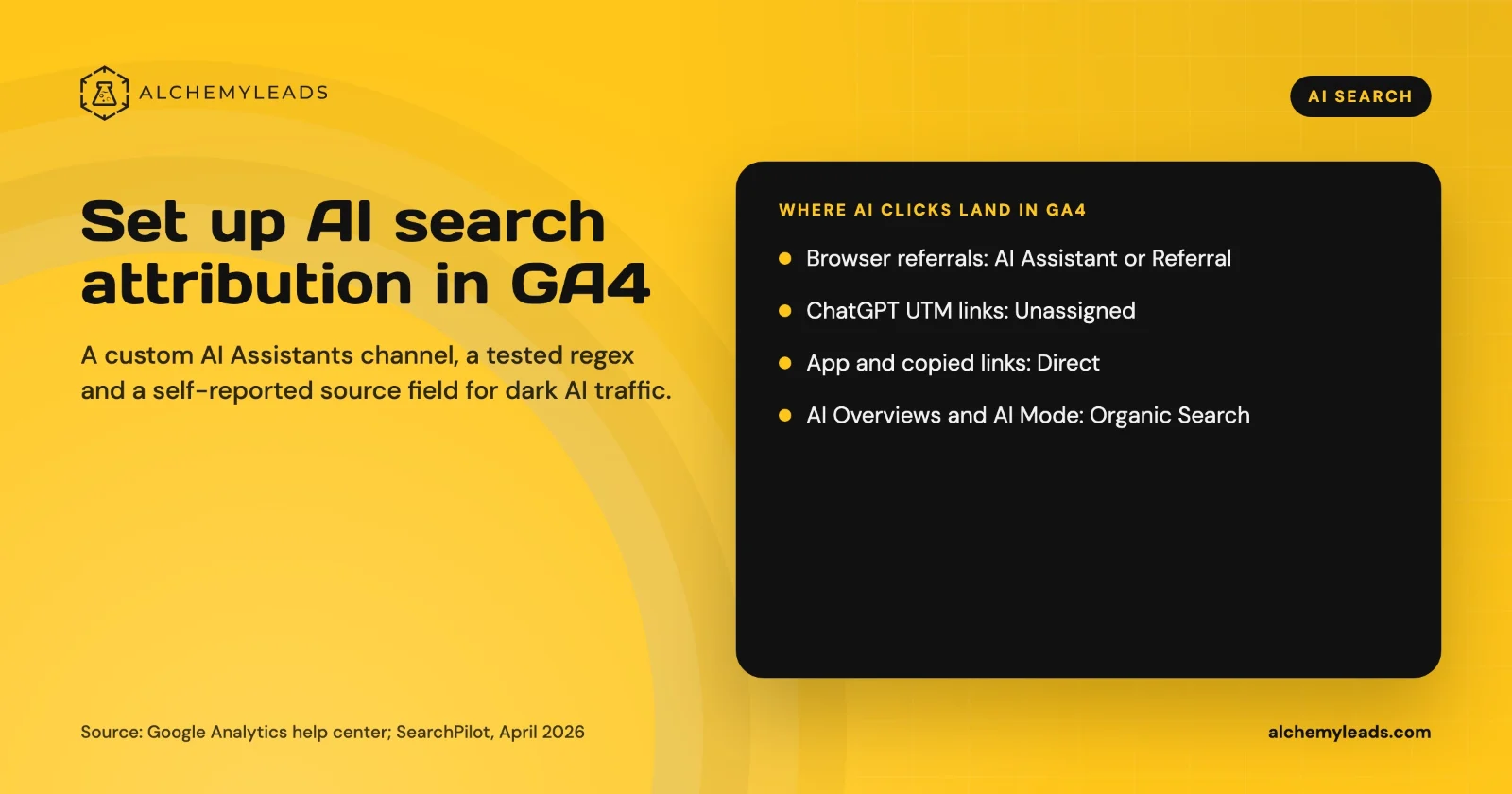
How to Set Up AI Search Attribution in GA4: A Step-by-Step Guide for 2026
Step-by-step GA4 setup for AI search attribution: an AI Assistants channel, a copy-paste regex, ChatGPT UTM fixes and a self-reported AI source field.
October 26, 2026
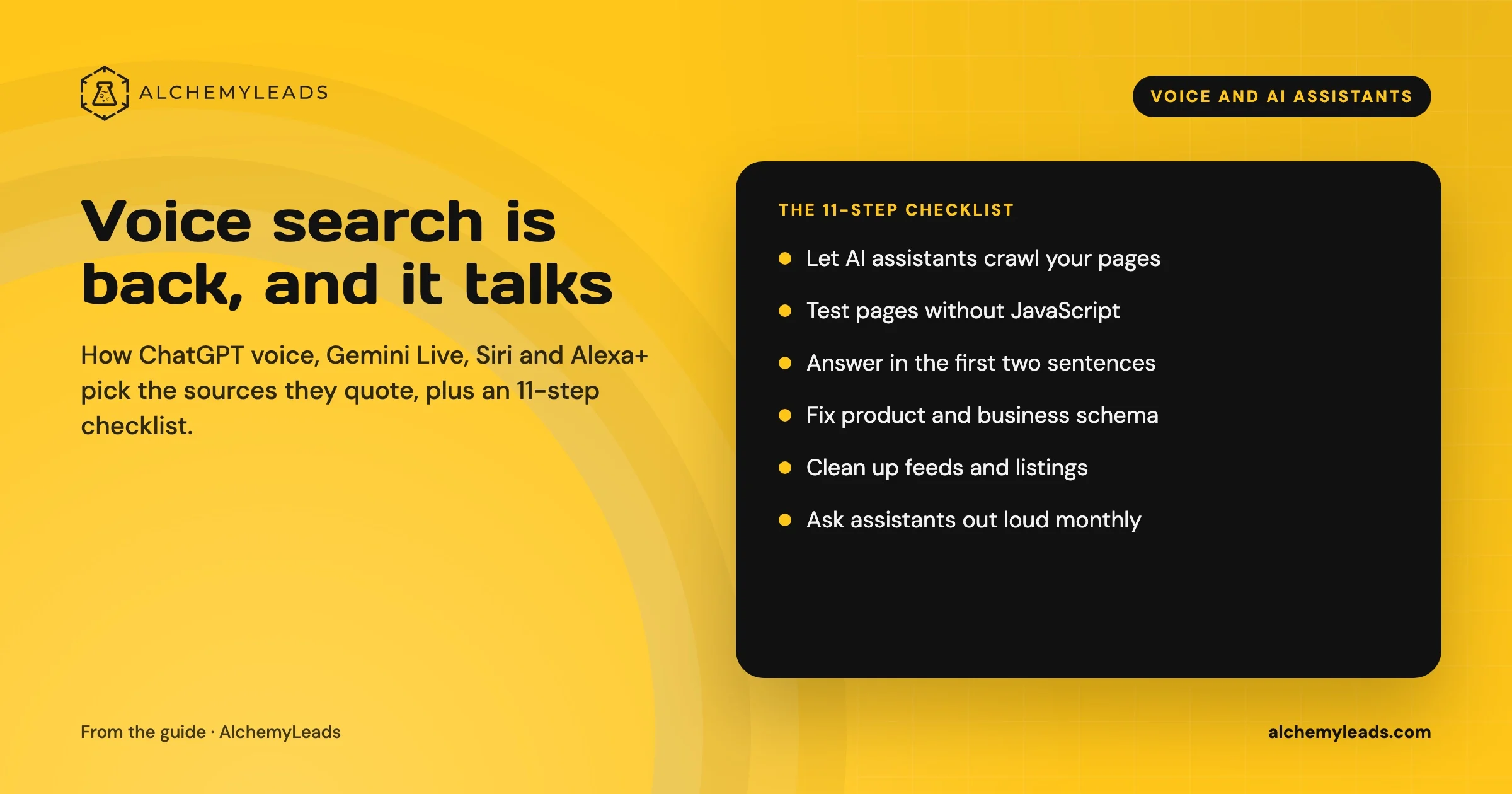
Voice Search in 2026: How AI Assistants Pick Their Sources
We first wrote about voice search in 2022, when the question was whether “Hey Siri” and “OK Google” would change how people shop. Four years later, voice is back in a bigger form. People now talk to ChatGPT, Gemini, Siri, Alexa+ and Copilot the way they talk to a knowledgeable friend, and those assistants answer by reading the web in
October 17, 2026
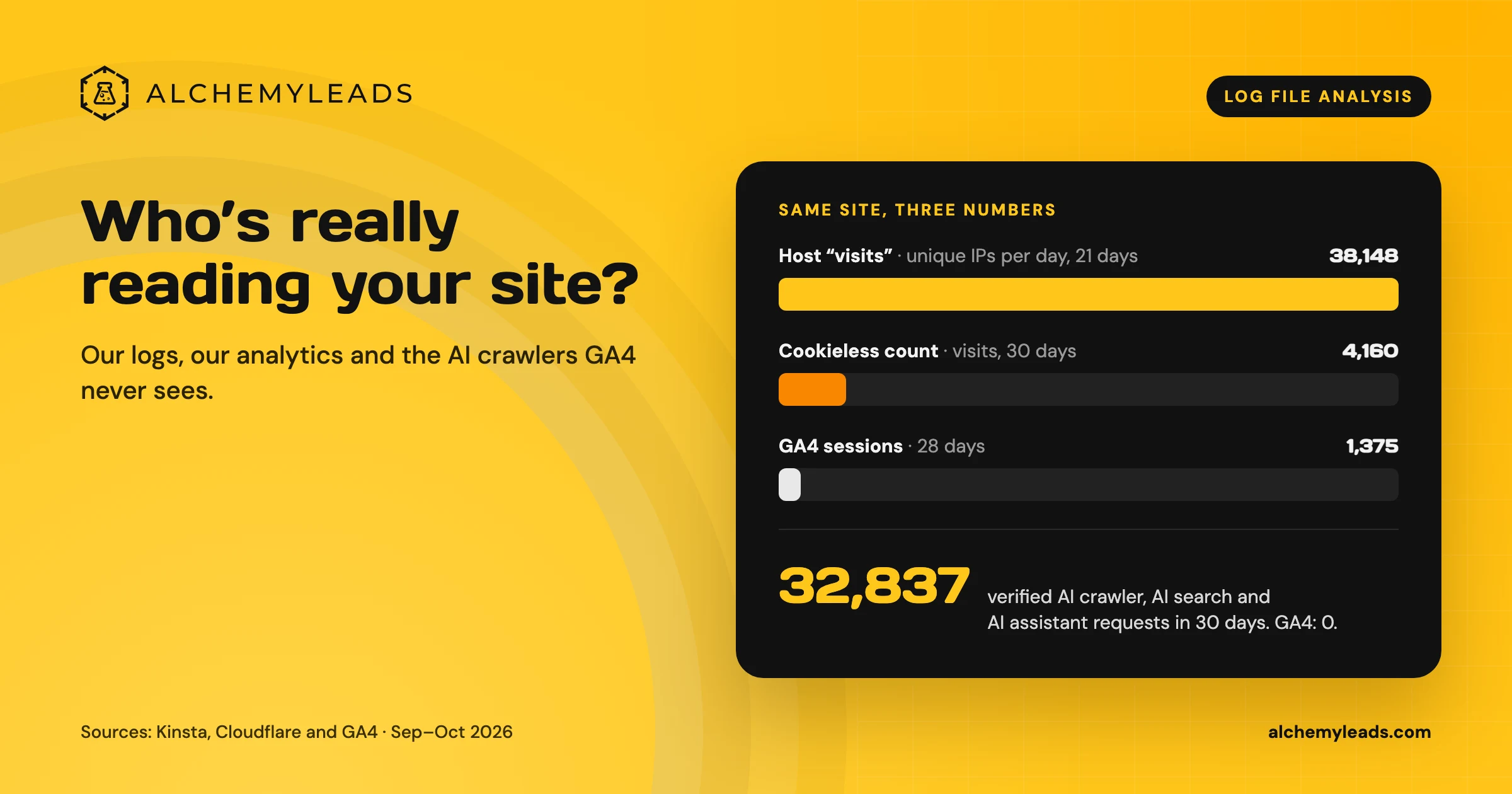
Log File Analysis for AI Search: Our Logs Showed 38,148 Visits. GA4 Showed 1,375.
Our host logged 38,148 visits. GA4 logged 1,375 sessions. We opened the server logs to see who was really there, and what AI crawlers read.
October 16, 2026
Contact us
We value your privacy and won't share your email with others.
We'll only contact you with curated content.
