
Add as a preferred source on Google
Short answer Local keyword research is the process of finding the searches people in your service area use when they need what you sell, such as “emergency plumber Denver” or “dentist near me”. Start with your services and cities, collect real queries from Google autocomplete, People Also Ask, your Google Business Profile and Search Console, check volumes in Keyword Planner, then map each keyword group to one page.
This guide covers what local keywords are, a step-by-step process you can run with free tools, examples by business type, the paid tools worth using, and how AI assistants like ChatGPT handle “near me” questions.
What Are Local Keywords?
Local keywords are search terms that show the searcher wants a business in a specific place. Some name the place, like “roof repair Austin” or “CNC machine shop in Phoenix”. Others imply it, like “urgent care near me” or “coffee shop open now”, and Google fills in the location from the searcher’s device.
Most local keywords combine three parts:
- A service or product: “family dentist”, “commercial HVAC repair”, “wedding caterer”.
- A location or proximity signal: a city, neighborhood, ZIP code, county, or “near me” and “nearby”.
- An optional qualifier: “best”, “24 hour”, “affordable”, “open Sunday”, “for small business”.
The difference between local and non-local versions of the same keyword is intent. Someone searching “how to fix a leaking pipe” wants instructions. Someone searching “plumber in Tacoma” wants to hire a plumber in Tacoma today. That intent is why local keywords tend to convert well for service businesses. Step 1 below explains the two main types, implicit and explicit, in more detail.
The Importance of Local Keyword Research
A part of the local SEO process, keyword research is like having a secret weapon for your local SEO arsenal. So, if you want to conduct local keyword research and give your local SEO a serious boost, it’s time to start prioritizing local keyword research!
Understanding Local SEO
Your local business thrives on foot traffic and online visibility. Local SEO helps you target potential customers in your area. That’s where local keyword research comes in. Using keyword research tools, you can find local keywords that boost your local search rankings.
Local searches focus on specific local keywords. Phrases like “AI SEO agency in Denver” or “health shop near me” show a local intent. Optimizing your content with these keywords boosts local SEO efforts.
Benefits for Small Businesses
Local keyword research is essential for small businesses looking to compete effectively. Using relevant keywords for your business helps you reach more customers searching for local services. A higher presence in local search results means more foot traffic and online engagement.
Target keywords with a local focus make your local business listings more appealing. When potential customers see your business in local search results, they’re more likely to visit your location or interact online.
How to Do Local Keyword Research, Step by Step
To do local keyword research, list your services and the places you serve, gather the exact phrases locals type from free Google sources, check volume and competition, then group the keywords and assign each group to one page. The first five steps cost nothing.
- List your services and service areas. Write down every service you want leads for and every city, neighborhood and county you serve. Combine them into seed keywords such as “water heater installation” plus “Boulder”. This list is your starting point.
- Mine Google autocomplete. Type each seed into Google and note the suggestions. Try variations: the service plus a city, the service plus “near me”, and the service plus “in” to see which places Google suggests. Autocomplete reflects what people actually search.
- Collect People Also Ask and related searches. Search your top seeds and save the questions in the People Also Ask box and the related searches at the bottom of the page. These become FAQ topics and blog ideas, like “how much does a water heater cost to install in Colorado”.
- Check your Google Business Profile searches. Your profile’s Performance section lists the search terms people used to find your business. Google updates it at the start of each month. Look for services and phrasing you didn’t expect.
- Filter Google Search Console by city. In the Performance report, add a query filter that contains a city or neighborhood name to see which local searches already show your site, and at what position. Our guide to Search Console regex shows how to filter several cities at once.
- Check volume in Google Keyword Planner. Set the location to your city or metro area so volumes reflect your market. Many local keywords show low or zero volume. Keep them anyway if they match a service you sell, since a few searches a month from ready buyers can still bring in good leads.
- Look at competitors. Use Ahrefs or Semrush to see which local keywords competing businesses rank for that you don’t. Pay attention to their location pages and service pages.
- Check the results page for local intent. Search each priority keyword. If Google shows a map pack, the keyword has local intent and your Google Business Profile matters as much as your website. If it shows only articles, a blog post may fit better than a service page.
- Group keywords and map them to pages. Put close variations together, such as “emergency plumber Denver” and “24 hour plumber Denver”, and give each group one page so your own pages don’t compete with each other. Our guide to keyword clustering covers the method.
The Best Local Keyword Research Tools
When it comes to local SEO keyword research, having the right tools in your arsenal can make all the difference. Here are the tools we find most useful for finding local keywords and tracking how you rank for them:
Google Keyword Planner
Google Keyword Planner is free to use with a Google Ads account. It shows average monthly searches for the location you select, plus a competition level that measures how many advertisers bid on a keyword.
You can also filter your results by location to see which keywords are most popular in your area. Keep in mind that its competition column describes ad competition, not how hard a keyword is to rank for organically, and accounts with little ad spend may see volume ranges instead of exact numbers.
Ahrefs

Ahrefs is like having a secret agent on your side, helping you spy on your competitors and uncover their most effective local keywords.
With Ahrefs, you can see which keywords your rivals are ranking for, analyze their backlink profiles, and identify content gaps that you can fill with your own targeted local content. This tool is especially useful for finding those hidden gem keywords that your competitors might be overlooking.
Moz Local
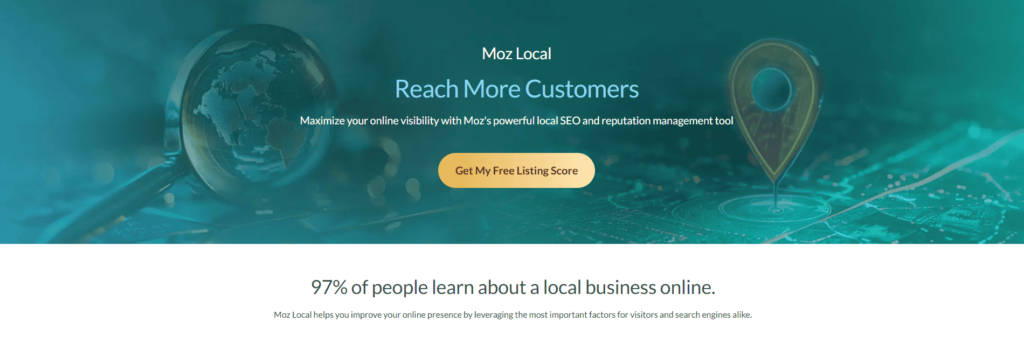
Moz Local is a powerhouse tool that can help you optimize your online listings and improve your visibility in local search results. But did you know it’s also a great tool for local keyword research?
Moz Local brings your Google Business Profile performance data into one dashboard, and its Local Grid shows how you rank against competitors for target keywords at specific points across your area. You can also use the tool to identify opportunities for improvement in your local citations and backlinks.
BrightLocal
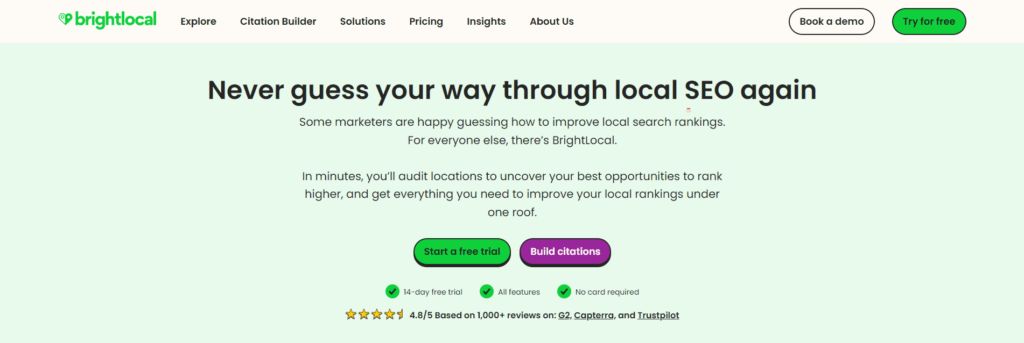
BrightLocal is another must-have tool for local keyword research. It offers a range of features designed to help local businesses improve their online visibility, including local rank tracking, listings management and review monitoring.
BrightLocal also offers a handy “local search grid” feature that shows you how your business is ranking for specific keywords in different locations, so you can easily spot areas where you need to improve.
SEMrush
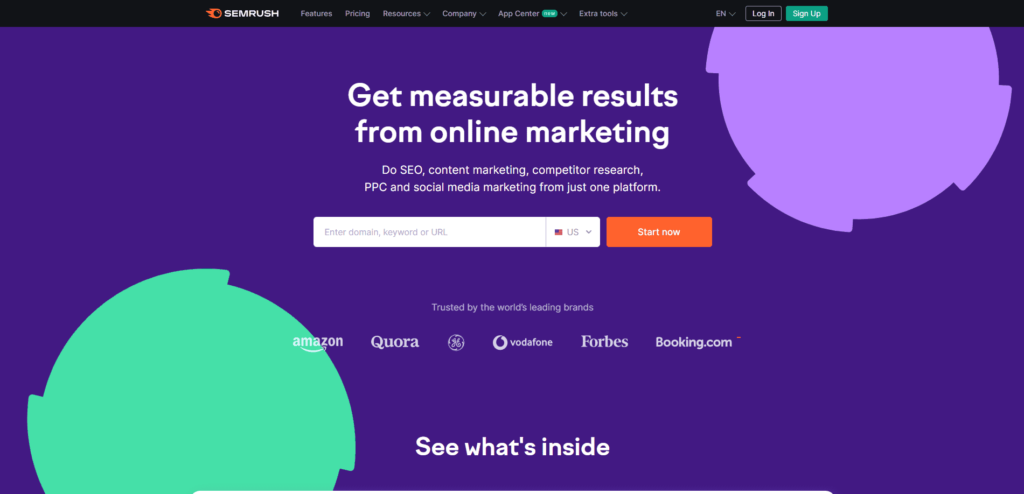
SEMrush is an all-in-one SEO tool that offers a wealth of features for local keyword research. With SEMrush, you can analyze your competitors’ keyword strategies, identify local keyword opportunities, and even spy on your rivals’ advertising campaigns.
The tool also offers a handy “keyword magic tool” that generates hundreds of keyword ideas based on a single seed keyword, making it easy to find those hidden local keywords that you might have missed.
Using Local Keywords to Boost Your Local Search Rankings
Now that you’ve conducted your local keyword research and have a list of powerful keywords to target, it’s time to put them to work and boost your local search rankings. Here’s a step-by-step process to help you make the most of your local keywords:
Step 1: Identify the Different Types of Local Keywords
When it comes to local keyword research, it’s crucial to understand the difference between implicit and explicit local keywords. These two types of keywords serve different purposes and can have a big impact on how your business shows up in local search results.
Implicit Local Keywords: The Subtle Approach
Implicit local keywords are those that don’t include a specific location or geographic term, but still have a clear local intent. These keywords usually include phrases like “near me,” “nearby,” or “closest.”
For example, someone searching for “pizza delivery near me” or “closest gym” is clearly looking for a local business, even though they haven’t specified a particular city or neighborhood.
Implicit local keywords capture the search intent of users looking for a local business but may not have a specific location in mind.
Explicit Local Keywords: The Direct Approach
On the other hand, explicit local keywords include a specific geographic term, like a city, neighborhood, or landmark.
For example, “best sushi in downtown Seattle” or “Brooklyn Heights coffee shop” are explicit local keywords because they include a clear location.
This type of local keywords are important because they help your business appear in searches for users looking for a specific type of business in a particular location.
Local Keyword Examples by Business Type
Here is how explicit, implicit and qualified local keywords look across different kinds of businesses.
| Business type | Explicit (names a place) | Implicit (near me) | With a qualifier |
|---|---|---|---|
| Plumber | plumber in Tacoma | plumber near me | 24 hour emergency plumber Tacoma |
| Dentist | dentist Plano TX | dentist near me | dentist open Saturday Plano |
| Restaurant | Thai food downtown Portland | Thai restaurant near me | best Thai food for delivery Portland |
| Law firm | personal injury lawyer Tampa | injury lawyer near me | free consultation car accident lawyer Tampa |
| HVAC | AC repair Mesa AZ | AC repair near me | same day AC repair Mesa |
| Auto repair | brake repair Columbus Ohio | mechanic near me | cheap brake pad replacement Columbus |
| Commercial cleaning | office cleaning services Atlanta | commercial cleaners near me | medical office cleaning Atlanta |
| Manufacturer or machine shop | CNC machining Phoenix | machine shop near me | ISO certified CNC machining Phoenix |
| Event caterer | wedding caterer Los Angeles | caterers near me | corporate event catering Los Angeles |
Step 2: Create Location-Specific Pages
If your business serves multiple areas or neighborhoods, consider creating separate pages on your website for each location.
These pages should be optimized with the specific local keywords for that area, like “plumbing services in Downtown Seattle” or “best brunch in Williamsburg, Brooklyn.”
Include the location name in the page title, URL, and throughout the content to make it crystal clear to search engines and users that the page is relevant to that specific area.
Step 3: Optimize Your Website Content
Once you set up your location pages, it’s time to weave your local keywords into your other webpages. This includes your homepage, service pages, blog posts, and other relevant content.
To really supercharge your local SEO, it’s important to use both implicit and explicit local keywords in your strategy. Here are a few tips for using these keywords effectively:
- Include implicit local keywords in your website content, particularly on your homepage and service pages. For example, you might include a headline like “The Best Pizza Delivery Near You” or “Find a Gym Nearby.”
- Use explicit local keywords in your page titles, meta descriptions, and header tags. For example, if you’re a plumber in Seattle, you might use a page title like “Seattle Plumbing Services | Best Plumbers in Seattle.”
- Optimize your Google Business Profile listing. Use your real-world business name exactly as customers see it, pick the most accurate primary and secondary categories, and describe your services and service area in plain language in the description.
Use your keywords naturally and strategically, ensuring they fit seamlessly into the page’s context. Don’t overdo it, though: keyword stuffing can hurt your rankings. Skip keyword density targets and write each page so a local customer gets a clear answer about your service, your area and how to reach you.
Local Keywords for AI Search
AI assistants turn “near me” questions into local searches by working out where the user is. According to OpenAI’s help center, ChatGPT may use an approximate location based on the user’s IP address, and users can choose to share their device location for more specific results. ChatGPT also rewrites prompts into targeted search queries. OpenAI’s own example: a user who has told ChatGPT they are vegan and live in San Francisco asks for nearby restaurants, and ChatGPT searches for “good vegan restaurants San Francisco”.
That rewrite matters for your keyword strategy. The AI can turn an implicit “near me” request into an explicit city keyword before it searches, so pages that clearly name your city, service area and services are easier for it to find and cite. Google’s AI Mode and AI Overviews also draw on Google Business Profile details and review content when they answer local questions.
To make your local keywords work in AI answers:
- Write out your locations in plain text. Name the cities and neighborhoods you serve in the body copy of service and location pages, in addition to any map embed or image.
- Target conversational long-tail versions. People ask AI tools full questions like “who is the best roofer in Austin for hail damage”. Add these phrasings to your keyword list and answer them directly on the page.
- Keep your business details consistent. Use the same name, address and phone number on your site, Google Business Profile and directory listings.
- Earn specific reviews. Ask happy customers to mention the service they bought and where. Don’t script or incentivize the wording.
- Check AI answers yourself. Ask ChatGPT, Gemini and Google AI Mode your top local questions every month and note which businesses they name.
For more on how proximity, intent and AI answers interact, see our guide to near me searches in local SEO.
Metrics to Track Success in Local Keyword Research
Successful local keyword research directly impacts your local SEO. By tracking specific metrics, you can see how well your local keywords perform and adjust your strategy accordingly.
Search Engine Rankings
Monitor search engine rankings to evaluate how your local keywords are doing. Use a rank tracker such as Ahrefs Rank Tracker, or a local grid tool such as Moz Local’s Local Grid, to track your local keyword rankings.
Regularly check where your website stands for specific and related local keywords in search results. For example, if you run a local agency, you should ensure your site ranks well and gets cited in AI answers for terms like “AI SEO agency near me” or “best GEO agency in [city name].” Consistent high rankings show effective local SEO efforts.
Website Traffic and Conversion Rates
Measure website traffic to understand the impact of your local keyword strategy. Analyze traffic data from Google Analytics to see how many users land on your site through local searches. Pay attention to metrics like organic traffic, bounce rate, and session duration. Higher traffic driven by local keywords indicates successful targeting.
Conversion rates are crucial for evaluating your keyword effectiveness. Track the number of users taking desired actions such as making purchases, filling out contact forms, or subscribing to newsletters. Strong conversion rates for health and e-commerce industries reflect that your local keyword strategy matches search intent.
Conclusion
Local keyword research tells you which searches bring in customers from your area, so you can build pages around them. Using the right tools and strategies can significantly boost your online visibility. Don’t forget the importance of tracking metrics like search engine rankings and website traffic. These insights help you make necessary adjustments to stay ahead in local searches. So, invest time refining your local keyword strategy and watch your local business thrive.
AlchemyLeads can help you research local keywords for which your business can rank. More importantly, our local SEO experts will also create location pages for your local business, build citations on relevant business directories, and build local backlinks to make your local listings appear on Google search results. Check out our local SEO services for more information.
Frequently Asked Questions
What counts as a local keyword?
Local keywords are search terms that show someone wants a business in a specific area. They either name a place, like “dentist in Plano TX”, or imply one, like “dentist near me”. Local businesses target them because the people searching are usually ready to call, book or visit.
How do I find local keywords for free?
Start with Google autocomplete for your service plus your city, then save the People Also Ask questions and related searches. Check the search terms in your Google Business Profile performance data and filter Google Search Console queries by city name. Google Keyword Planner is free with a Google Ads account and shows volume by location.
What is localized keyword research?
Localized keyword research usually means finding keywords for a specific city or region, the same as local keyword research. It can also mean researching keywords for a different country or language, where you find the phrases locals actually use instead of translating your English keywords word for word.
Is there a local keyword directory?
No single directory lists every local keyword, because local searches vary by service and city. The closest free sources are Google autocomplete, People Also Ask, your Google Business Profile search terms and Google Search Console. Paid tools like Ahrefs and Semrush add volume estimates and competitor data.
Should I put “near me” on my website?
Usually not. Google works out “near me” intent from the searcher’s location, so you rarely need the phrase on your pages. Name the city, neighborhoods and service area you cover instead, along with your address and phone number. Those details help Google and AI assistants match you to nearby searches.
How does ChatGPT answer “near me” questions?
ChatGPT may use an approximate location from the user’s IP address, or the device location if the user chooses to share it, and it rewrites prompts into targeted searches that can include the city. Businesses whose pages clearly name their city and services, with consistent listings and reviews, are easier for it to find.
Suggested
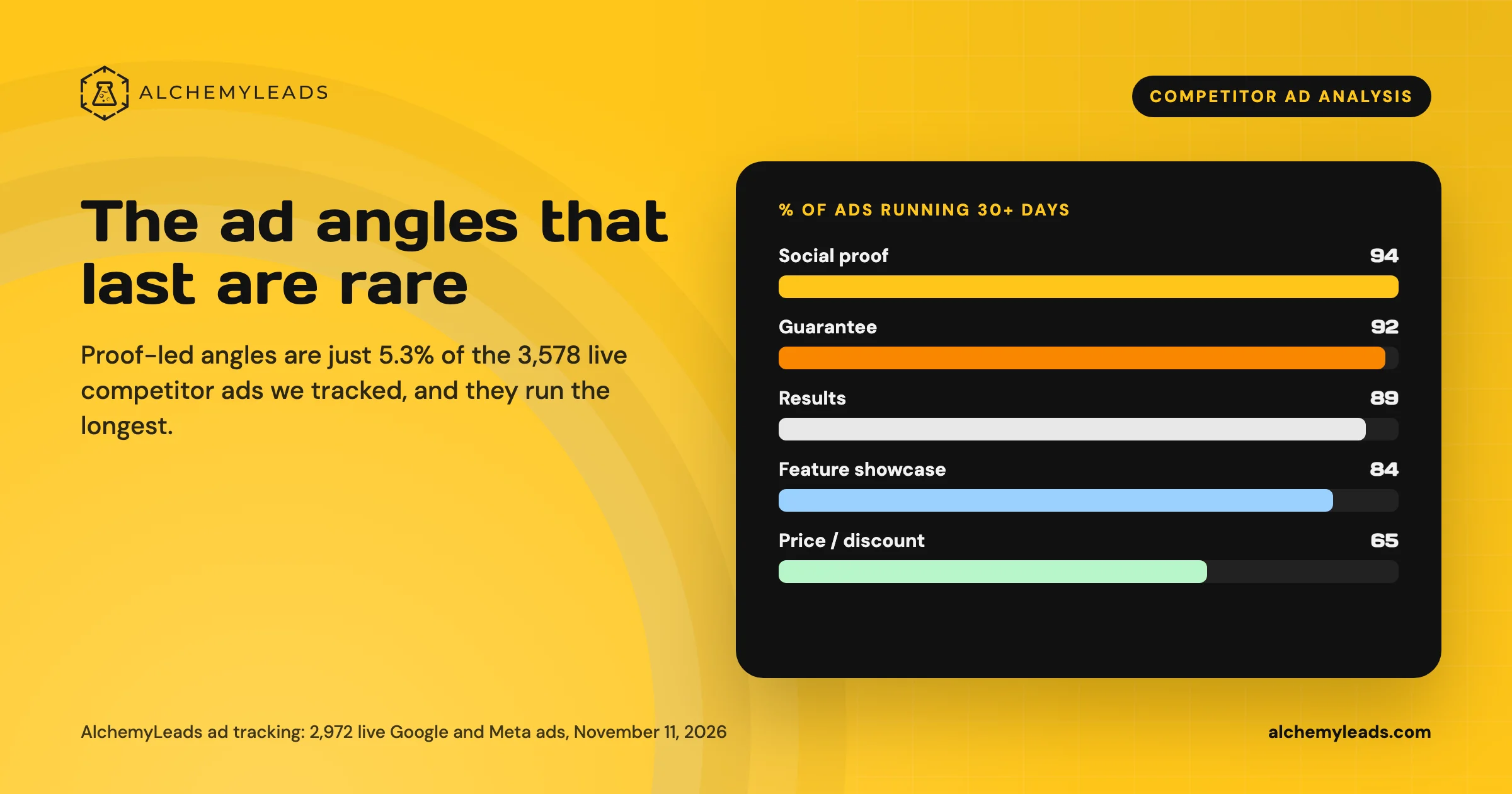
Competitor Ad Analysis: What 3,578 Live Ads Say About the Creative That Lasts
We tracked 3,578 live competitor ads on Google, Meta and LinkedIn. Proof-led angles are the rarest and run the longest. See the data and the playbook.
November 11, 2026
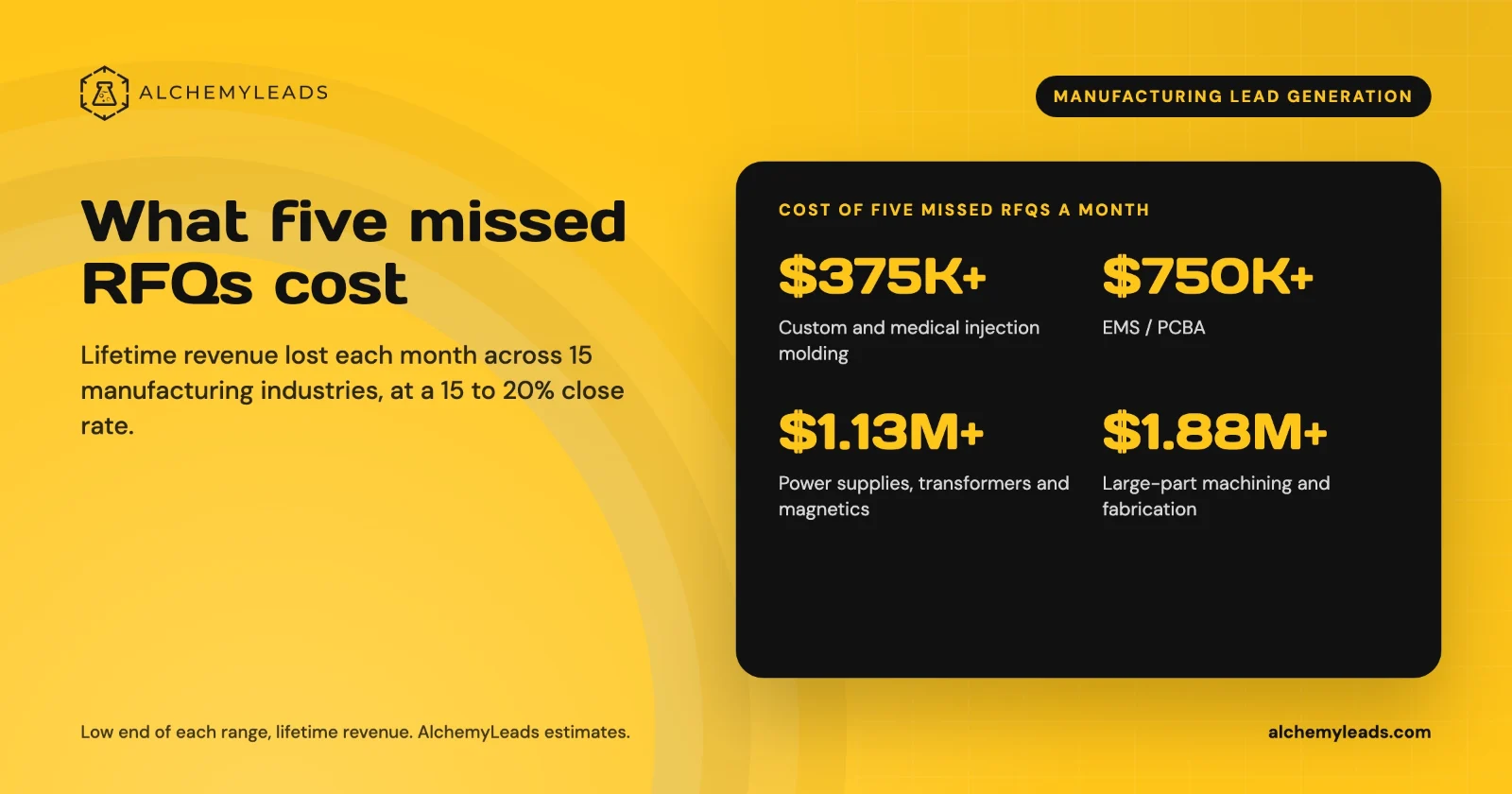
The Cost of Inaction in Manufacturing Lead Generation: What Five Missed RFQs a Month Cost in 15 Industries
What five missed RFQs a month cost across 15 manufacturing industries, with a cost of inaction calculator.
October 27, 2026
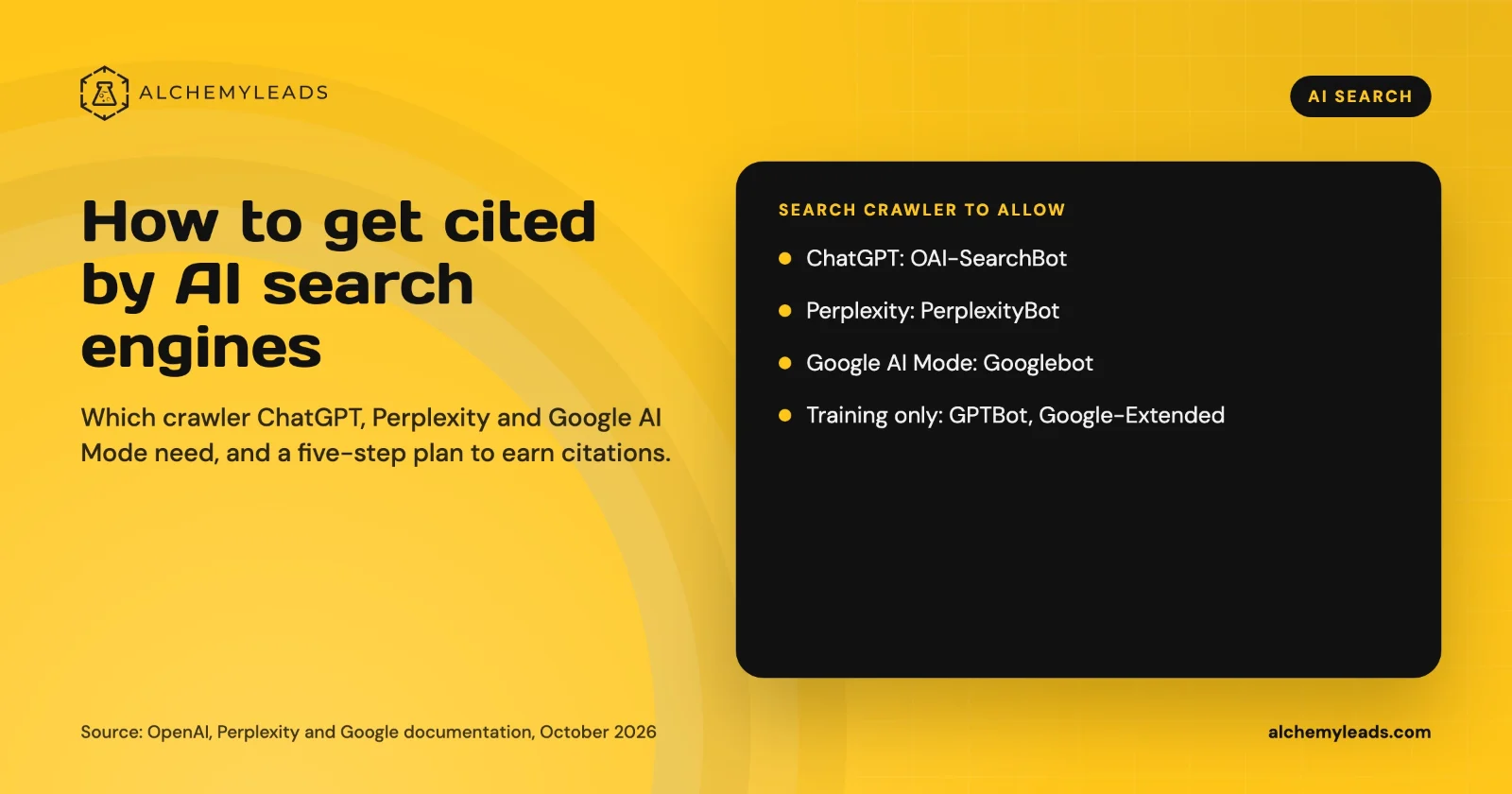
How to Get Cited by ChatGPT, Perplexity and Google AI Mode
How ChatGPT, Perplexity and Google AI Mode choose sources, which crawlers to allow, and a five-step plan to get your company cited, based on official docs.
October 26, 2026
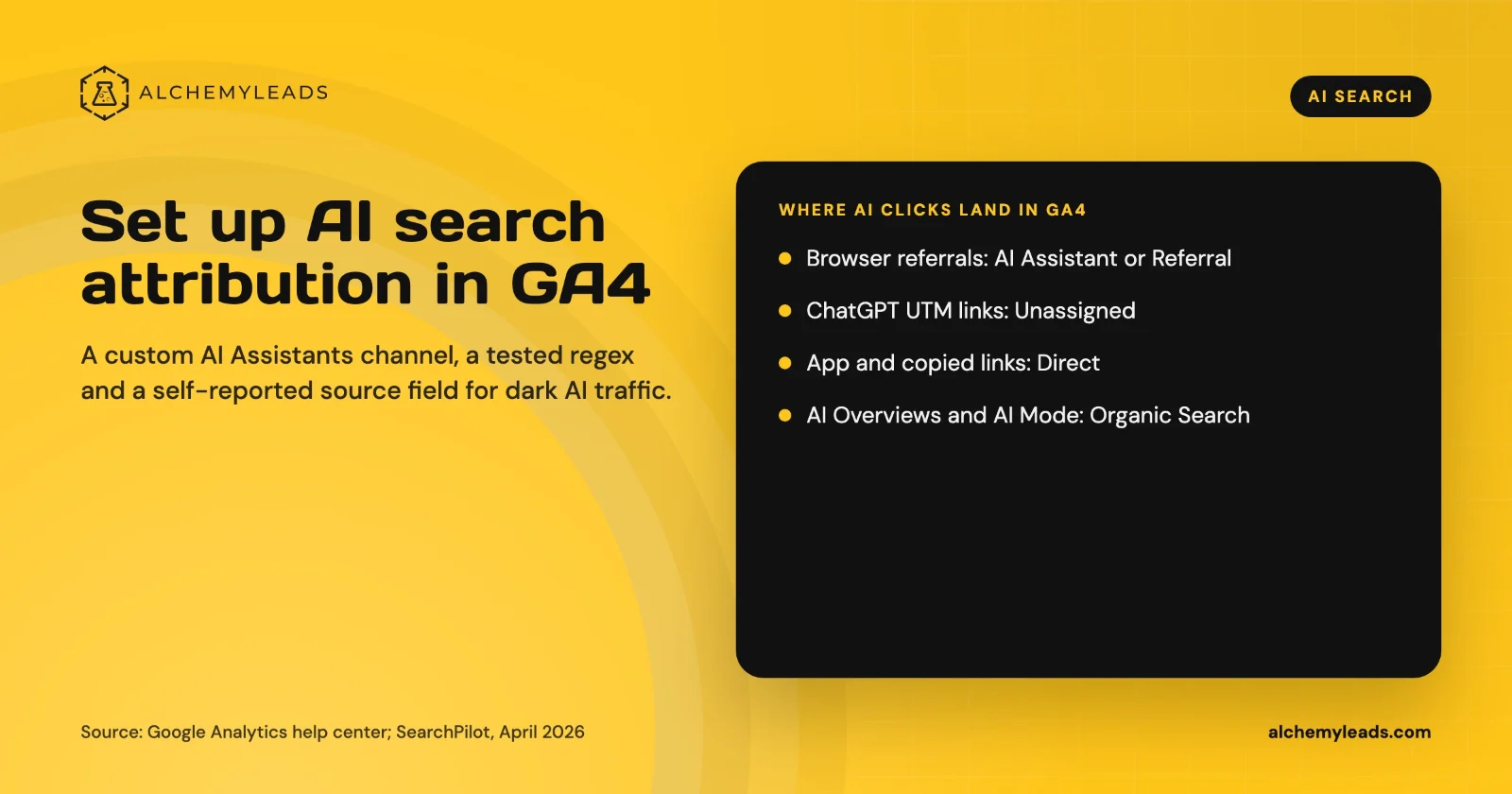
How to Set Up AI Search Attribution in GA4: A Step-by-Step Guide for 2026
Step-by-step GA4 setup for AI search attribution: an AI Assistants channel, a copy-paste regex, ChatGPT UTM fixes and a self-reported AI source field.
October 26, 2026

Voice Search in 2026: How AI Assistants Pick Their Sources
We first wrote about voice search in 2022, when the question was whether “Hey Siri” and “OK Google” would change how people shop. Four years later, voice is back in a bigger form. People now talk to ChatGPT, Gemini, Siri, Alexa+ and Copilot the way they talk to a knowledgeable friend, and those assistants answer by reading the web in
October 17, 2026
Contact us
We value your privacy and won't share your email with others.
We'll only contact you with curated content.
