
Add as a preferred source on Google
Using Substack Links for SEO
Substack links can help SEO: links in the body of a Substack post are dofollow, while links in comments and Notes are marked nofollow.
Unfortunately, while many publisher sites have access to a large audience, they don’t allow writers to create a connection with this audience.
That means they rely on the publishers to reach their target audience and make a living. This makes Substack an invaluable tool for writers who want to advance their writing career and make money.
Read along to learn how you can use Substack links for SEO.
Short answer When we checked live Substack posts in November 2026, links in the body of a post had no nofollow attribute, so search engines can follow them. Links in comments and Notes were marked nofollow and ugc. A link you place in your own Substack is a self-made link, so it helps most when the Substack post itself earns links and readers. For Substack SEO, use a custom domain, fill in each post’s SEO title and description, and keep the full original of any article on your own site.
Are Substack Links Dofollow or Nofollow?
Links in the body of a Substack post are dofollow by default. Links in comments and Substack Notes carry rel=”nofollow ugc”. We confirmed this on live posts across several publications in November 2026.
| Where the link sits | What we found in the markup (Nov 2026) | What it means for SEO |
|---|---|---|
| Post body (links you add while writing) | No rel attribute | Search engines can follow the link and count it |
| Comments on a post | rel=”nofollow ugc noopener” | Treated as user-generated; generally not followed |
| Substack Notes | rel=”nofollow ugc noopener” | Same as comments |
| Comment permalink pages | Blocked in each publication’s robots.txt | Search engines are told not to crawl them |
Substack’s help center doesn’t document how it marks links, so treat this as a snapshot that can change. You can check any post yourself: right-click a link, choose Inspect, and look for a rel attribute on the link. Google’s own guidance says links marked nofollow or ugc will generally not be followed.
Two things to keep in mind before you treat Substack as a backlink source:
- A link from your own Substack is a link you created. It can help search engines discover your site and send readers to it, but it carries less weight than an editorial link someone else chose to give you. Google’s spam policies treat links made mainly to manipulate rankings as link spam, so a stream of keyword-stuffed links from a thin newsletter can do more harm than good.
- The value comes from the post, not the platform. A Substack post that other sites link to, and that people read and share, passes more value through its links than a new publication with no readers. Build the newsletter first, then link to your site where it genuinely helps the reader.
Links from other writers’ Substacks work the same way. A mention in the body of someone else’s post is a followed, editorial link, which is why guest posts and cross-recommendations between newsletters are worth pursuing. Our guides to guest posting and link outreach cover how to earn those mentions.
How Does Substack Work?
Substack is an email newsletter platform that allows writers to publish and monetize their content. It offers a great opportunity for established creators to make money from their loyal following on social media.
But not just creators, Substack offers an opportunity for thought leaders to reach their target audience and is an excellent platform for writers to make a portfolio. The best thing is that writers on this platform don’t depend on editors or ad sales to reach their target audience.
While the platform has some publishing guidelines, for example, hate speech or porn content are not allowed, there are no editors deciding what gets published.
Substack says its network has more than 5 million paid subscriptions, and that more than 30% of paid subscriptions come from within its own network. This presents an excellent opportunity for writers to make money and grow their audience. Writers can publish articles for free or on a paywall.
The posts can be as simple as X threads with subscribers or podcasts. As long as you have something to write or say, Substack presents a great growth opportunity.
Writers on Substack keep 90% of their subscription revenue, minus credit card fees, and the platform takes 10%.
How Can Substack Increase its Revenue
Substack can grow revenue three ways: raise its take rate, add more writers, or add more paying subscribers.
All options are great, but some are more effective than others. For example, having a higher take rate can increase revenue drastically but would mean few subscribers and limit the ability for writers to make money. This will also put Substack in a disadvantageous position when competing with other publishing platforms.
Attracting more writers to the platform is ideal because that would attract more readers. And more readers would mean more paying subscribers and higher revenue.
But for you as a writer to make money from Substack, you need to learn how to rank your posts; otherwise, no one will see them.
You can connect with more writers through the platform’s aggregator play: more like a discovery page where Substack lists top newsletters in different categories like finance, marketing, crypto, science, etc.
Unfortunately, Substack seems not to be doing so well in SEO for its aggregator play. In the below section, we look at how you can improve the rankings for your Substack posts for better visibility and revenue.
Substack SEO Settings Explained
Substack gives you a custom domain option, a per-post SEO title, description, URL and social image, and an AI training toggle. It sets canonical tags, sitemaps and most technical SEO for you, and some features, such as sitemaps and Google Search Console verification, only unlock as your publication grows.
| Setting | Where to find it | What to do |
|---|---|---|
| Custom domain | Settings > Domain | Connect a domain you own (Substack charges a one-time $50 fee). Substack requires a subdomain such as www.yourdomain.com and can redirect the root domain to it. Once connected, your yourname.substack.com URLs redirect to the custom domain. |
| SEO title | Post Settings > SEO Options | Write a unique title under 60 characters with the main search phrase near the start. It doesn’t change the title readers see in email. |
| SEO description | Post Settings > SEO Options | Defaults to your subtitle. Rewrite it as a one-sentence answer to the question the post covers. |
| Post URL | Post Settings > SEO Options | Lowercase letters, numbers and dashes, 2 to 48 characters. Set it before publishing; changing it later breaks existing links. |
| Social preview image | Post Settings > SEO Options | Defaults to the first image in the post. Pick one that reads clearly as a small thumbnail. |
| Canonical URL | No setting | Every post points its canonical tag at itself. You can’t point a Substack post at the original on your own website. |
| Sitemap and Search Console verification | Unlocked by Substack as the publication grows | Substack says publishing regularly, growing your list and turning on paid subscriptions help unlock them. |
| Subdomain | Settings > Danger Zone > Change subdomain | Substack recommends using your own name, since readers search for a writer’s name plus “Substack” more often than an unfamiliar publication title. |
| AI training | Settings > Privacy | “Tell AI tools not to train their models on your content.” Substack warns this may limit discoverability in AI results. See the AI search section below. |
Two layout details are fixed. Every Substack post page outputs two H1 headings, the publication name and the post title, and you can’t edit the page template. Put your effort into the post title, the SEO title and clear H2 subheadings instead.
Should you use a custom domain on Substack?
Use a custom domain if you plan to build a long-term brand, and especially if your company website is on the same domain name. Search engines then credit links and traffic to a domain you own, and you can move the newsletter elsewhere later without losing the URLs. Substack’s own guidance notes that the default substack.com subdomain benefits from Substack’s existing reputation, so a brand-new writer with no website loses little by starting there and switching later. If you switch, Substack redirects the old subdomain URLs to the new domain.
How to Improve SEO for Your Substack Posts
Search engine optimization (SEO) is a common term in digital marketing, but it has many angles to handle. To improve your rankings in search engine results pages (SERPs), you need to understand the SEO basics or work with a reputable SEO agency.
The best thing is that if you create high-quality content, you have covered over 50% of what it takes to improve your SEO.
Google, Bing, and other search engines consider the quality of the content before deciding whether to show it higher in SERPs. Without further ado, let’s look at how to improve Substack SEO.
Set Up a Google Search Console
Probably setting up a Google Search Console is the first thing you need to do to improve SEO for your Substack newsletter. Setting up Google Search Console is easy. Substack unlocks Search Console verification and sitemaps as your publication grows. Publishing regularly, growing your subscriber list and turning on paid subscriptions all help, according to Substack’s help center. Until then, Google can still find your posts through links.

Optimize H1, H2, H3 Headers
One way to improve SEO for your Substack posts is by optimizing post titles. H1, H2, and H3s are important in content optimization because they allow users and search engines to understand your content.
Take your time to create high-quality and relevant headlines. Understanding the value of H1 is crucial as it affects how search engines view your post and rank it.
H1 is the name of the publication. It is an HTML tag that represents the first heading of a page. When you post your content on Substack, your post title will assume the H1 tag.
Substack’s template outputs two H1 tags on every post page, the publication name and the post title, and you can’t change that. Since the post title is the H1 that describes the page, make it specific to the topic.
Enrich Your Newsletter with Different Sections
To make your newsletter more beneficial to readers and make it more discoverable, add sections to it. The sections must be related to your main topic and add value to it.
For example, when writing about link building, you could include a section on how automation can help boost the outreach process.
Avoid Keyword Stuffing
Keywords are a crucial component of SEO ranking for your Substack posts. However, avoid adding more keywords to your posts than necessary.
Keyword stuffing used to work many years ago but not anymore. Today, adding many unnecessary keywords and their variations to your post can act against your SEO efforts. This black SEO technique can hurt your ranking in the long run.
Instead, use the main phrase where it reads naturally, in the title, the first paragraph and a subheading or two, and skip keyword density targets.
Consider Long-Form Content
Substack publications live on a substack.com subdomain unless you connect a custom domain, which Substack supports for a one-time fee.
You can improve SEO for your Substack posts by writing long-form content. This doesn’t, however, mean creating 3000+ posts. Anything from 1200 to 2500 words will do, depending on the topic.
According to Backlinko, long-form content gets more backlinks than shorter ones.
Of course, proper keyword research is necessary before creating these posts to ensure quality and relevancy.
Add Featured Images
Imagery is a great way to add value to your Substack posts. In this digital era where apps like Instagram, TikTok, and Facebook dominate the internet, having posts with plain text without images isn’t the best direction.
Before users read your post, they scroll through your images to get an idea of your content. But don’t just copy and paste any images you come across: choose the right featured images for your Substack posts.
Things to remember when looking for featured images for your posts include:
- Relevance. Use images relevant to the topic you write about
- Image placement. Your images should help improve the flow of your content. Avoid adding images in a way that breaks the flow of ideas and sections in your posts.
- Use high-resolution images. Using blurry or poor-quality images won’t help. Use clear, high-resolution images to ensure they remain high quality once uploaded.

Add Image Alt Text
Getting higher-quality images is great but not enough. To get the most from your images, add alt text (alternative text) to describe them.
The goal of using alt text is to make the images more accessible to people who rely on screen readers. It is a great way to let visually-impaired people know what the page they visit entails.
Alt images are also great for users who have turned off images in their browser application. Optimizing your images for your target keywords is a great way to describe your images and prevent them from being displayed as empty.
Besides, alt text helps Google understand what your images involve, which is vital if you want your photos to rank higher on Google.
Go Niche
Going niche is the easiest way to build a successful and marketable newsletter. Going niche means creating a newsletter around a specific topic. This can mean creating content around things you’re good at or writing about things you like doing.
Before you choose your niche, pick the market you want to operate in, for example, automotive digital marketing. Afterward, select the sub-market you will focus on, like SEO. Lastly, choose your niche, for example, automotive SEO.
Going niche will help concentrate your focus on a specific topic and make your newsletter more effective.
Build Your Link Profile
Besides being a great publishing platform, Substack can help build your link-building profile. When creating your content, include internal and external links to it.
Internal links will send users to your other articles in Substack, while external links send users to articles outside your Substack newsletter.
Internal links connect users and search engines to other content related to your current newsletter. In other words, it helps users identify other content they may want to read to increase time spent on the site.
External links tell search engines how important your content is. For example, by linking your content to high-authority sites in your niche, search engines will view it as more valuable, increasing the chances of showing it in related searches.
Links in the body of your Substack posts are followed by search engines (see the dofollow section above), so a post that earns readers and links of its own can send some of that value to your website.
Link to a key page on your company website when it genuinely helps the reader, such as the full research behind a post. Keep it to a few relevant links per post. A newsletter that exists only to point links at your site looks like link spam to Google.
Share Your Content to Get Backlinks
You gain more link-building opportunities by sharing your content on sites like Quora and Medium.
Create posts on similar topics and publish them on these sites to grow your audience and expand your reach. Publishing excerpts on these sites can grow your Substack audience. Check how each platform marks outbound links before counting on them for SEO, and post a summary with a link back instead of a full copy, for the canonical reasons covered below.

Should You Republish Your Blog Posts on Substack?
Republish a summary on Substack, not the full article. Substack doesn’t let you set a canonical URL that points back to your website, so a full copy on Substack can compete with your original in search, and the Substack version may win because the platform is well known.
A safer pattern for a business blog:
- Publish the full article on your own site first and wait until it shows up in Google Search Console as indexed.
- Write a Substack post that adds something new: a short summary, the one takeaway your subscribers care about, a behind-the-scenes note or a chart that isn’t in the original.
- Link to the full article in the body of the post with descriptive anchor text, so readers and search engines know where the complete version lives.
- Give the Substack post its own SEO title and description so the two pages aren’t competing for the identical query.
If you write original essays on Substack and don’t have a website, none of this applies. The Substack post is the original, and its self-referencing canonical tag is exactly what you want.
Substack and AI Search
Public Substack posts are ordinary web pages, so ChatGPT search, Perplexity and Google’s AI features can find and cite them. Substack’s privacy setting “Tell AI tools not to train their models on your content” is off unless you turn it on, and Substack itself says turning it on may limit your publication’s discoverability in tools and search engines that return AI-generated results.
We haven’t seen reliable data showing that AI engines favor Substack over other publishing platforms, so treat a newsletter as one more place your expertise can be found, rather than a shortcut. To give your Substack posts the best chance of being cited:
- Decide on the AI training toggle deliberately. If AI visibility matters to you, leave it off. If you turn it on to protect your writing, accept that you may appear less often in AI answers.
- Keep the key content outside the paywall. Crawlers see the free version of a post, so put the answer, the data and your name above the paywall break.
- Open each section with a direct answer. AI tools pull short, self-contained passages. A one or two sentence answer under each subheading is easier to quote than a long build-up.
- Name yourself and your company consistently. Use the same author name, company name and website link in your Substack profile, About page and posts, so AI tools connect the newsletter to your business.
- Link to your own site where it helps. A Substack post that cites your research or product page with a followed link gives both search engines and AI tools a path to your site.
For a full playbook on getting cited by AI assistants, see our guide on how to get cited by ChatGPT, Perplexity and Google AI Mode.
Get the Most from Your Substack Content Using SEO
Your goal as a writer is to get as many subscribers as possible. While you can use social platforms like X, LinkedIn or Substack Notes to grow your audience, having a robust SEO strategy offers a unique way to get organic traffic for your Substack posts.
Improving Substack SEO is not easy, but with proper guidance, you can enjoy free traffic from Google and experience business growth. Do you need help improving SEO for your Substack post and link-building profile?
AlchemyLeads can help. We have a reputation for helping our clients create high-quality content and optimizing it for search and AI answers to boost its visibility. Contact us today, and our highly-experienced SEO experts will help you out.
Frequently Asked Questions
Are external links on Substack nofollow?
No. Links in the body of a Substack post had no rel attribute when we checked in November 2026, so search engines can follow them. Links in comments and Substack Notes were marked rel=”nofollow ugc”. Substack doesn’t document this, so inspect a link’s rel attribute if you need to confirm it today.
Do Substack backlinks help SEO?
They can, in a limited way. A followed link in a Substack post helps search engines find your site and can pass some value, especially if the post earns readers and links of its own. A link you place in your own newsletter counts for less than an editorial link from another publication, and links built only to manipulate rankings break Google’s spam policies.
How do I improve SEO on Substack?
Connect a custom domain if you plan to stay long term, write a unique SEO title and description for every post, set a short descriptive post URL before publishing, and earn links to your publication from your website, social profiles and other newsletters. Substack also turns on sitemaps and Search Console verification as the publication grows.
Can I set a canonical URL on Substack?
No. Every Substack post sets its canonical tag to its own URL, and Substack’s post settings have no field to change it. If you republish articles from your own website, post a summary on Substack with a link to the full article instead of a full copy, so the two pages don’t compete.
Does Substack work with a custom domain?
Yes. Substack connects a domain you already own for a one-time $50 fee, set up under Settings, then Domain. It requires a subdomain such as www and can redirect the root domain to it. After the switch, your old substack.com URLs redirect to the custom domain.
Can AI tools like ChatGPT cite Substack posts?
Yes. Public Substack posts are regular web pages that AI search tools can find and cite. Substack has a setting that tells AI tools not to train on your content, and Substack warns that turning it on may limit how discoverable your publication is in AI-generated results.
Suggested
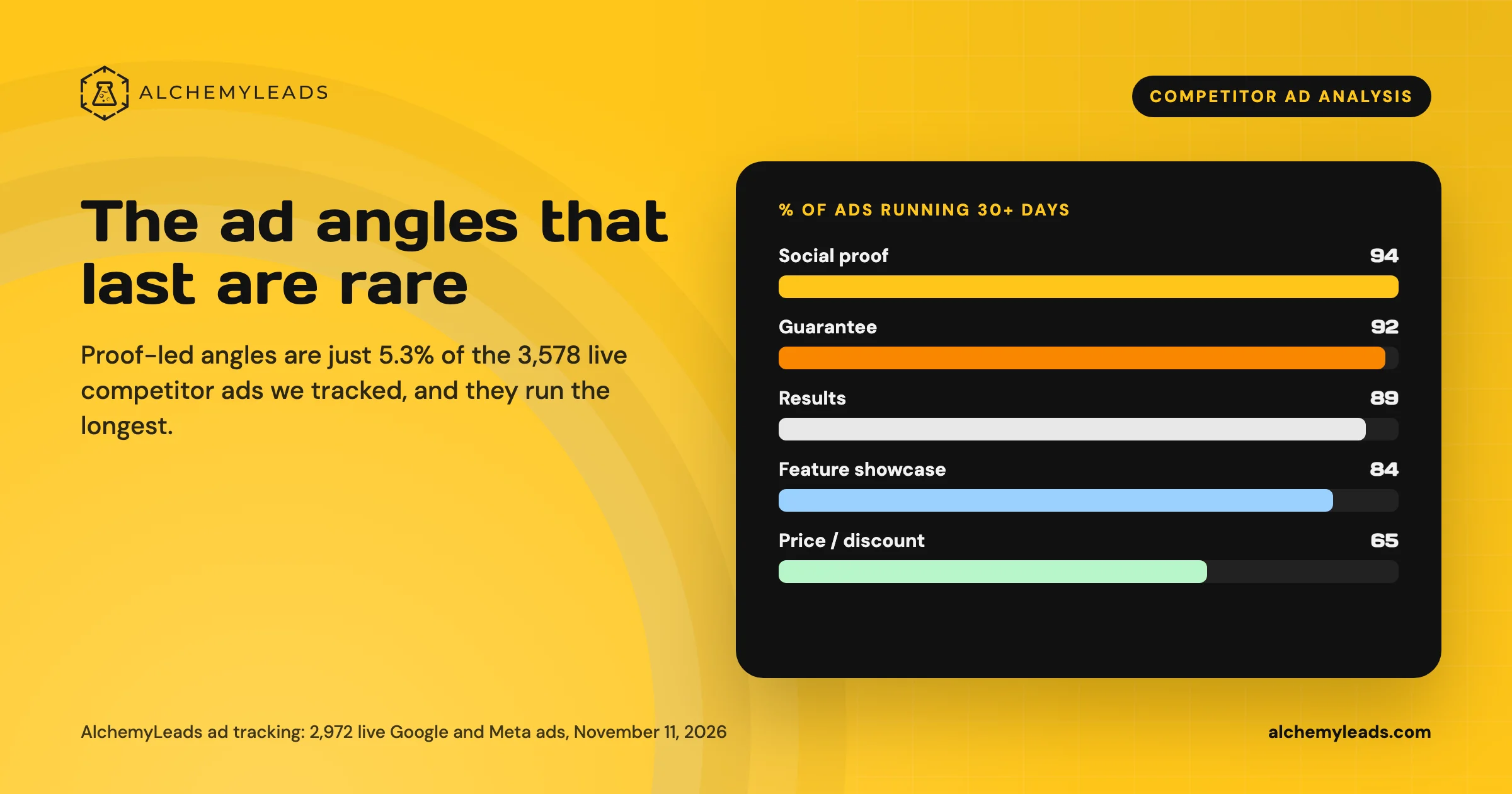
Competitor Ad Analysis: What 3,578 Live Ads Say About the Creative That Lasts
We tracked 3,578 live competitor ads on Google, Meta and LinkedIn. Proof-led angles are the rarest and run the longest. See the data and the playbook.
November 11, 2026
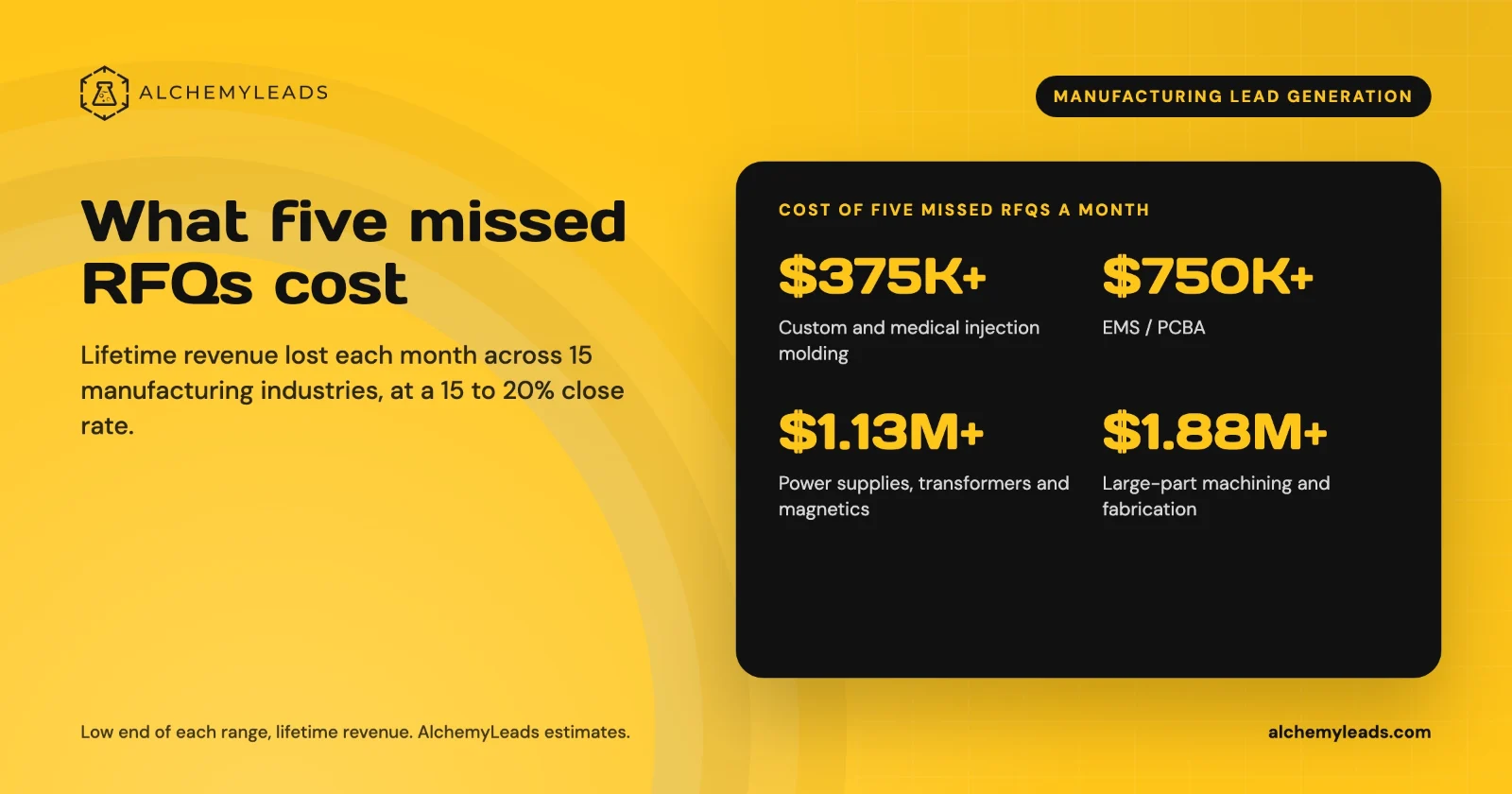
The Cost of Inaction in Manufacturing Lead Generation: What Five Missed RFQs a Month Cost in 15 Industries
What five missed RFQs a month cost across 15 manufacturing industries, with a cost of inaction calculator.
October 27, 2026
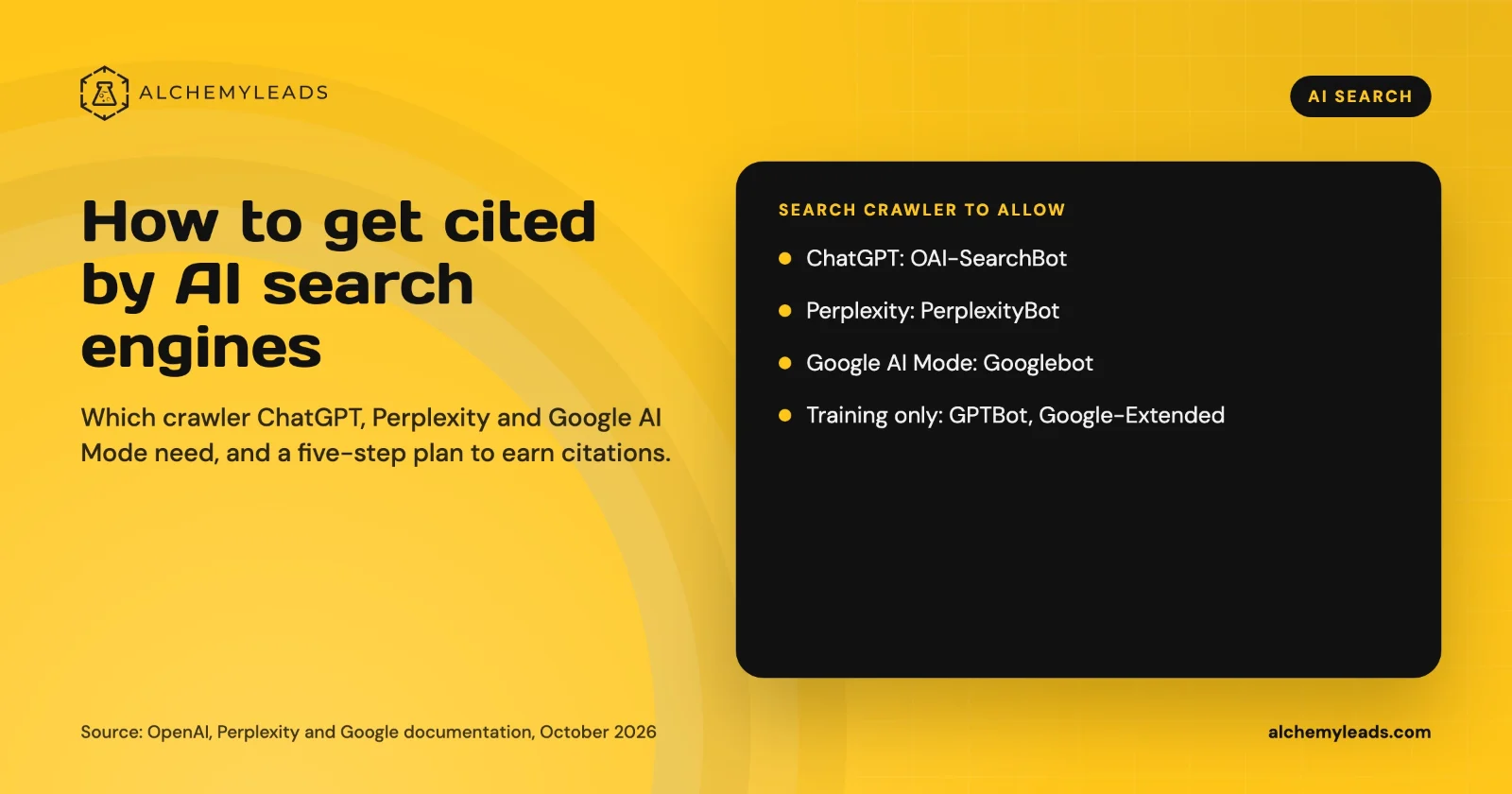
How to Get Cited by ChatGPT, Perplexity and Google AI Mode
How ChatGPT, Perplexity and Google AI Mode choose sources, which crawlers to allow, and a five-step plan to get your company cited, based on official docs.
October 26, 2026
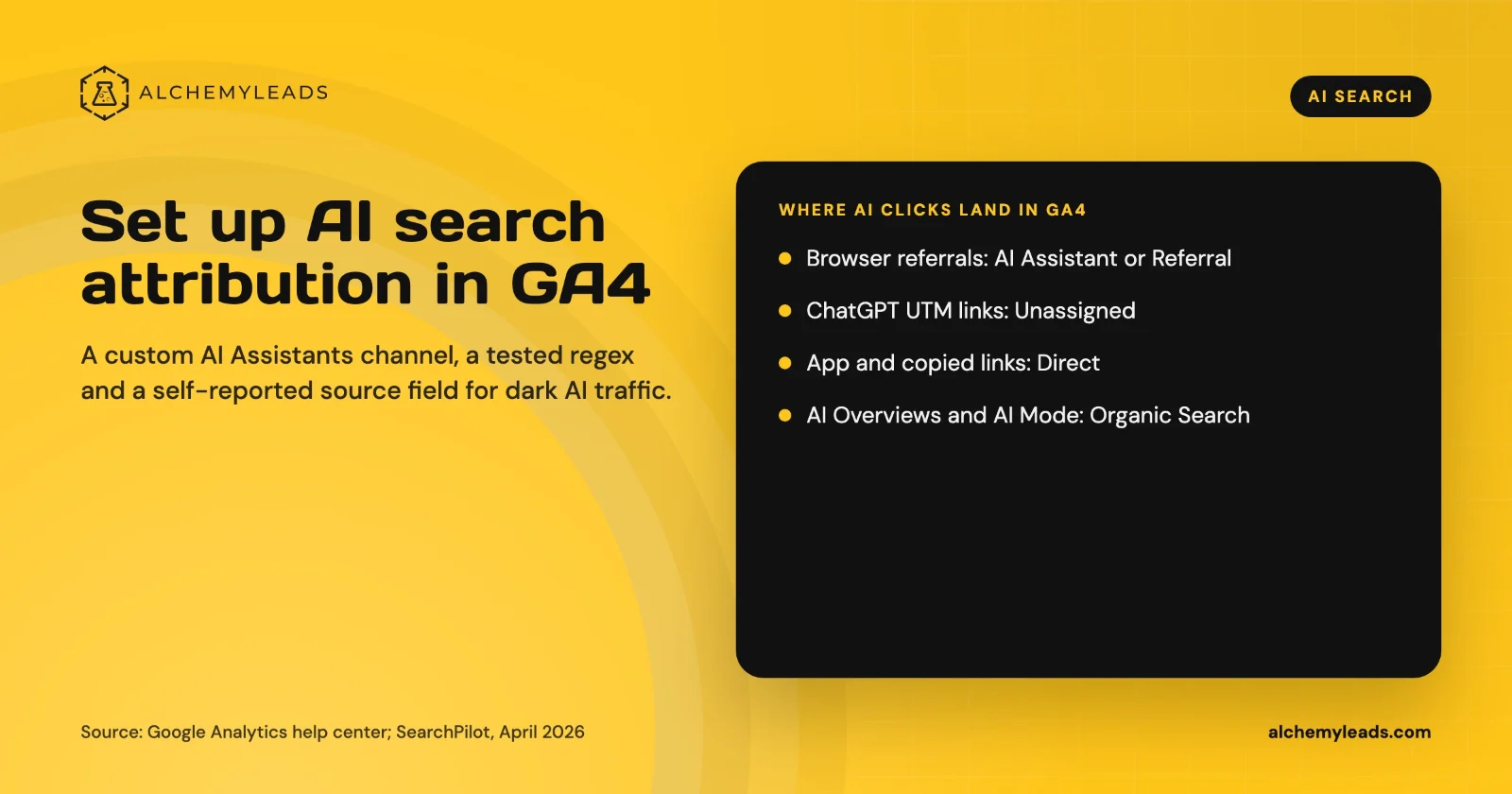
How to Set Up AI Search Attribution in GA4: A Step-by-Step Guide for 2026
Step-by-step GA4 setup for AI search attribution: an AI Assistants channel, a copy-paste regex, ChatGPT UTM fixes and a self-reported AI source field.
October 26, 2026
Voice Search in 2026: How AI Assistants Pick Their Sources
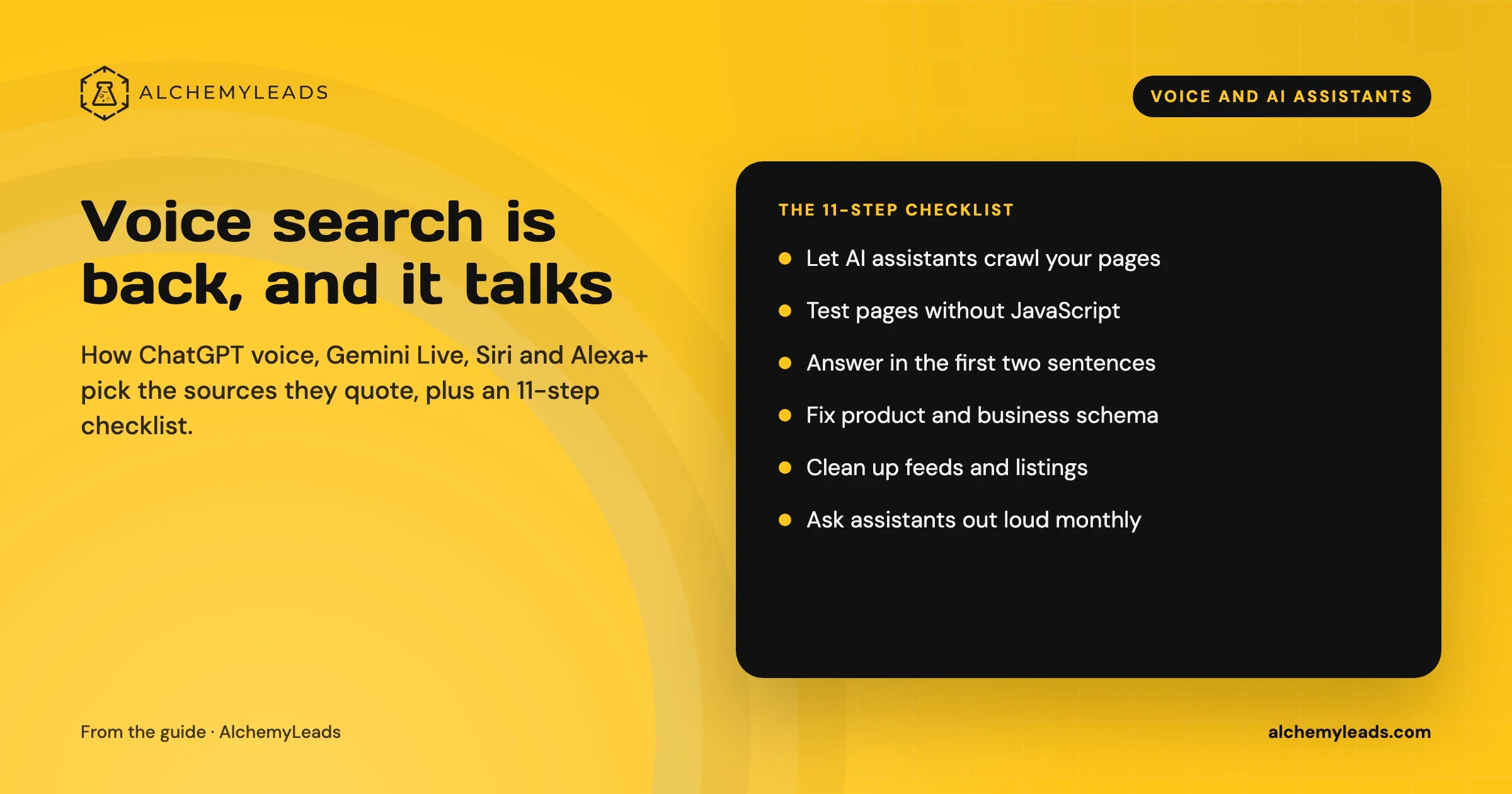
We first wrote about voice search in 2022, when the question was whether “Hey Siri” and “OK Google” would change how people shop. Four years later, voice is back in a bigger form. People now talk to ChatGPT, Gemini, Siri, Alexa+ and Copilot the way they talk to a knowledgeable friend, and those assistants answer by reading the web in
October 17, 2026
Contact us
We value your privacy and won't share your email with others.
We'll only contact you with curated content.
